Best Business Card Scanner Apps for Events in 2027: The Buyer's Shortlist
By EventMarketingSoftware.com · Published October 17, 2026 · Updated October 18, 2026 · 11 tools compared
For B2B event teams, the best business card scanner app is the one that gets each card into your CRM with the event attached. Vendelux Lead Scanner is free with no caps and enriches every card, ScanBizCards adds human-checked transcription, Covve Scan reads cards in 60+ languages, and Snap2CRM suits HubSpot-only teams. Companies rolling out digital cards to every rep can get scanning inside Blinq or HiHello.
Our top picks
- 1
 Vendelux Lead ScannerBest for teams that want a free card scanner with built-in contact enrichment and no caps on users, events or scansFree
- 2
 ScanBizCardsBest for sales teams who want optional human verification of scans before contacts reach the CRMFrom $100/user/year
- 3
 Covve ScanBest for international teams scanning cards in many languages, including offlineFrom €85/user
Key takeaways
- CRM fit matters more than scanning speed. Snap2CRM works only with HubSpot, snapADDY covers SAP Sales Cloud and European CRMs, and ScanBizCards, Covve Scan, Blinq, HiHello and Wave Connect each list both Salesforce and HubSpot.
- Accuracy improves with a review step or a human check. Snap2CRM shows extracted fields before submitting, ScanBizCards includes 100 human transcriptions per user per year on its $100 plan, and Covve Scan recognizes cards in more than 60 languages.
- Published team prices are low. ScanBizCards is $100 per user per year, Covve Scan starts at €85 per seat per year, HiHello Business is $5 per user per month and Blinq Business is $4.99 per user per month, while Snap2CRM prices by monthly scans with unlimited users (all checked October 2026).
- Free options exist but differ in what they include. Vendelux Lead Scanner is free with no caps and syncs to HubSpot, Snap2CRM's free plan covers 25 scans a month, and HiHello's free plan allows 5 card or badge scans a month.
- Many card scanners now read event badges too. Vendelux Lead Scanner, ScanBizCards, Covve Scan (Pro), Blinq, HiHello, Wave Connect and SpeakSoon describe badge capture, while Snap2CRM and CamCard stick to cards.
Free tool: Trade show lead list cleaner. Drop in a badge-scan or lead export to fix names and capitalization, split full names, remove duplicates, flag personal emails and map columns for import. Runs in your browser.
Side-by-side comparison
The same criteria for every pick: native crm sync, accuracy aids, languages, badge scanning, published team pricing, security documentation. A dash means the vendor doesn't publish it.
| Tool | Starting price | Free plan / trial | CRM | Capterra | App Store | Security |
|---|---|---|---|---|---|---|
| Vendelux Lead Scanner | Free | Free plan | HubSpot | ★ 5.0 (4) | ★ 4.6 (10) | – |
| ScanBizCards | From $100/user/year | Free plan, Free trial | Salesforce, HubSpot | ★ 5.0 (2) | ★ 4.6 (13,759) | – |
| Covve Scan | From €85/user | Free trial | Salesforce, HubSpot, Dynamics | ★ 4.9 (18) | ★ 4.8 (4,094) | ISO 27001, DPA |
| Snap2CRM | From €16/month | Free plan | HubSpot | – | – | DPA |
| CamCard | Quote only | Free plan, Free trial | Salesforce, Dynamics | ★ 4.3 (17) | ★ 4.7 (90,280) | ISO 27001 |
| snapADDY | From €348/user/year | Free trial | Salesforce, HubSpot, Dynamics, Marketo | – | ★ 4.8 (285) | ISO 27001, SAML SSO, DPA |
| Blinq | From $4.99/user | Free plan, Free trial | Salesforce, HubSpot, Dynamics, Marketo | ★ 4.9 (702) | ★ 4.9 (132,427) | SOC 2 Type II, SAML SSO |
| HiHello | From $5/user | Free plan, Free trial | Salesforce, HubSpot, Dynamics | – | ★ 4.9 (45,030) | SOC 2 Type II, SAML SSO, DPA |
| Wave Connect | From $5/user | Free plan, Free trial | Salesforce, HubSpot | – | ★ 4.8 (1,581) | SOC 2 Type II, SAML SSO, DPA |
| SpeakSoon | Quote only | – | Salesforce, HubSpot | – | – | DPA |
| Conexa | From $3/month | – | – | – | – | DPA |
Paper business cards still change hands at trade shows, conferences and customer dinners, and every one that stays in a jacket pocket is a lost lead. A scanner app reads the card with the phone camera, turns it into a structured contact and, in the better tools, sends it to your CRM tagged with the event. For B2B teams the differences that matter are accuracy, CRM integration, team administration and whether the same app can also read event badges.
We compared 11 apps used by sales and event teams, from HubSpot-only scanners and per-seat team tools to digital business card platforms that have added scanning. Every product detail comes from vendor pages and our own data, checked in October 2026. Consumer-only scanners without team or CRM features are out of scope.
Who this guide is for. This guide is for B2B sales reps, field and event marketers, and sales operations teams who collect business cards at trade shows, conferences and meetings and want those contacts in Salesforce, HubSpot or another CRM without manual typing. It also suits small teams and individual consultants looking for an inexpensive business card reader app, and companies weighing a combined digital business card and scanning platform.
Not sure which one fits your team?
Answer a few questions about your events, team and CRM and get a free shortlist of tools that fit, with pricing and security details side by side.
Get a free shortlistThe best business card scanner apps in 2027
Here are 11 business card scanner apps, ordered by fit for B2B teams that collect cards at events and need them in a CRM. Dedicated scanners come first, then digital business card platforms that include a scanner, then lightweight tools for individual networkers. For each one, check which CRM it syncs to on which plan, how it handles accuracy, and whether it also reads badges.
1. Vendelux Lead Scanner, best for teams that want a free card scanner with built-in contact enrichment and no caps on users, events or scans
- Price
- Free
- Try it
- Free plan
- Capterra
- 5.0/5 from 4 reviews
- App Store
- 4.6/5 from 10 ratings
- Syncs with
- HubSpot
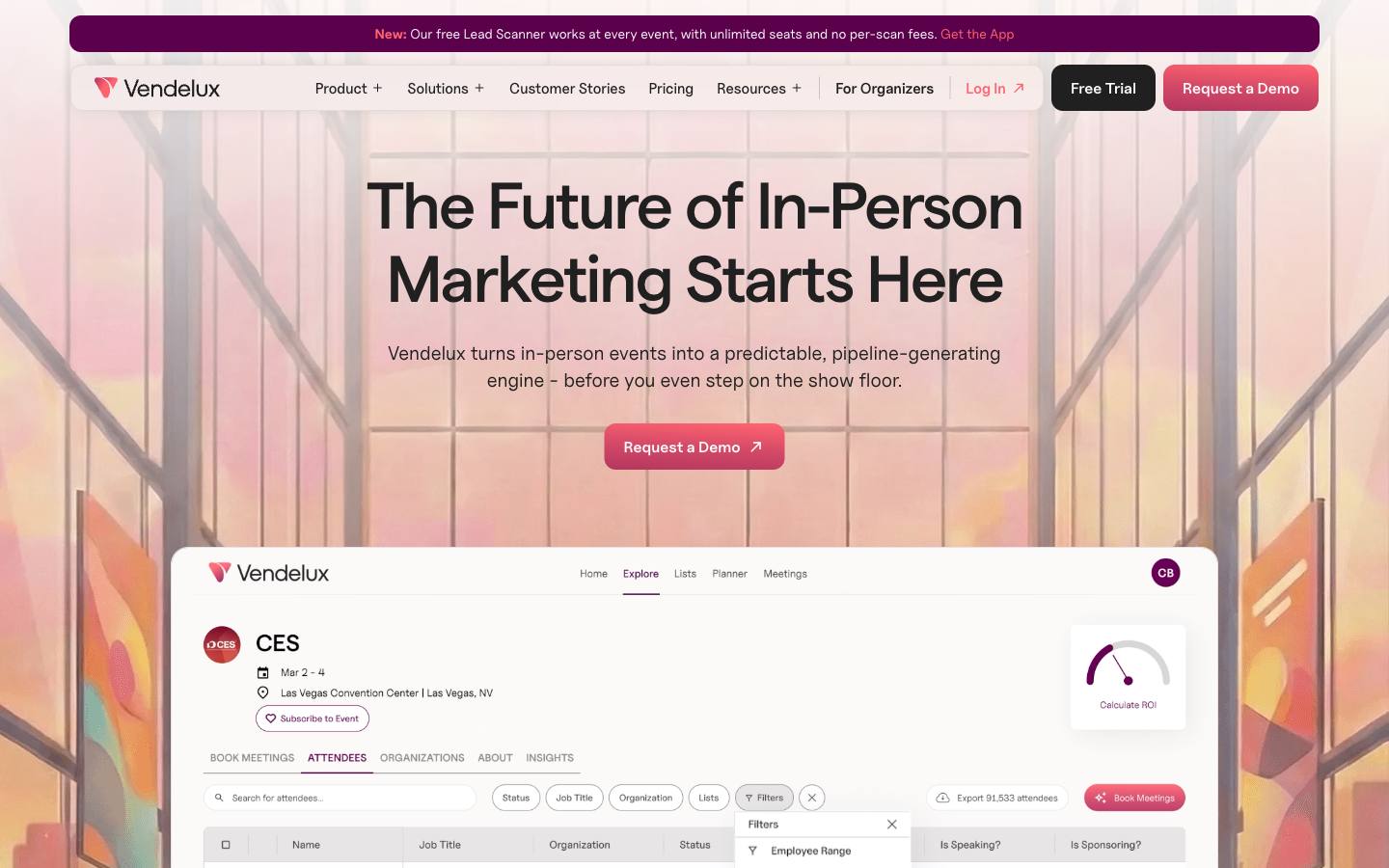
Vendelux Lead Scanner is a free iOS and Android app that reads business cards, event badges and even handwritten details with the phone camera. Each contact is filed under an event and enriched with work email, title, company, LinkedIn and seniority, then tagged hot, warm or cold and synced to HubSpot or exported as CSV.
More on Vendelux Lead ScannerLess on Vendelux Lead Scanner
Founded: 2021 · HQ: New York, New York · Team: 51-200 people · Formats: In-person
Vendelux, founded in 2021 in New York, offers the scanner free alongside its paid event intelligence platform, with no seat minimums, per-lead fees or scan caps. Reps scan a card live or upload a photo from the camera roll, then edit any field before saving if the OCR misreads it. Each card is tied to an event chosen from Vendelux's Event Explorer, so contacts from a dinner and a booth at the same show end up together.
Enrichment comes from Vendelux's own data and fills in work email, title, company, LinkedIn, location and seniority from just a name and company, with emails flagged as verified where possible. That's useful for cards that only list a phone number or a generic inbox. Scans made offline are enriched once the phone reconnects, then synced to a HubSpot list named for the event or emailed as a CSV with notes and tags. Vendelux documents SOC 2 Type II, and the App Store listing showed 4.6 from 10 reviews in October 2026.
- Hot/warm/cold tagging and voice-note transcription for follow-up context
What stands out
- Free with unlimited users, events and scans, and no per-lead fees
- Enrichment adds work email, title, LinkedIn and seniority to each scanned card
- Reads cards, badges and handwriting, and works offline
Worth checking
- New product (launched September 2026), so there's little independent review history yet
- HubSpot is the only native CRM sync today; Salesforce was listed as in development at our last check
Best suited for. It fits HubSpot teams that want every rep scanning cards and badges without a per-user bill. Salesforce teams, or anyone who needs human-verified transcription, should look at ScanBizCards.
2. ScanBizCards, best for sales teams who want optional human verification of scans before contacts reach the CRM
- Price
- From $100/user/year
- Try it
- Free plan, Free trial
- Capterra
- 5.0/5 from 2 reviews
- App Store
- 4.6/5 from 13,759 ratings
- Syncs with
- Salesforce, HubSpot
- Customers include
- ADP, BAE Systems, Capgemini
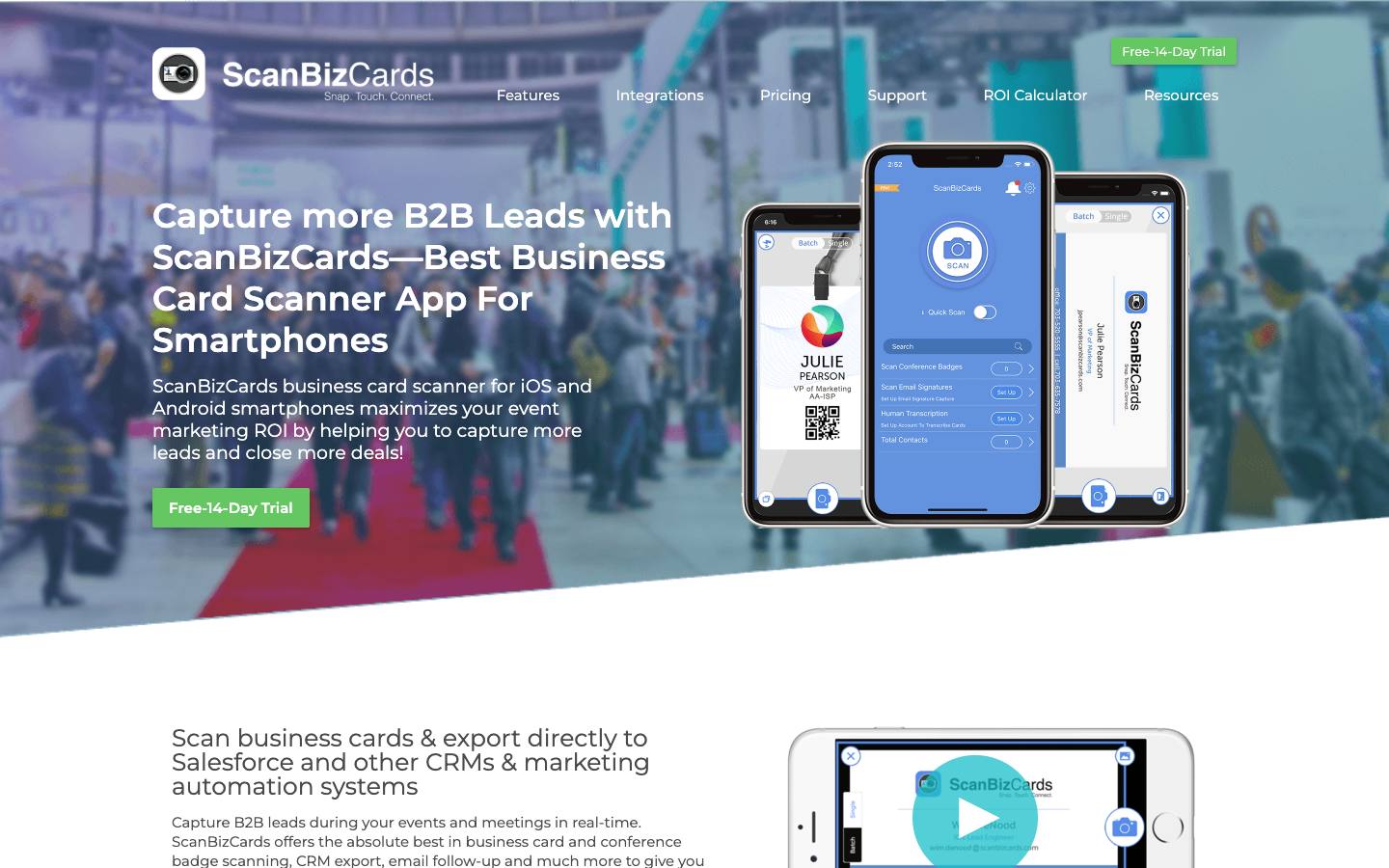
ScanBizCards captures contacts from business cards and conference badges on iOS and Android and sends them to CRMs such as Salesforce and HubSpot. It combines OCR with an optional human transcription service for accuracy, and paid plans include yearly transcription credits. Reps can tag leads to campaigns and send an intro email with a vCard straight after a scan.
More on ScanBizCardsLess on ScanBizCards
Founded: 2009 · HQ: Arlington, Virginia · Team: 11-50 people · Formats: In-person
ScanBizCards was founded in 2009 and is based in Arlington, Virginia. Its pricing is published (checked October 2026): the free Trail-Blazer plan includes card and badge scanning with two one-time human transcriptions, Sales Ninja is $100 per user per year for teams up to 50 with 100 human transcriptions per user each year, an admin panel and direct scan-to-CRM, and Growth Hacker is quoted for larger teams. Extra transcription credits start at $25 for 100, and there's a 14-day trial.
Batch scanning helps after a busy day, and enrichment appends email, phone, company address and LinkedIn where available. Salesforce export can set the lead owner and campaign, with a managed package, and other targets include HubSpot, SugarCRM, Freshsales, Constant Contact and Outlook, plus card and badge scan APIs. The App Store app shows 4.58 from 13,759 reviews. Logos on its site include Comcast, Pfizer, IBM, Siemens and T-Mobile. We found no published security certifications.
- Published price of $100 per user per year (Sales Ninja); free individual app
What stands out
- Human transcription option on top of OCR, with credits included in paid plans
- Scan-to-CRM with campaign assignment and custom fields for Salesforce, HubSpot, SugarCRM and Freshsales
- Batch card scanning plus badge scanning at any show
Worth checking
- Captures contact data only; qualification questions and event analytics aren't described
- No security or compliance documentation is published
Best suited for. ScanBizCards fits Salesforce-centric sales teams that want card scans checked by a person before they hit the CRM. Teams that need booth qualifying questions or event analytics should pair it with, or choose, a lead retrieval app.
3. Covve Scan, best for international teams scanning cards in many languages, including offline
- Price
- From €85/user
- Try it
- Free trial
- Capterra
- 4.9/5 from 18 reviews
- App Store
- 4.8/5 from 4,094 ratings
- Languages
- Interface in 16+ languages; card recognition in 60+ languages
- Syncs with
- Salesforce, HubSpot, Dynamics
- Security
- ISO 27001, DPA
- Customers include
- Atlassian, Delta Air Lines, Biocon
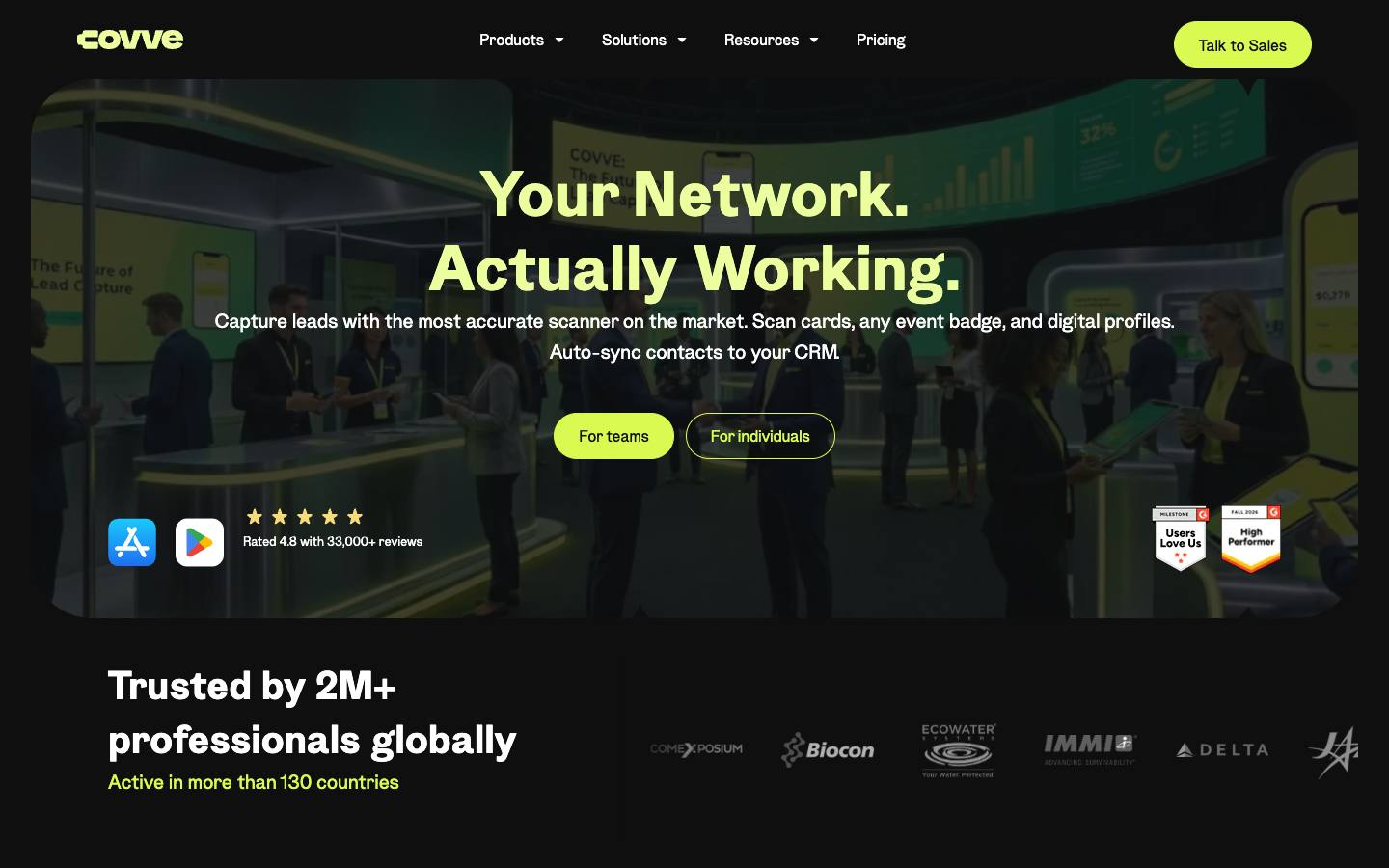
Covve Scan reads business cards in 60+ languages as well as event badges, LinkedIn QR codes and digital profiles, online or offline. Team plans add custom qualification fields, voice notes, a central lead portal and AI enrichment. It holds ISO 27001 certification and a CyberVadis Platinum rating.
More on Covve ScanLess on Covve Scan
Founded: 2013 · HQ: Nicosia, Cyprus · Team: 11-50 people · Formats: In-person
Covve was founded in 2013 and is based in Nicosia, Cyprus, with about $1.16M raised according to CB Insights. Pricing is published per seat (checked October 2026): Essential is €85 per seat per year with unlimited card and QR scanning, offline scanning, Excel export and Outlook, Google and Zapier integrations; Pro is €160 per seat per year and adds event badge scanning, custom fields mapped to the CRM and a web admin portal; Enterprise is quoted with Salesforce and HubSpot integrations, SSO, audit logs and a 99.95% SLA.
The interface runs in 16+ languages, enrichment adds a bio, company snapshot and LinkedIn links, and reps can dictate details by voice. Native CRM targets are HubSpot, Salesforce, Pipedrive, Zoho and Dynamics 365. Capterra shows 4.89 from 18 reviews and the App Store 4.8 from 4,094, and customers include Delta Air Lines, Atlassian and Comexposium. Covve documents ISO 27001 and a data processing agreement and holds a CyberVadis Platinum rating.
- ISO 27001 and GDPR, with encryption in transit and at rest
What stands out
- Card recognition in 60+ languages
- Low per-seat entry price (Essential from €85 per seat per year)
- Integrations with Salesforce, HubSpot, Zoho CRM, Pipedrive, Dynamics 365 and Zapier
Worth checking
- Badge scanning and the admin portal require the Pro plan, and CRM integration is a paid add-on
- Badge results depend on what each event's badge encodes
Best suited for. Covve Scan fits international sales teams that collect cards in many languages and want low per-seat pricing. Teams that need native CRM sync on a small budget should check the add-on cost against ScanBizCards or HiHello.

4. Snap2CRM, best for HubSpot users who want scanned cards to enter through existing HubSpot forms and workflows
- Price
- From €16/month
- Try it
- Free plan
- Languages
- English, German
- Syncs with
- HubSpot
- Security
- DPA
- Customers include
- Freshflow
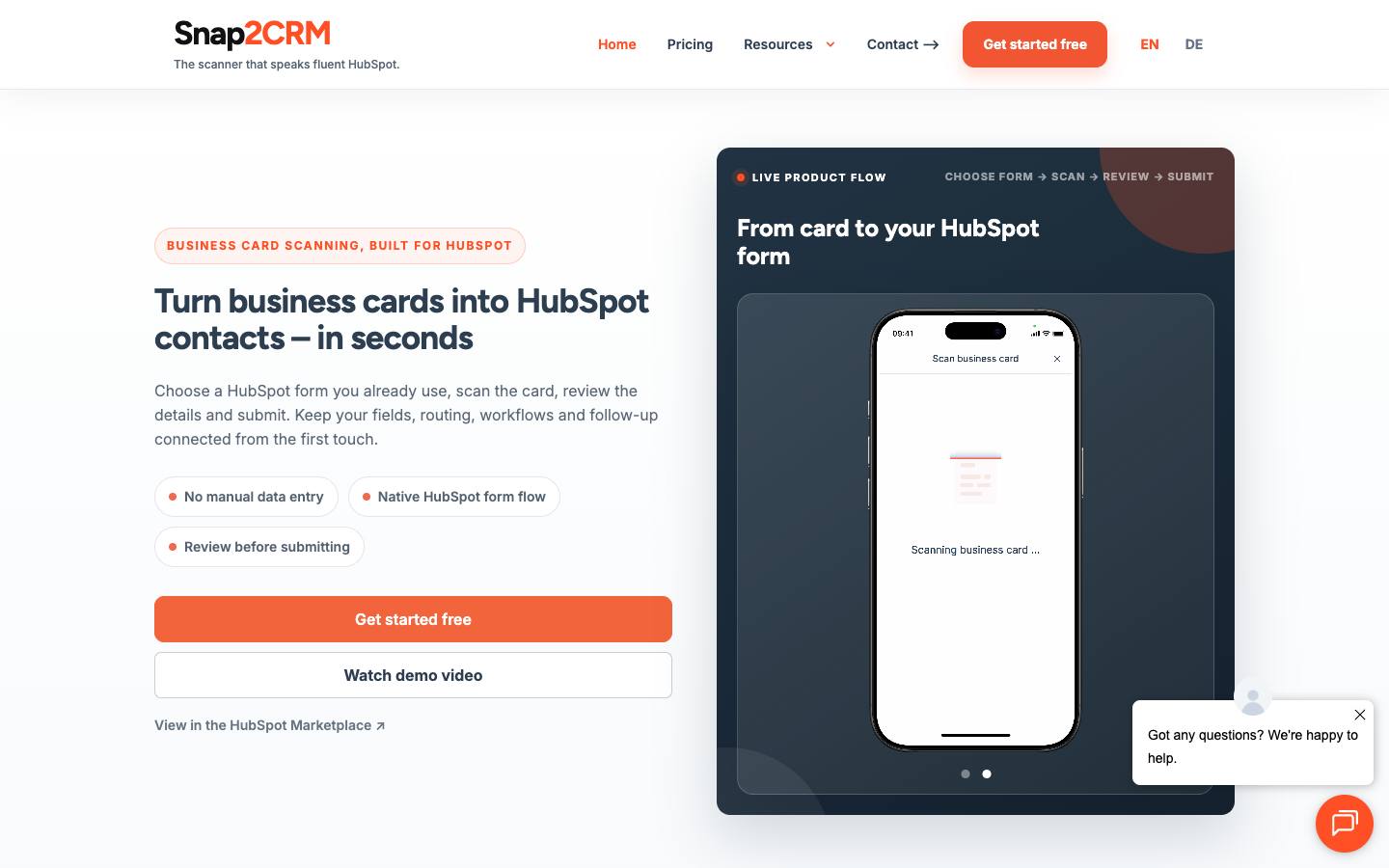
Snap2CRM is a phone-based card scanner built only for HubSpot. Users pick a HubSpot form, scan a card, review the extracted fields and submit, so HubSpot's own workflows, routing and scoring run as if the contact had filled in the form. Plans are priced by company-wide scan volume with unlimited users.
More on Snap2CRMLess on Snap2CRM
HQ: Fellbach, Germany · Formats: In-person
Snap2CRM is a small German product run from Fellbach and listed on the HubSpot Marketplace. Pricing is set by company-wide scans per month with unlimited users on every plan (published in euros, checked October 2026): Free covers 25 scans, Starter is €16 a month billed annually for 150 scans with extra scans at €0.10, Pro is €44 for 500 scans with notes and automatic contact owner assignment, Business is €64 for 1,500 scans with team-level form access, and Enterprise is €104. Monthly billing costs up to 20% more.
Because scans go through your existing HubSpot forms, hidden fields, workflows, lead scoring and routing fire as if the contact had filled in the form, which keeps reporting consistent with web leads. Data can be held in the EU with an EU-only mode and a data processing agreement, and the interface is in English and German. Freshflow is a named customer, and a demo account can be prepared within one business day.
- EU hosting with an EU-only mode and a DPA available
What stands out
- Submits through HubSpot forms, including hidden fields, so existing automation fires unchanged
- Unlimited users on every plan, priced by monthly scans
- Free 25-scan tier; Starter at €16 a month billed annually for 150 scans (checked October 2026)
Worth checking
- Supports HubSpot only
- Scans business cards only, not event badges, and it's run by a very small team with no certifications listed
Best suited for. Snap2CRM fits HubSpot teams that want card scans to enter through the same forms and workflows as web leads, priced by volume rather than seats. Teams on Salesforce or Dynamics, or that need badge scanning, should choose another app.

5. CamCard, best for teams who want a long-established card scanner combined with digital cards and Salesforce sync
- Price
- Quote only
- Try it
- Free plan, Free trial
- Capterra
- 4.3/5 from 17 reviews
- App Store
- 4.7/5 from 90,280 ratings
- Syncs with
- Salesforce, Dynamics
- Security
- ISO 27001
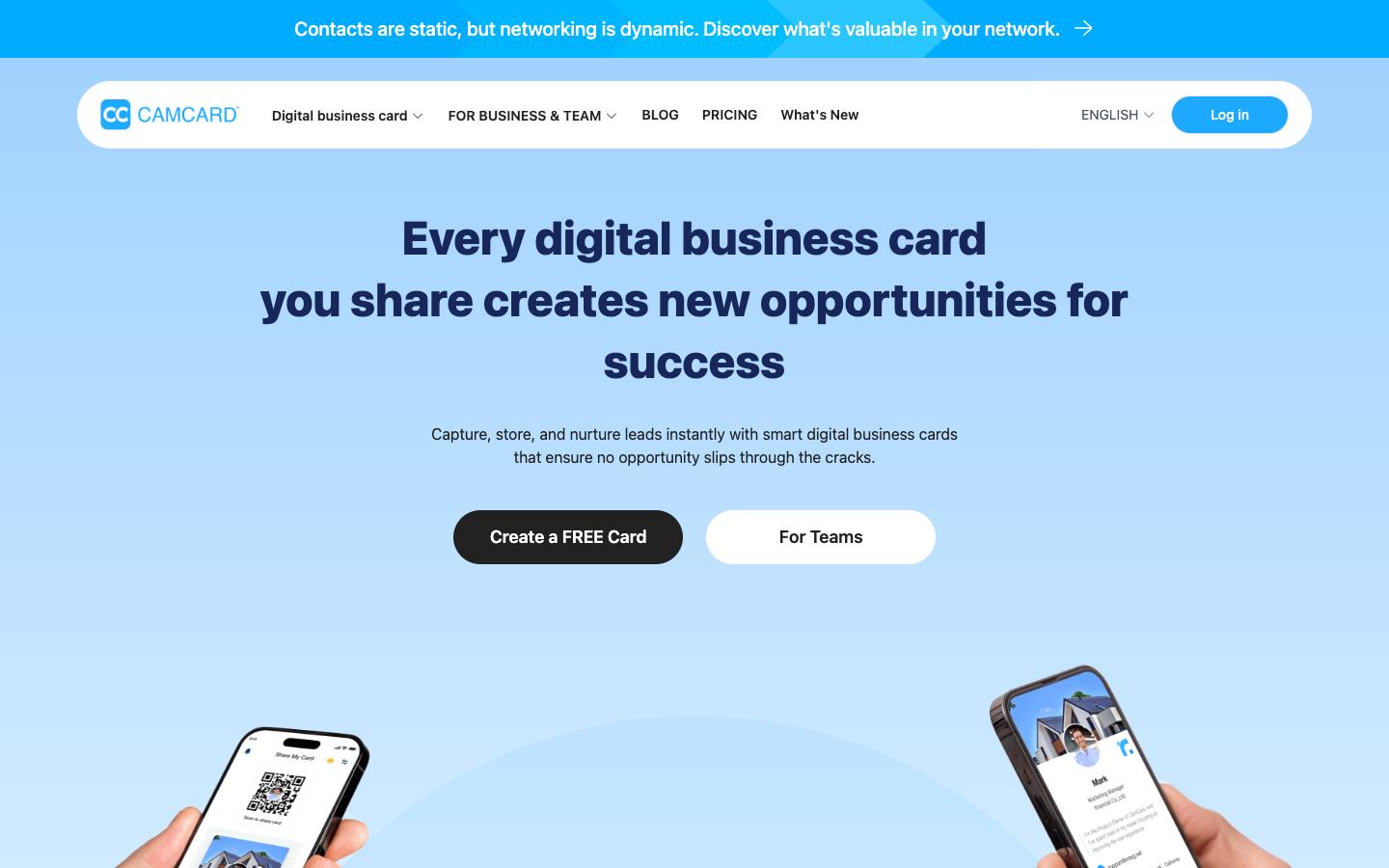
CamCard, from INTSIG Information Corporation, is a long-running business card scanner and digital business card app with team editions for sales and marketing. Staff scan paper cards, QR codes and email signatures or share QR-based digital cards, and contacts can sync to Salesforce or address books. Team plans are priced on request by user count.
More on CamCardLess on CamCard
HQ: Shanghai, China · Formats: In-person
CamCard's consumer app shows 4.7 from 90,280 App Store reviews, and Capterra shows 4.35 from 17 reviews (checked October 2026). CamCard Business is priced on request and includes unlimited card scanning, CRM sync to Salesforce, Dynamics and others, team contact sharing, SSO and a dedicated account manager, with a 10-day trial. A separate Digital Business Card product covers branded team cards and sharing analytics.
Recognition is multilingual, with bulk photo upload in the business edition, and an AI Notetaker attaches conversation notes to each contact. Team sharing includes role-based access and de-duplication. Integrations listed include Salesforce, Google Contacts, Outlook, Dynamics, SugarCRM, Excel and an open API. The vendor lists ISO/IEC 27001 and 27701 certifications. It isn't built around event badges or registration data. INTSIG is a China-based developer, and CamCard was among the apps India blocked in 2020, which some procurement teams will want to weigh.
- Lists ISO/IEC 27001 and 27701 among its certifications
What stands out
- Large installed user base and long track record in card scanning
- Paper card scanning and digital card sharing in one app
- Central team management of cards and contacts
Worth checking
- China-based developer; the app was among those blocked in India in 2020, which may matter for data policies
- Team pricing isn't published, and it's not tied to event badge data
Best suited for. CamCard fits companies that want an established card scanner with team sharing and Salesforce sync, and whose data policies allow a China-based developer. Teams that also need badge scanning or published pricing should look at ScanBizCards or Covve Scan.

6. snapADDY, best for European B2B firms who need scanned cards mapped into SAP, Dynamics or other European CRMs
From €348/user/year
- Price
- From €348/user/year
- Try it
- Free trial
- App Store
- 4.8/5 from 285 ratings
- Languages
- 6 languages
- Syncs with
- Salesforce, HubSpot, Dynamics, Marketo
- Security
- ISO 27001, SAML SSO, DPA
- Customers include
- Georg Fischer, Julius Blum, Alcatel-Lucent Enterprise
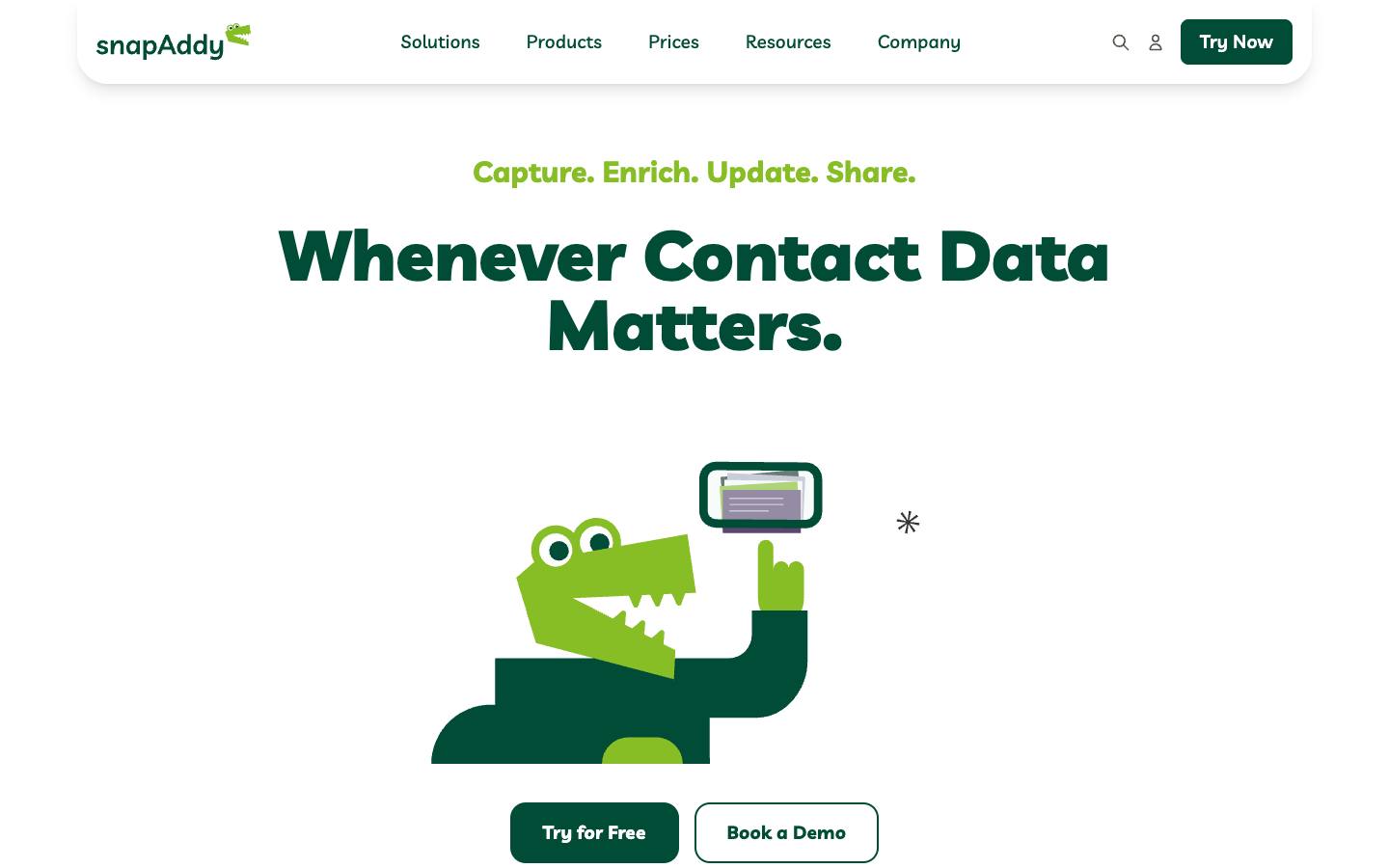
snapADDY's business card scanner sits inside VisitReport, its trade show and visit report app, alongside custom qualification forms, offline mode and follow-up emails. Its CRM coverage is wide, including SAP Sales Cloud, Sage CRM, SuperOffice and CAS genesisWorld. Sister products add digital business cards and in-CRM contact research.
More on snapADDYLess on snapADDY
Founded: 2015 · HQ: Würzburg, Germany · Team: 100+ people · Formats: In-person
snapADDY is based in Germany and publishes VisitReport pricing (checked October 2026): Direct Booker is €348 per user per year for teams up to five and includes the business card scanner, CRM export, offline mode and automatic follow-up emails, while Enterprise is quoted for 10 or more users with CRM mapping and premium support. There's a free trial. Its BusinessCards app, which also scans cards, shows 4.77 from 285 App Store reviews.
Each card can carry notes, photos and sketches, and the scan sits inside a questionnaire with dynamic questions, so it doubles as a structured visit report. Enrichment runs through separate DataAgents and LeadResearch products. snapADDY documents ISO 27001, hosting in Germany, SAML SSO, a REST API and webhooks, and published 62 release notes in the year to October 2026. Customers include Siemens, Bosch and Covestro. CRM connectors cover Salesforce, SAP Sales Cloud, Microsoft Dynamics, HubSpot, Pipedrive, Sage CRM, SugarCRM, SuperOffice and CAS genesisWorld.
- ISO 27001; self-service from €348 per user per year
What stands out
- Connectors for Salesforce, SAP Sales Cloud, Microsoft Dynamics, HubSpot, Pipedrive, Marketo Engage and several European CRMs
- Card scanning combined with structured visit and lead reports
- Voice AI for dictated notes
Worth checking
- More than a simple scanner, so it costs more than single-purpose apps
- Strongest in DACH and Europe; enterprise licences are quoted
Best suited for. snapADDY fits European B2B firms that want cards captured as structured visit reports in SAP, Dynamics or Salesforce. Teams that only need a simple scanner will pay less with Covve Scan or ScanBizCards.
7. Blinq, best for companies that want a free digital business card plus a scanner that also reads badges and LinkedIn profiles
From $4.99/user
- Price
- From $4.99/user
- Try it
- Free plan, Free trial
- Capterra
- 4.9/5 from 702 reviews
- App Store
- 4.9/5 from 132,427 ratings
- Syncs with
- Salesforce, HubSpot, Dynamics, Marketo
- Security
- SOC 2 Type II, SAML SSO
- Customers include
- Canva, Cartier, Deloitte
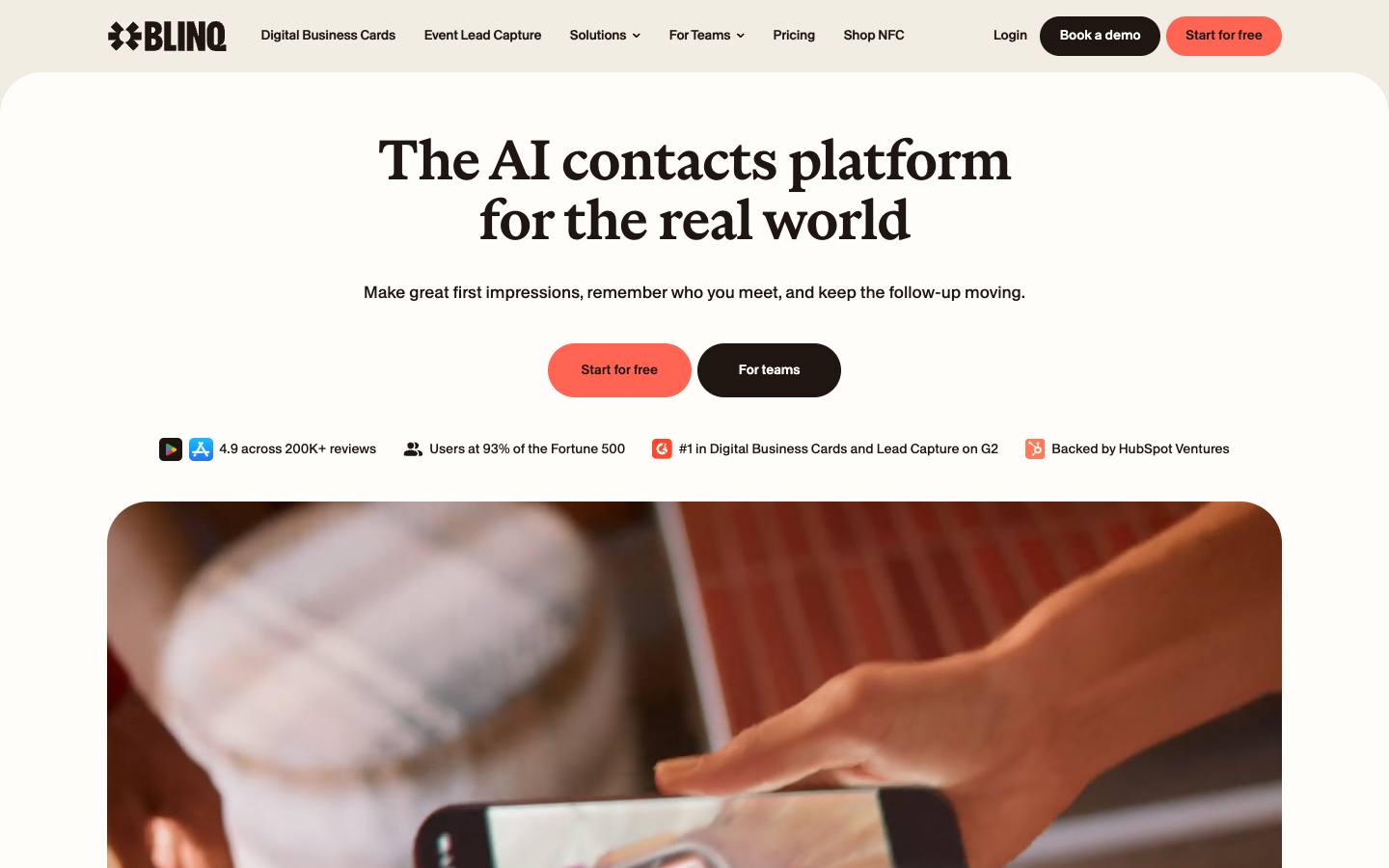
Blinq is a digital business card platform whose universal scanner captures paper cards, badges, QR codes and LinkedIn profiles, even offline. Captured contacts can be enriched, annotated by an AI notetaker and synced to the CRM with de-duplication and existing deal history shown at scan time. A free plan covers individual digital cards.
More on BlinqLess on Blinq
Founded: 2018 · HQ: Melbourne, Australia · Team: 51–200 people · Formats: In-person
Blinq was founded in 2018 in Melbourne and has raised about $28.5M according to CB Insights. Its app shows 4.87 from more than 132,000 App Store reviews and 4.86 from 702 on Capterra (checked October 2026). The free plan includes two digital cards and unlimited contact creation, Premium at $7.33 a month billed annually adds the universal scanner, AI notetaker, AI enrichment and contact export, and Business at $4.99 per user per month adds team cards, native CRM sync and event lead capture.
Enrichment searches more than 25 live sources for title, phone, verified email and LinkedIn. Sync runs to Salesforce, HubSpot, Dynamics 365, Marketo, Pipedrive and Zoho, with Zapier and an MCP server. Event lead capture on Business is billed at $9.99 per captured and enriched lead for one to three events a year. Blinq documents SOC 2 Type II, SAML SSO and SCIM, and logos on its site include HubSpot, Deloitte and Canva.
- SOC 2 Type II, SSO and SCIM
What stands out
- Free plan for digital cards; Business from $4.99 per user per month billed annually
- AI enrichment from 25+ data providers
- Integrations with Salesforce, HubSpot, Dynamics 365, Marketo, Pipedrive and Zoho CRM
Worth checking
- Event lead capture is billed per lead for light event schedules, which adds up at busy booths
- Customer logos are listed as users rather than formal case studies
Best suited for. Blinq fits companies that want digital cards for every employee with a capable scanner in the same app. Teams scanning many badges at busy shows should compare its per-lead event pricing with flat-fee tools.

8. HiHello, best for enterprises that need scanning governed alongside SSO, SCIM and company-wide email signatures
From $5/user
- Price
- From $5/user
- Try it
- Free plan, Free trial
- App Store
- 4.9/5 from 45,030 ratings
- Syncs with
- Salesforce, HubSpot, Dynamics
- Security
- SOC 2 Type II, SAML SSO, DPA
- Customers include
- CHRISTUS Health, Goodwill, Voluntary Insurance Partners
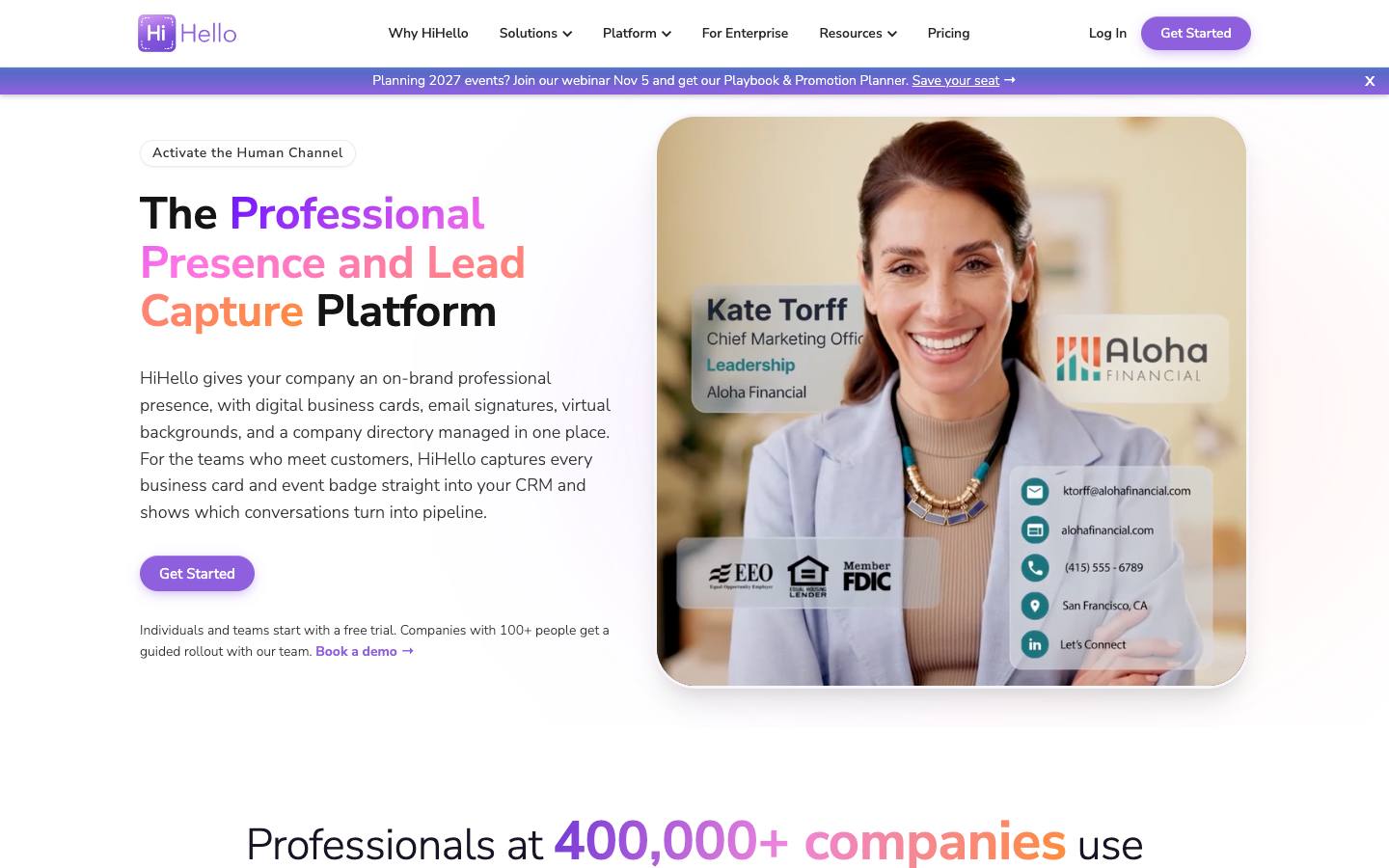
HiHello manages digital business cards, email signatures, virtual backgrounds and directories from one admin console, and adds card and badge scanning with custom lead forms and consent capture for sales and event teams. Captured contacts are enriched and synced to Salesforce, HubSpot or Dynamics with lead source attribution. Event lead capture starts on the Business plan.
More on HiHelloLess on HiHello
Founded: 2018 · HQ: Palo Alto, California · Team: 51-200 people · Formats: In-person
HiHello was founded in 2018 in Palo Alto and has raised about $10M according to CB Insights; its app shows 4.87 from 45,030 App Store reviews. Pricing is published (checked October 2026): Personal is free with 5 card or badge scans a month, Professional is $6 a month for one user with 20 scans, Business is $5 per user per month billed yearly for 5 to 100 users with event lead capture and Salesforce, HubSpot and Dynamics sync, and Enterprise covers 100+ users with SAML SSO and SCIM.
A custom consent form adds consent language to each contact exchange, which helps at EU events. After a meeting, HiHello can send the other person a follow-up email with your card, and admins get live event analytics and a team leaderboard. HiHello documents SOC 2 Type II, a data processing agreement and the EU-US Data Privacy Framework. Customers include Kaiser Permanente, Stellantis and Fastenal.
- SOC 2 Type II and EU-US Data Privacy Framework
What stands out
- Card scanning plus consent capture and source attribution into the CRM
- SSO, SCIM and HRIS-based provisioning for large rollouts
- Business plan from $5 per user per month billed yearly; unlimited scans on Enterprise
Worth checking
- Scan limits apply on lower tiers
- Badge scanning reads printed badges rather than official show lead feeds
Best suited for. HiHello fits companies standardizing cards and signatures across many employees that also want governed card scanning with consent capture. Heavy scanners on lower tiers will hit monthly limits, so price the Business plan.
9. Wave Connect, best for teams that prefer prepaid scan credits over per-seat scanner licences
From $5/user
- Price
- From $5/user
- Try it
- Free plan, Free trial
- App Store
- 4.8/5 from 1,581 ratings
- Languages
- English
- Syncs with
- Salesforce, HubSpot
- Security
- SOC 2 Type II, SAML SSO, DPA
- Customers include
- Salesforce, Amazon, BNP Paribas
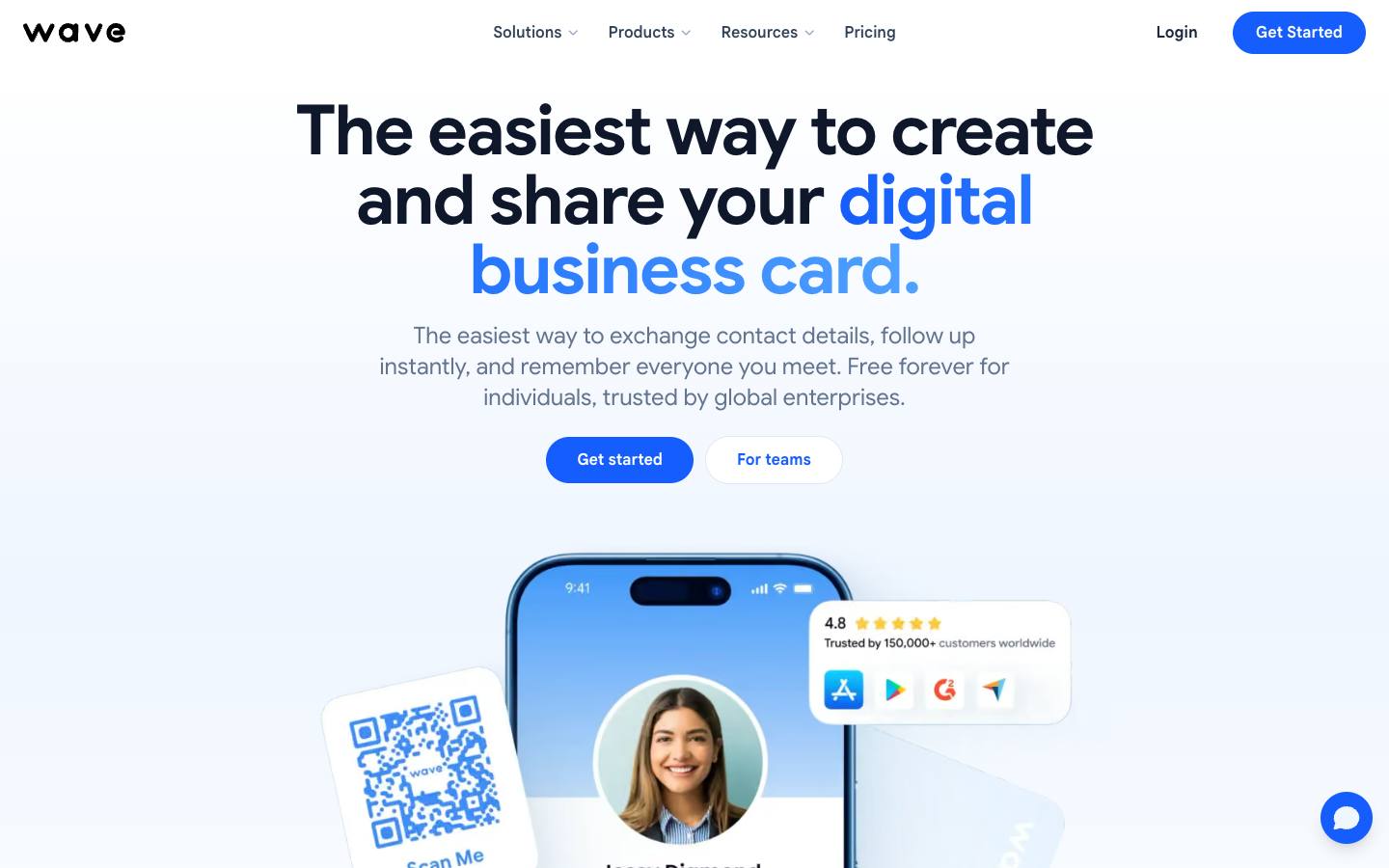
Wave Connect is a digital business card platform that reads paper cards and event badges with the phone camera, enriches the contact with title, LinkedIn, email and phone, and syncs it to the CRM. Lead capture runs on prepaid credits, with a card scan costing less than a badge scan. Reps can add notes, tags, scores and voice notes right after a scan, including offline.
More on Wave ConnectLess on Wave Connect
Founded: 2019 · HQ: Montreal, Canada · Team: 11-50 people · Formats: In-person
Wave Connect was founded in 2019 in Montreal; its app shows 4.78 from 1,581 App Store reviews. Its pricing page, set to US dollars when we checked in October 2026, lists a free plan with 10 AI lead capture credits, Pro at $7 a month billed annually, Teams at $5 per user per month with a three-seat minimum, and a quoted Enterprise plan. Credits last 12 months, with one credit per card and four per event badge, and enrichment is included in each scan.
Enrichment finds email, phone and LinkedIn, and the team dashboard groups contacts by rep, event and date. Sync runs to HubSpot, Salesforce, Dynamics 365, Zoho, Pipedrive and HighLevel, with Zapier. Wave Connect documents SOC 2 Type II, SAML SSO, SCIM and a status page. Logos on its site include Salesforce, KPMG and Mercedes-Benz, and capture keeps working offline.
- SOC 2 Type II, SSO and SCIM
What stands out
- Credit-based scanning with published per-credit rates, valid for 12 months
- Integrations with Salesforce, HubSpot, Pipedrive and Zoho
- Free plan, with Teams from $5 per user per month (three-seat minimum)
Worth checking
- Lead capture is a newer add-on to a digital business card product
- Badge scans use four times the credits of a card scan, so budget for busy shows
Best suited for. Wave Connect fits teams that want to pay per scanned card rather than per seat, alongside digital business cards. Teams scanning mostly badges at busy shows should budget for the higher badge credit cost.

10. SpeakSoon, best for sales teams who would rather send card photos over WhatsApp than install another app
Quote only
- Price
- Quote only
- Languages
- English
- Syncs with
- Salesforce, HubSpot
- Security
- DPA
- Customers include
- Keyloop, Allorado, BECI Brussels
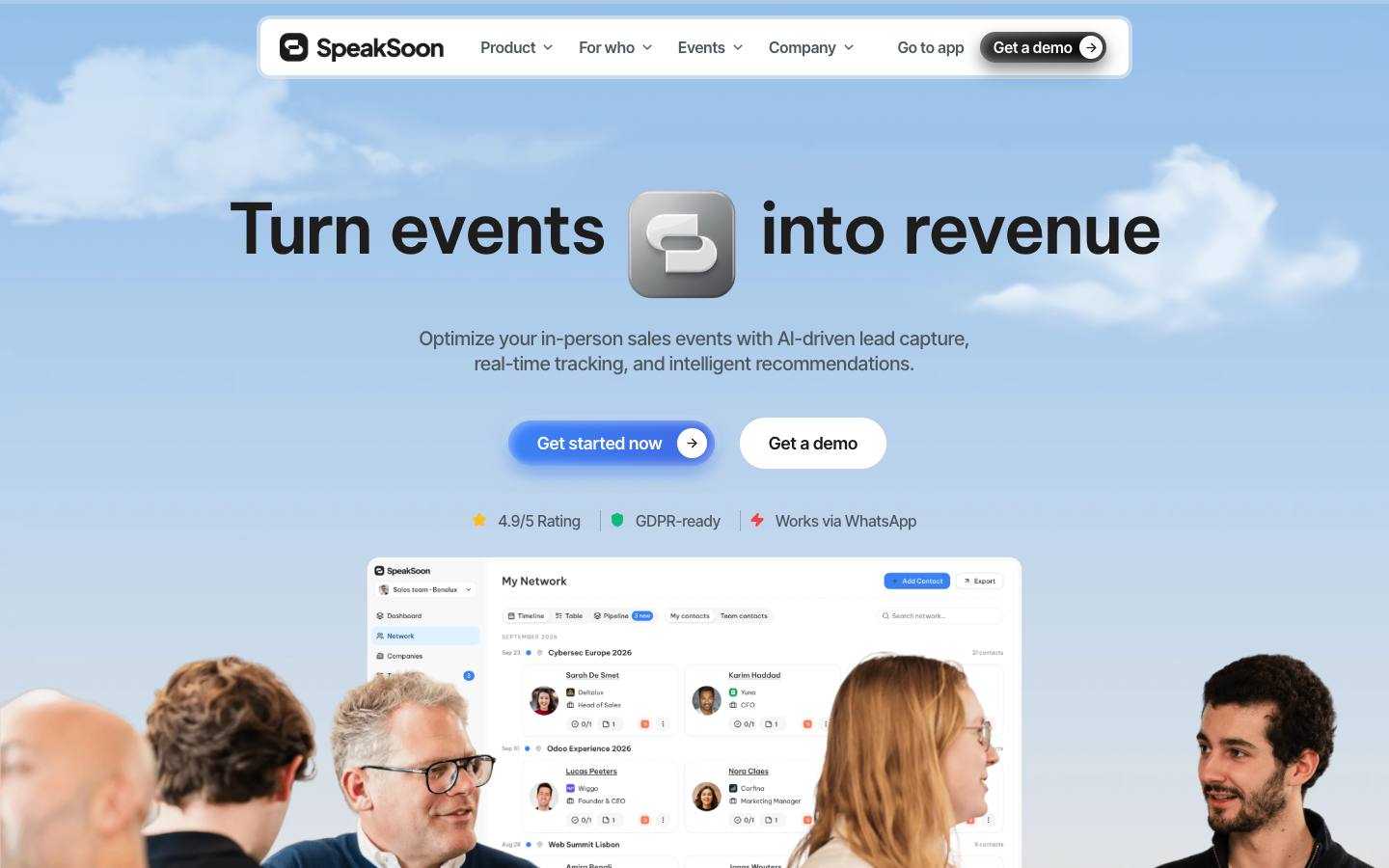
SpeakSoon captures contacts from photos of business cards or badges, voice notes and LinkedIn screenshots sent over WhatsApp, with no app to install. Contacts are enriched, de-duplicated and pushed to the CRM with conversation context, and the platform drafts follow-ups. It's an Antwerp-based startup priced by annual lead volume with unlimited seats.
More on SpeakSoonLess on SpeakSoon
Founded: 2025 · HQ: Antwerp, Belgium · Team: 2-10 people · Formats: In-person
SpeakSoon was founded in 2025 in Antwerp and has 2 to 10 people. Reps photograph a card or badge, send a voice note or forward a LinkedIn screenshot to SpeakSoon on WhatsApp, and the contact is read, enriched with LinkedIn and company data, and merged with any duplicate a colleague already captured. Setup takes a few minutes in WhatsApp.
Plans are named Startup, Growth, Scale and Enterprise and priced by leads captured per year rather than seats, with unused leads rolling over and a paid quarterly pilot available first; amounts aren't published (checked October 2026). Native CRM connectors cover HubSpot, Salesforce, Pipedrive, Attio, Odoo and Teamleader. It drafts a follow-up from the conversation but doesn't say it sends emails itself, and it reports ROI per event. Data stays on EU infrastructure with a data processing agreement. Named customers include Keyloop, Sofics and BECI Brussels, and higher tiers add a dedicated contact and priority support.
- GDPR with EU-based infrastructure
What stands out
- No app download: capture runs through WhatsApp
- Unlimited seats, priced by leads per year with unused leads rolling over
- Integrations with Salesforce, HubSpot, Pipedrive, Attio, Teamleader and Odoo
Worth checking
- Early-stage company (founded 2025)
- Prices aren't published; paid pilots are available
Best suited for. SpeakSoon fits European sales teams that would rather capture cards over WhatsApp than install another app, especially on Pipedrive, Odoo or Teamleader. Teams that need published pricing or an established vendor should look at Covve Scan or ScanBizCards.
11. Conexa, best for consultants and founders who want an inexpensive personal card reader with AI follow-up drafts
From $3/month
- Price
- From $3/month
- Languages
- English
- Security
- DPA
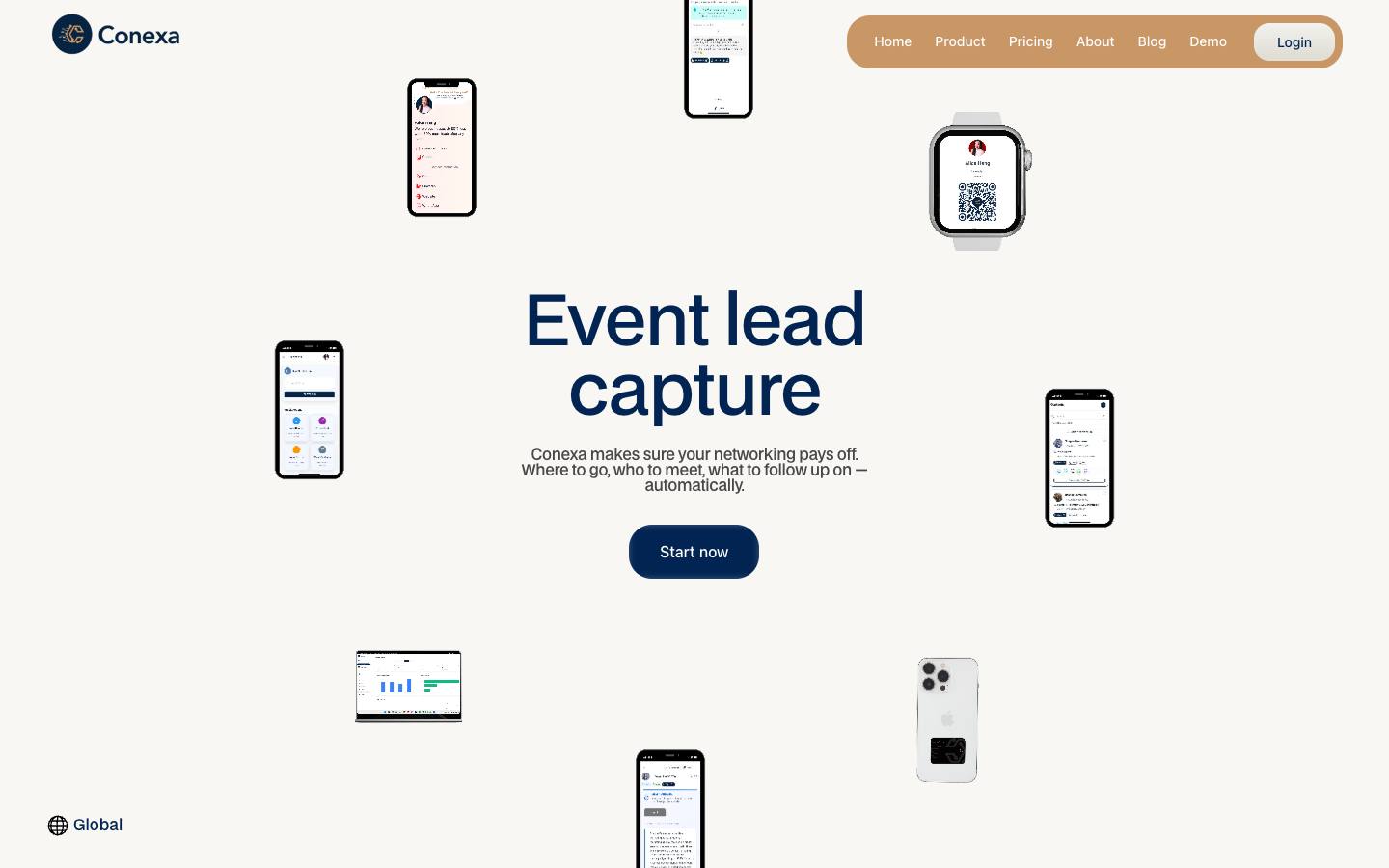
Conexa captures contacts met at events from business cards, badges, QR codes or an NFC sticker, then uses AI to structure notes, enrich profiles and draft follow-ups with reminders. It's priced per user and aimed at individual networkers and small sales teams. CRM sync is available on its two upper plans.
More on ConexaLess on Conexa
Founded: 2025 · HQ: Newark, Delaware · Team: 2-10 people · Formats: In-person
Conexa was founded in 2025 and is operated by Conexipro Ltd. from Newark, Delaware, with an office in Bangkok. Pricing is published as yearly plans (checked October 2026): Connector is $3 a month ($30 a year) with 100 credits, up to 20 contacts and 100 emails a month; Networker is $19 a month ($190 a year) with up to 200 contacts, 1,000 emails and CRM integrations; Super-connector is $99 a month ($990 a year) with up to 2,000 contacts, 10,000 emails and priority support.
Beyond scanning, Conexa can exchange details through an NFC sticker, includes a digital card, in-app chat and network analytics, and sets follow-up reminders. The CRM connectors aren't named on its site, and we found no team admin features or security certifications beyond GDPR and CCPA documentation. The app is on iOS and Android, sign-up is self-serve, and AI structures each conversation note and enriches the contact before drafting a follow-up message.
What stands out
- Entry plan from $3 a month
- AI-structured notes, enrichment and follow-up drafting
- Includes a digital business card and network analytics
Worth checking
- Named CRM connectors aren't documented, and CRM sync requires a higher tier
- Small company with limited public information; not built for exhibitor badge integrations
Best suited for. Conexa fits consultants and founders who want a very cheap personal card reader with AI follow-up drafts. Sales teams that need named CRM connectors, admin controls or badge integrations should choose a team tool.
Picks 6 to 11 are folded to keep the list short. Open any of them, or compare them all in the table above.
Also worth considering
BoothIQ, LeadCaptyr, BadgeScan, Mobly, Popl, Captello, Lead Liaison, Zuant
The best business card scanner apps by use case
| If you need | Company size | Look at |
|---|---|---|
| HubSpot team scanning cards and badges at many events | SMB, Mid-market, Enterprise | Vendelux Lead Scannerfree and uncapped, with enrichment and event lists in HubSpot |
| Salesforce team that needs verified card data | SMB, Mid-market | ScanBizCardshuman transcription and Salesforce owner and campaign mapping |
| International team collecting cards in many languages | Mid-market, Enterprise | Covve Scanrecognition in 60+ languages with offline scanning |
| HubSpot team that wants cards to trigger existing workflows | SMB, Mid-market | Snap2CRMscans submit through HubSpot forms |
| European manufacturer capturing visit reports into SAP | Mid-market, Enterprise | snapADDYcards land as structured reports in SAP Sales Cloud |
| Company rolling out digital cards with governed scanning | Mid-market, Enterprise | HiHelloSSO, SCIM and consent capture on lead forms |
| Sales team that lives in WhatsApp | SMB | SpeakSooncapture by sending a photo or voice note, no app to install |
| Consultant networking at a few conferences a year | SMB | Conexaplans from $3 a month with AI follow-up drafts |
What results look like
Figures customers report in the vendors' own published case studies. They describe one customer each, not what every buyer should expect.
150+
Trade shows per year
Georg Fischer with snapADDY · Case study
23,000+
Digital impressions during rollout
CHRISTUS Health with HiHello · Case study
How to choose
Background on what these tools do, how we ranked them and what to check before you buy. Open any topic.
What business card scanner apps actually are (and what they aren't)
Business card scanner apps use the phone camera and OCR, sometimes backed by human checks, to turn a paper business card into a structured contact with name, title, company, email and phone. Team versions add an admin panel, campaign or event tags, enrichment and a direct push into Salesforce, HubSpot or another CRM, so a card collected at a dinner or a booth doesn't depend on a rep typing it in later.
They aren't the same as lead retrieval apps, which are built around event badges, qualifying questions and booth teams, or badge scanners that read QR codes and barcodes printed by the organizer. Digital business cards solve the opposite problem, sharing your own details, though many card platforms now bundle a scanner. Event lead capture software goes further, with forms, kiosks, routing and follow-up across a whole event program.
For B2B event teams, a business card scanner app covers the contacts badges miss: customer dinners, partner meetings, side events and attendees whose badges can't be read. It keeps those contacts in the same CRM as booth leads, tagged with the event, so marketing can report on them and sales can follow up while the conversation is fresh.
How we ranked these business card scanner apps
We compared 11 business card scanner apps on the checks below, using vendor pages, our feature checklists and procurement research, and Capterra and App Store listings, all checked in October 2026. Picks are ordered by fit for B2B teams scanning cards at events and getting them into a CRM.
1. Native CRM sync
Which CRMs the vendor connects to natively and on which plan, from its integrations and pricing pages.
2. Accuracy aids
Whether the app offers a review step, human transcription or enrichment to correct OCR errors, from vendor feature pages.
3. Languages
How many card languages the vendor says it recognizes, where it publishes the number.
4. Badge scanning
Whether the same app reads event badges as well as paper cards, from our lead capture feature checklist.
5. Published team pricing
Whether a per-user or per-scan team price is shown on the vendor's pricing page, and what it includes.
6. Security documentation
Whether SOC 2, ISO 27001, SSO or a data processing agreement is documented, from our procurement research.
More on our process in the methodology.
What to look for in a business card scanner app
For business use, accuracy and where the contact ends up matter more than scanning speed. Check whether you can review extracted fields before saving, whether the app supports the languages on the cards you collect, and whether it can tag each contact with the event or campaign. Team features such as central licence management, shared fields and admin reporting separate B2B tools from personal scanners. If you also exhibit, decide whether one app should read event badges too.
Business card reader app accuracy: OCR, AI and human checks
All of these apps use OCR or AI to read the card, and results vary with card design, fonts and lighting. Two approaches reduce cleanup: a review step before submission (Snap2CRM shows extracted fields before sending to HubSpot) and human verification (ScanBizCards offers a transcription service on top of OCR). Enrichment, offered by Covve Scan, Blinq, Wave Connect, HiHello and SpeakSoon among others, fills in missing titles, emails or LinkedIn profiles but shouldn't replace checking the core fields.
CRM integration: the deciding factor for the best business card scanner
A scanner that only saves to the phone's address book creates another manual export. Match the app to your CRM first: Snap2CRM is HubSpot-only, snapADDY covers SAP and European CRMs, ScanBizCards covers Salesforce, HubSpot, SugarCRM and Freshsales, and Blinq, Covve Scan, HiHello and Wave Connect cover the major platforms. Check whether CRM sync is included or an add-on, as it's on Covve Scan, and whether contacts arrive with owner, source and campaign fields set.
Standalone business card scanner vs. digital business card platform vs. lead retrieval app
Standalone scanners (ScanBizCards, Snap2CRM, Covve Scan) do one job and are usually cheapest per user. Digital business card platforms (Blinq, HiHello, Wave Connect, CamCard) bundle scanning with branded cards and email signatures, which suits companies rolling out cards to every employee. Lead retrieval apps add badge scanning, qualification questions and event reporting; if trade shows are your main use case, compare those as well.
Pricing and privacy
Published prices in our data range from $3 a month (Conexa) and a free 25-scan tier (Snap2CRM, with Starter at €16 a month billed annually) to per-seat plans such as Covve Scan from €85 per seat per year, ScanBizCards at $100 per user per year and snapADDY from €348 per user per year. Others price by scan volume or credits. Because cards contain personal data, check certifications and hosting: our profiles list ISO 27001 for Covve Scan, snapADDY and CamCard, SOC 2 Type II for Blinq, HiHello and Wave Connect, and EU hosting for Snap2CRM and SpeakSoon.
Where this fits in your event tech stack
In a B2B event stack, a business card scanner is a capture tool that sits alongside, or inside, your lead retrieval process. The event platform or registration system holds attendee data for badged events, while cards cover everything badges miss: dinners, meetings, partner events and contacts who aren't registered. The scanner's job is to deliver clean, tagged contacts into the CRM and marketing automation platform. Salesforce and HubSpot are supported by most picks here; Marketo by Blinq and snapADDY; Microsoft Dynamics by Covve Scan, Blinq, HiHello and snapADDY; and SAP Sales Cloud by snapADDY. Once contacts are in the CRM with an event source, nurture, routing and attribution run there.
FAQ
What is the best business card scanner app for business use?
How accurate are business card scanner apps?
How much does a business card scanner app cost for a team?
Can a business card scanner app send contacts to Salesforce or HubSpot?
What is the best free business card scanner app?
Can business card scanner apps scan trade show badges?
What is the difference between a business card scanner and a lead retrieval app?
Get a free business card scanner apps shortlist
Reading reviews only gets you so far. The right pick depends on your events, your team and the systems it has to sync with.
Our shortlist finder asks a few questions and matches you with tools that fit, using the same verified data as this guide.
You'll see published prices, security documents and CRM integrations side by side, and you can save tools to compare later.
It's free, there's no sign-up, and no vendor gets your details.
Ready? Build your shortlist in two minutes, or try the free trade show lead list cleaner.
Get a free shortlistKeep reading
How-to guides
Pricing
Key terms in this guide
Ratings link to their source and are shown as published on the date of our last check. Read our methodology.