
Covve Scan
Business card and event badge scanner that syncs trade show leads to CRM
Per seat · Free trial
Category
Nicosia, Cyprus
Founded 2013 · 11-50 employees
$1.16M (CB Insights) · Unattributed VC
Funding
In-person
Event formats
Startup, Mid-market, Enterprise
Company size fit
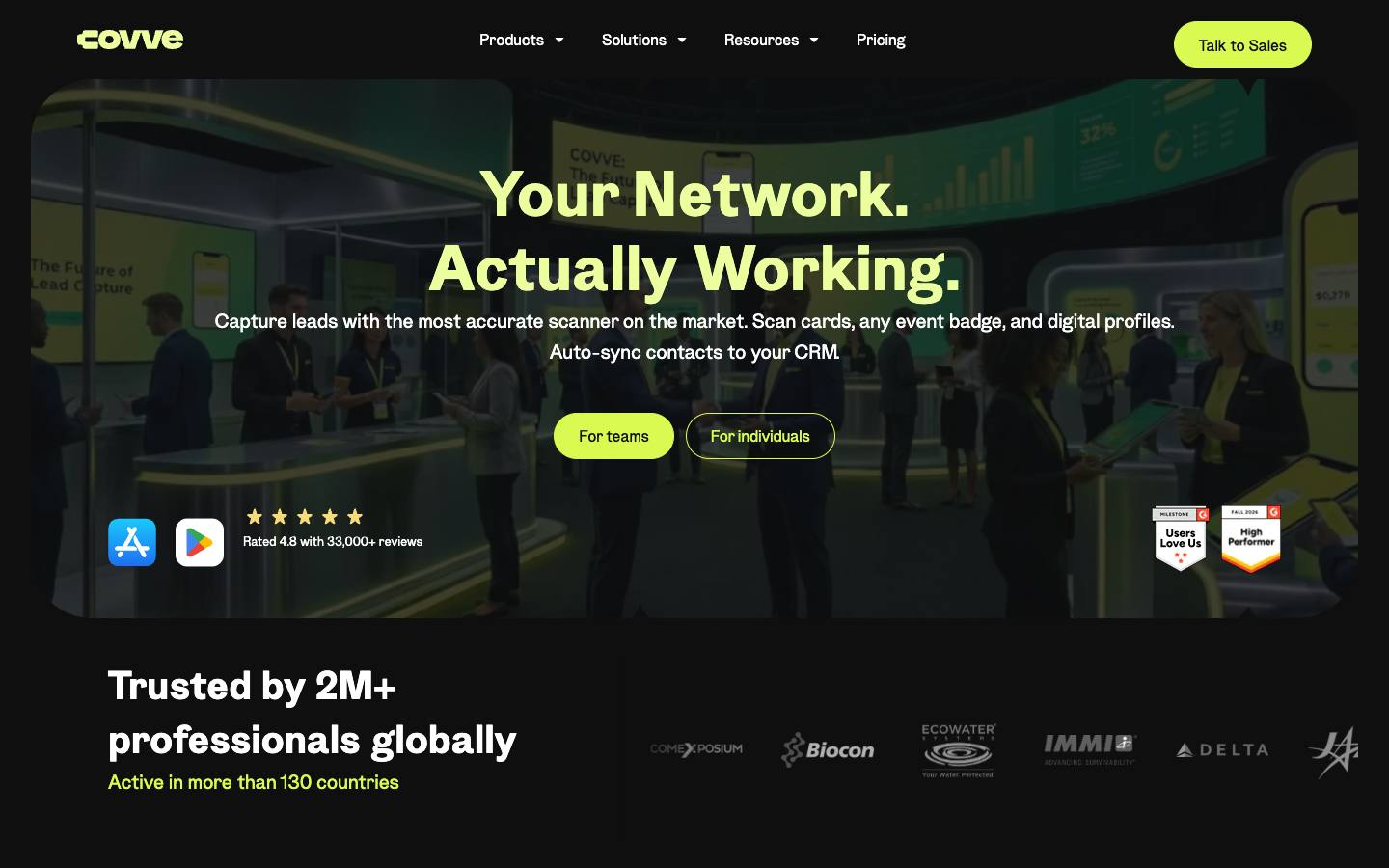
Covve Scan is a lead capture app that reads business cards, event badges, LinkedIn QR codes and digital profiles, online or offline, and pushes contacts to CRMs. Team plans add custom qualification fields, voice notes, a central lead portal and AI enrichment for follow-up. It's a lightweight alternative to event-specific lead retrieval apps for exhibitors and sales teams who attend many events.


At a glance
- CRM
- SalesforceHubSpotDynamicsOn Salesforce AppExchange · Salesforce-native · ★ 5.0 (3) ↗On HubSpot App Marketplace · 68 installs · ★ 5.0 (3) ↗
- Security
- SOC 2 Type IInot foundISO 27001documentedGDPRdocumentedSAML SSOnot foundDetails
Who it's for
- Exhibitors and field sales teams capturing leads across many different trade shows
- Teams wanting one scanning app regardless of each event's badge vendor
- SMB
- Mid-market
- Enterprise
- Trade shows
- Conferences
- Field marketing events
How much does Covve Scan cost?
- Starting price
- €85/seat/year (Essential)
- Pricing model
- Per seat
- Free plan
- No
- Free trial
- Yes
Essential is €9 and Pro €17 per seat per month (€160/year); badge scanning and admin portal are in Pro, CRM integration is an add-on, and Enterprise is quote-based.
Published plans
- Unlimited business card and QR scanning
- Offline scanning
- Export to Excel
- Outlook, Google and Zapier integrations
- Event badge scanning
- Custom fields with CRM mapping
- Web admin portal and analytics
- CRM integration as add-on
- CRM integrations incl. Salesforce and HubSpot
- SSO and audit logs
- 99.95% SLA
- Dedicated account manager
Free trial: free trial, length not shown · From Covve Scan's pricing page, checked 2026-10-18. Prices can change; confirm with the vendor.
Strengths and considerations
What stands out
- Works across events regardless of the organizer's badge system
- Low per-seat pricing with offline scanning
- ISO 27001 and CyberVadis Platinum security ratings
Worth checking
- Badge scanning depends on what data each event's badge encodes
- CRM integration is a paid add-on
- Not an exhibitor management or event platform
Key features
- Card and badge scanningScans business cards in 60+ languages plus event badges and LinkedIn QR codes, including offline.
- Custom qualification fieldsConfigurable fields and voice notes for lead qualification.
- Central lead managementAdmin portal with real-time analytics and team activity tracking.
- Digital business cardsLets users share their own contact details digitally.
- CRM syncPushes leads into CRMs and contact tools.
Integrations
- Salesforce
- HubSpot
- Zoho CRM
- Pipedrive
- Microsoft Dynamics 365
- Zapier
- Outlook
- Google Contacts
- Excel
- Outlook Contacts
- Excel export
Five CRMs are listed as direct integrations (native CRM sync is an Enterprise feature or Pro add-on); everything else goes through Zapier.
Security & IT pre-check
What Covve Scan publicly documents on its own website, checked 2026-10-18. "Not found" means we couldn't find it on public pages; many vendors share documents on request or under NDA.
- SOC 2 Type II: not found
- SOC 2 Type I: not found
- ISO 27001: documented · source
- GDPR compliance: documented · source
- Data processing agreement (DPA): documented · source
- CCPA / CPRA: not found
- PCI DSS: not found
- Subprocessor list: not found
- EU data hosting: not found
- HIPAA: not found
- SAML single sign-on: not found
- SCIM user provisioning: not found
- Public API: documented · source
- Webhooks: not found
- Accessibility report (VPAT/ACR): not found
- Accessibility statement: not found
- Trust center: not found
- Public status page: not found
- Published pricing: documented · source
- Public changelog: not found
Buying details
From Covve Scan's own website, checked 2026-10-18.
- Event formats
- In-person
- Implementation
- Self-serve trial for Essential and Pro; Enterprise includes guided rollout with setup, onboarding and training.
- Support
- Priority support and a dedicated account manager on Enterprise; email support (support@covve.com) otherwise.
- Contract
- month-to-month or annual (Essential and Pro); Enterprise by quote
- Languages
- Interface in 16+ languages; card recognition in 60+ languages
Who uses Covve Scan
Organizations named on Covve Scan's own website: customer stories, testimonials and logo walls. Evidence type and source are shown for each.
AI capabilities
- AI lead qualification
- AI research assistant that enriches leads and helps personalise follow-ups
Covve Scan feature checklist
16 features checked
Covve Scan documents 11 of the 16 features buyers compare in lead capture & retrieval. ✓ yes · ◐ partly or add-on · ✕ no · – not published. Each ✓ links to the vendor's own page. Checked 2026-10-18.
Capture
Qualify
Questions to ask in a Covve Scan demo
5 questions
Written by our editors from the vendor's public information. Use them to get specific answers before you sign.
- 1. What does the CRM integration add-on cost per seat, and is it available on Essential or only Pro?Why ask: CRM integration is a paid add-on and badge scanning sits on the Pro tier. source
- 2. Can you test-scan badges from the specific shows we attend and show which fields are captured from each?Why ask: Badge scanning depends on what data each event's badge encodes.
- 3. What data sources power the AI research assistant, and is enrichment done on EU contacts under GDPR?Why ask: AI enrichment and follow-up personalization are listed alongside GDPR compliance.
- 4. Can we see the ISO 27001 certificate scope and the CyberVadis report?Why ask: ISO 27001 and a CyberVadis Platinum rating are cited as differentiators.
- 5. Does the Salesforce or Dynamics sync support custom objects, campaigns and duplicate handling?Why ask: Several CRMs are listed but the depth of each connector isn't described. source
Covve Scan alternatives
Ranked by how closely each product matches: the problems it solves, company sizes and event programs it serves, and shared integrations.
 ScanBizCardsLead capture & retrieval
 CamCardLead capture & retrieval
 Snap2CRMEvent attribution & integrations
 BlinqLead capture & retrieval
 PoplLead capture & retrieval
 HiHelloLead capture & retrieval
 MoblyAI for events
 momencioLead capture & retrieval
 BoothIQLead capture & retrieval
 Lead LiaisonLead capture & retrieval
Company backgroundFunding, leadership, launches and news
Company details
- Regions:
- Global
- Investors:
- Metavallon VC, Data Elite, TurboStart
More on Covve Scan
Featured in buyer's guides
Event programs it fits
Category and key terms
Covve Scan FAQ
What is Covve Scan?
Does Covve Scan have a mobile app?
How much does Covve Scan cost?
What does Covve Scan integrate with?
What are the best Covve Scan alternatives?
Who uses Covve Scan?
Is Covve Scan SOC 2 compliant?
Last verified 2026-10-18. How we research. Sources: covve.com · cbinsights.com