
Diobox
Guest management, check-in and seating for high-touch events
Freemium · Free plan
Category
New York, NY, USA
Founded 2014
$1M · Unattributed
Funding
In-person
Event formats
Startup, Mid-market, Enterprise
Company size fit
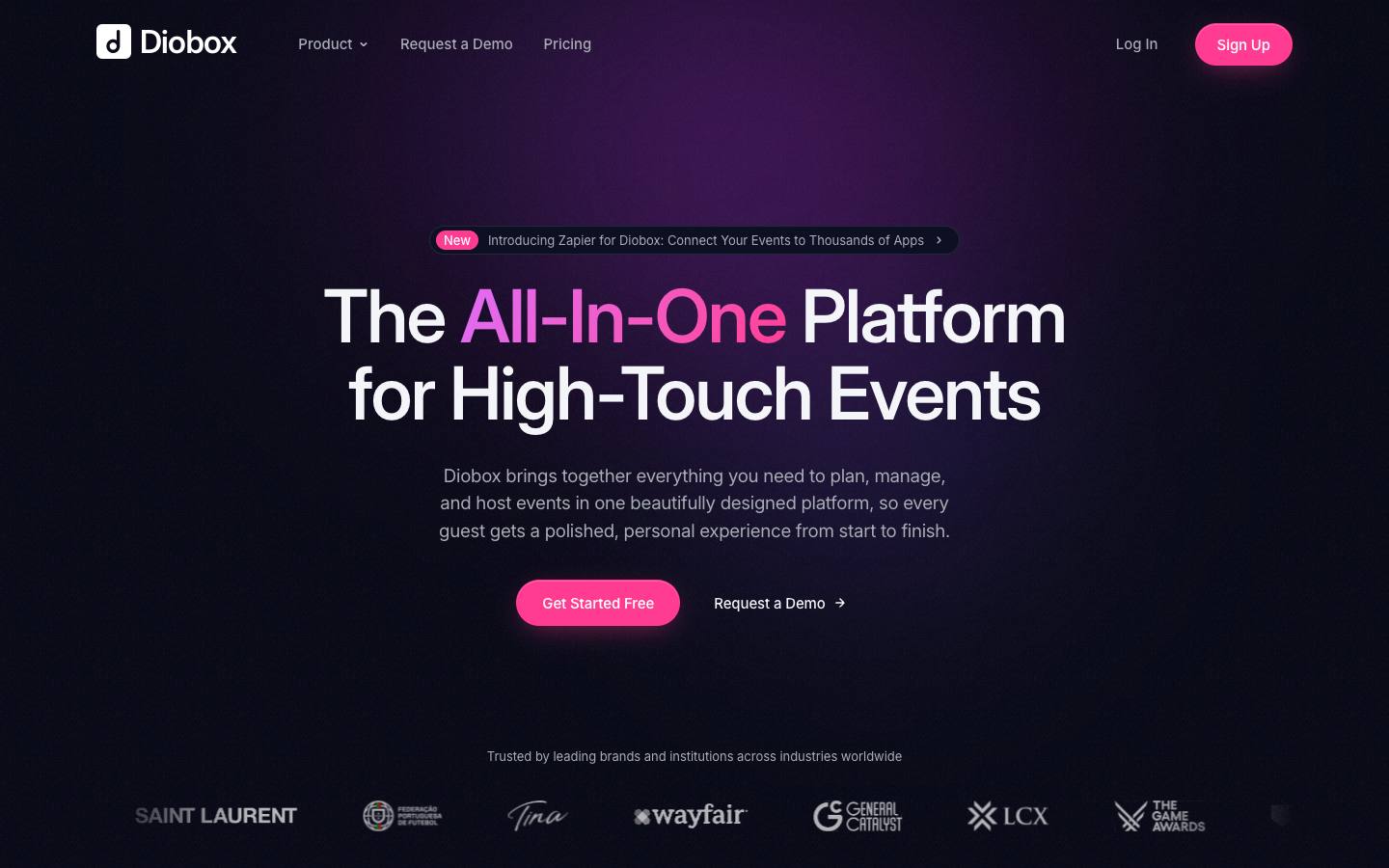
Diobox is a New York-based event platform focused on guest lists, invitations, RSVPs, QR check-in, seating, badges and ticketing for curated, high-touch events such as dinners, launches, galas and conferences. It adds kiosk self check-in, SMS and WhatsApp messaging, wallet passes and an exhibitor lead-retrieval app on higher tiers. Published monthly plans start with a free tier for small events.


At a glance
- CRM
- –
- Security
- SOC 2 Type IInot foundISO 27001not foundGDPRdocumentedSAML SSOnot foundDetails
- Product updates
- 9 in the last 90 days · latest 2026-10-08 · Changelog ↗
Who it's for
- Marketing and brand teams running invite-only dinners, launches and VIP receptions
- Organizers who need seating charts and fast QR check-in
- Small teams wanting published, self-serve pricing
- SMB
- Mid-market
- Enterprise
- Executive dinners
- Field marketing events
- Conferences
- Trade shows
How much does Diobox cost?
- Starting price
- $149/month (Professional)
- Pricing model
- Freemium
- Free plan
- Yes
- Free trial
- No
Free plan for 25 guests; Professional, Corporate and Enterprise monthly plans with discounts for annual billing; ticket fee of 2.5% + $0.70 plus Stripe.
Published plans
- 25 guests per event
- 1 active event
- Basic check-in
- Ticketing and point of sale
- 5 licenses
- 500 guests per event
- Event webpage and registration forms
- Emails and invitations
- 10 licenses
- 5,000 guests per event
- Badge printing
- White-label emails and webpage
- 15+ licenses
- 15,000 guests per event
- SMS and WhatsApp messaging
- Kiosk mode
- Lead retrieval
- Custom volume
- On-prem options
- Dedicated support
Free plan available · From Diobox's pricing page, checked 2026-10-18. Prices can change; confirm with the vendor.
Strengths and considerations
What stands out
- Strong on invite-only guest experience: seating, VIP alerts and wallet passes
- Published pricing with a free tier
- Combines RSVP events and ticketed events in one tool
Worth checking
- No native CRM integrations beyond Zapier
- No AI features or formal security certifications advertised
- Monthly price for Professional is stated inconsistently on the pricing page
Key features
- Guest managementGuest profiles, plus-ones, tags, segments and duplicate-aware imports.
- Invitations and messagingDrag-and-drop email builder plus SMS and WhatsApp messaging.
- QR check-in and kioskCheck-in app with time-based QR codes, VIP alerts, offline mode and iPad self check-in.
- SeatingTable layouts with drag-and-drop seat assignment and live tracking.
- TicketingTicket sales, embedded checkout and on-site point of sale via Stripe.
- Badges and lead retrievalBadge designer and an exhibitor app for scanning and rating leads.
- Wallet passesApple and Google Wallet passes carrying check-in codes.
Integrations
- Stripe
- Zapier
- Apple Wallet
- Google Wallet
No native CRM or marketing automation connectors are listed; Salesforce, HubSpot, Slack, Google Sheets and Mailchimp are reached through Zapier, which is on the Enterprise plan only.
Security & IT pre-check
What Diobox publicly documents on its own website, checked 2026-10-18. "Not found" means we couldn't find it on public pages; many vendors share documents on request or under NDA.
- SOC 2 Type II: not found
- SOC 2 Type I: not found
- ISO 27001: not found
- GDPR compliance: documented · source
- Data processing agreement (DPA): documented · source
- CCPA / CPRA: documented · source
- PCI DSS: not found
- Subprocessor list: not found
- EU data hosting: not found
- HIPAA: not found
- SAML single sign-on: not found
- SCIM user provisioning: not found
- Public API: not found
- Webhooks: not found
- Accessibility report (VPAT/ACR): not found
- Accessibility statement: not found
- Trust center: not found
- Public status page: not found
- Published pricing: documented · source
- Public changelog: documented · source
Buying details
From Diobox's own website, checked 2026-10-18.
- Event formats
- In-person
- Implementation
- self-serve; the site says you can set up a first event in minutes
- Support
- In-app chat and help center; dedicated support offered above the Enterprise tier
- Contract
- month-to-month (cancel any time), or yearly at a 40% discount
Who uses Diobox
Organizations named on Diobox's own website: customer stories, testimonials and logo walls. Evidence type and source are shown for each.
Diobox feature checklist
16 features checked
Diobox documents 6 of the 16 features buyers compare in all-in-one event platforms. ✓ yes · ◐ partly or add-on · ✕ no · – not published. Each ✓ links to the vendor's own page. Checked 2026-10-18.
Before
During
After
- PartlyAnalytics and attributionEmail and guest analytics are published; pipeline attribution isn't described.
Questions to ask in a Diobox demo
5 questions
Written by our editors from the vendor's public information. Use them to get specific answers before you sign.
- 1. How can guest and check-in data reach Salesforce or HubSpot without a native integration?Why ask: There are no native CRM integrations beyond Zapier.
- 2. What is the exact monthly price of the Professional plan, and what does annual billing save?Why ask: The Professional monthly price is stated inconsistently on the pricing page. source
- 3. What security practices or certifications can you document for guest data?Why ask: No formal security certifications are advertised.
- 4. Which plan includes the exhibitor lead retrieval app and kiosk self check-in?Why ask: Kiosk check-in and lead retrieval are on higher tiers.
- 5. How do the 2.5% + $0.70 ticket fee and Stripe fees apply on Corporate and Enterprise plans?Why ask: A ticket fee applies in addition to Stripe fees. source
Diobox alternatives
Ranked by how closely each product matches: the problems it solves, company sizes and event programs it serves, and shared integrations.
 GuestDeckAll-in-one event platforms
 AirLSTEvent email & invitations
 WelcuRegistration & ticketing
 AttendiumCheck-in, badging & access
 zkipsterCheck-in, badging & access
 RSVPifyEvent email & invitations
 VOWCheck-in, badging & access
 InviteDeskEvent email & invitations
 VivenioEvent email & invitations
 Envelope (by Attendu)AI for events
Company backgroundFunding, leadership, launches and news
Company details
- Regions:
- North America, Global
More on Diobox
Featured in buyer's guides
Event programs it fits
Category and key terms
Diobox FAQ
How much does Diobox cost?
Does Diobox have a mobile app?
What is Diobox?
What does Diobox integrate with?
What are the best Diobox alternatives?
Is Diobox SOC 2 compliant?
Last verified 2026-10-18. How we research. Sources: d.io · cbinsights.com · newswire.com