 vs

GoTo Webinar vs Livestorm
Both are in our Virtual, webinar & streaming category. GoTo Webinar is best for marketing teams running regular lead-generation webinars synced to marketing automation; Livestorm is best for marketing teams running recurring webinars, product demos and on-demand content programs.
The short answer: GoTo Webinar and Livestorm are both webinar-first platforms, but they're bought differently: GoTo Webinar sells organizer-based plans by audience size (500, 1,000 or 3,000 participants), while Livestorm charges per unique attendee from a yearly credit pack. GoTo Webinar suits teams that want a long-established tool with webcast reach to unlimited viewers on its top plan; Livestorm suits marketing teams that want browser-based webinars and cost that tracks real attendance.
Built from each vendor's own website and our research profiles. How we research
Quick verdict
Choose GoTo Webinar if:
- Its best fit describes you: marketing teams running regular lead-generation webinars synced to marketing automation.
- Your security review asks for a publicly documented SOC 2 Type II report.
- This matters to you: Mature, widely used webinar product with simulive and webcast options.
Choose Livestorm if:
- Its best fit describes you: marketing teams running recurring webinars, product demos and on-demand content programs.
- You want a published starting price (From €2.50); GoTo Webinar is quote-based.
- You need documented SAML single sign-on.
- This matters to you: Fully browser-based with no download for attendees or speakers.
Based only on what each vendor publishes. Ask both for a demo with your own event scenario before you decide.
Side by side
“Not published” means we couldn't find it on the vendor's own pages.
GoTo WebinarLivestormStrengths and considerations
GoTo Webinar
What stands out
- Mature, widely used webinar product with simulive and webcast options
- Native connectors to major marketing automation platforms
- Optional managed event and webcasting services
Worth checking
- Webinar-only; no in-person event management
- Prices aren't displayed on the public pricing page
- Security certifications aren't named on the product page
Livestorm
What stands out
- Fully browser-based with no download for attendees or speakers
- EU-hosted with ISO 27001 and an optional US video hosting region
- Usage-based pricing per unique attendee rather than per host seat
- Very large integration library including sales engagement and ad platforms
Worth checking
- Capped at 3,000 live attendees per event, so not suited to very large broadcasts
- Major enterprise CRM integrations (Salesforce, Marketo, Dynamics, Pardot) require the Enterprise plan
- Focused on online events; no in-person registration, check-in or onsite tools
Notable customers
Organizations each vendor names on its own website: customer stories first, then testimonials and logos.
GoTo Webinar
The main difference between GoTo Webinar and Livestorm
The main difference is the pricing unit and the hosting model: GoTo Webinar is priced by plan and participant cap, and Livestorm is priced per unique attendee and runs fully in the browser. Both handle registration, reminders, live, pre-recorded and on-demand sessions, polls and Q&A, so the choice usually comes down to how your webinar volume, audience size and CRM stack fit each vendor's packaging.
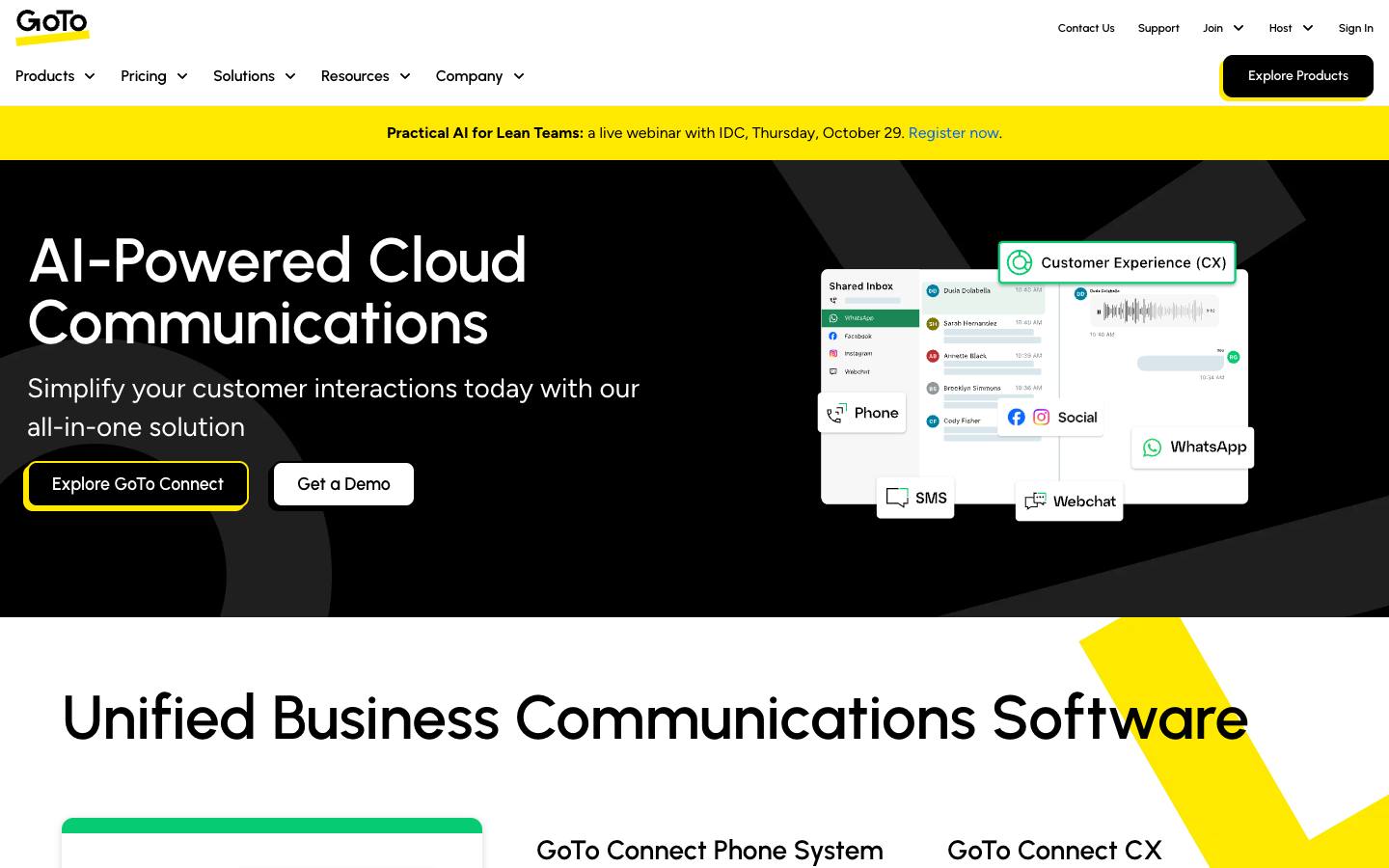
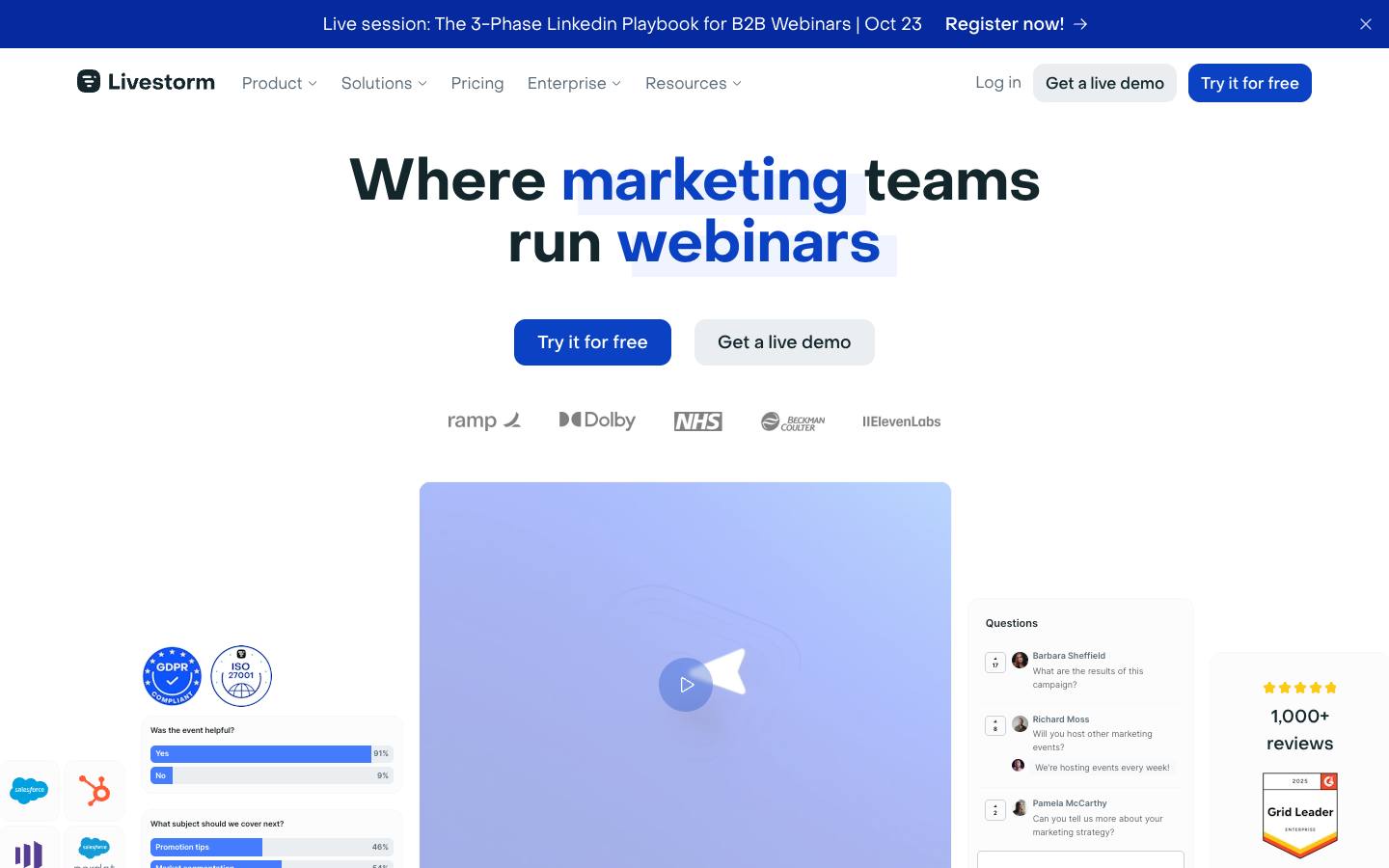
GoTo Webinar comes from GoTo (formerly LogMeIn) and says it powers over 2.8 million events a year, used for marketing webinars, trainings and lectures. Livestorm, which signed its first customer in 2016 and runs as a fully remote team, builds mainly for marketing teams and says it's EU-hosted and ISO 27001 certified, with a video hosting region option sold as an add-on.
Neither is an in-person event tool. If your program also includes conferences, field events or trade show booths, you'll need a separate registration and onsite platform alongside either one.
GoTo Webinar vs Livestorm pricing
Livestorm publishes a price and GoTo Webinar's dollar figures aren't readable on its public page, so a like-for-like comparison needs a quote from GoTo (checked October 2026). GoTo lists three plans: Reach (1 organizer seat, up to 500 participants, billed annually), Elevate (up to 1,000 participants, adding branded webinars, cloud recordings, breakout rooms and AI summaries and transcripts) and Complete (up to 3,000 participants plus live streaming to unlimited attendees, paid events and a GoTo Meeting license), with Complete sold through sales. GoTo offers a free trial.
Livestorm Pro costs €2.50 per unique attendee, bought as a yearly pack of credits, with unlimited events and team members, sessions up to 4 hours and up to 3,000 live attendees per event. One credit covers one person per session over 12 months, so a person who attends two sessions uses two credits, while team members and test sessions don't use any. Enterprise is custom-priced and adds 12-hour sessions, custom analytics and the Salesforce, Marketo, Pardot and Dynamics integrations.
In practice, Livestorm's model favors programs with modest, predictable attendance, and GoTo's seat-and-cap model favors teams running many sessions to the same large audience. Model both against last year's real registrant and attendee numbers before deciding.
Features that matter for B2B webinar programs
For pipeline-focused webinars, the biggest difference is which CRM connectors come with which plan. GoTo's product page lists connectors for HubSpot, Marketo and Salesforce Pardot (Account Engagement), and its pricing comparison places integrations on the Complete plan. Livestorm's pricing page shows HubSpot among the apps available on Pro, while Salesforce, Marketo, Pardot and Microsoft Dynamics are marked Enterprise only.
Livestorm's HubSpot integration pushes registrants as contacts, syncs live and replay attendance and engagement, and keeps HubSpot Marketing Events lists up to date, which helps with lead scoring and follow-up. GoTo Webinar's strengths are reach and format: practice mode for presenters, simulive sessions, paid events and certificates, and a webcast mode for large broadcasts on its top plan.
On AI, GoTo includes AI summaries and transcripts from Elevate up. Livestorm sells an AI Studio add-on that clips replays into short videos, and it offers live translations, restreaming to social channels and RTMP input as paid add-ons.
Which should you choose?
Choose GoTo Webinar if you run frequent webinars for large or variable audiences, want a webcast option that streams to unlimited viewers, or already use GoTo Meeting. It's also a natural fit for training and certification programs thanks to paid events and certificates on Complete.
Choose Livestorm if you're a marketing team that wants attendees and speakers to join in the browser, values an EU-hosted vendor with ISO 27001, and wants spend to follow actual attendance. Budget for Enterprise if Salesforce or Marketo sync is a requirement, since those connectors aren't on Pro.