 vs

FlySlide vs StreamAlive
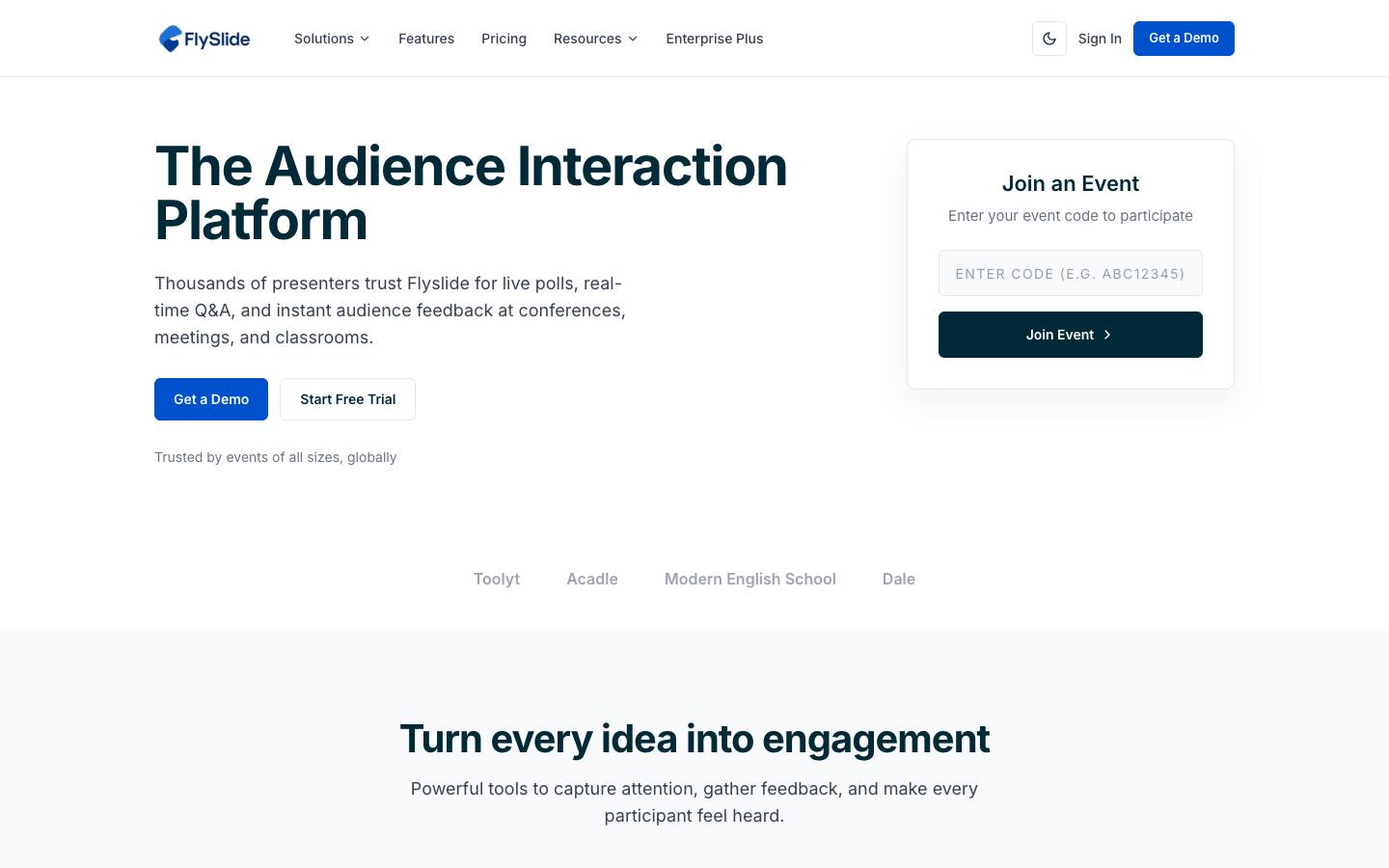
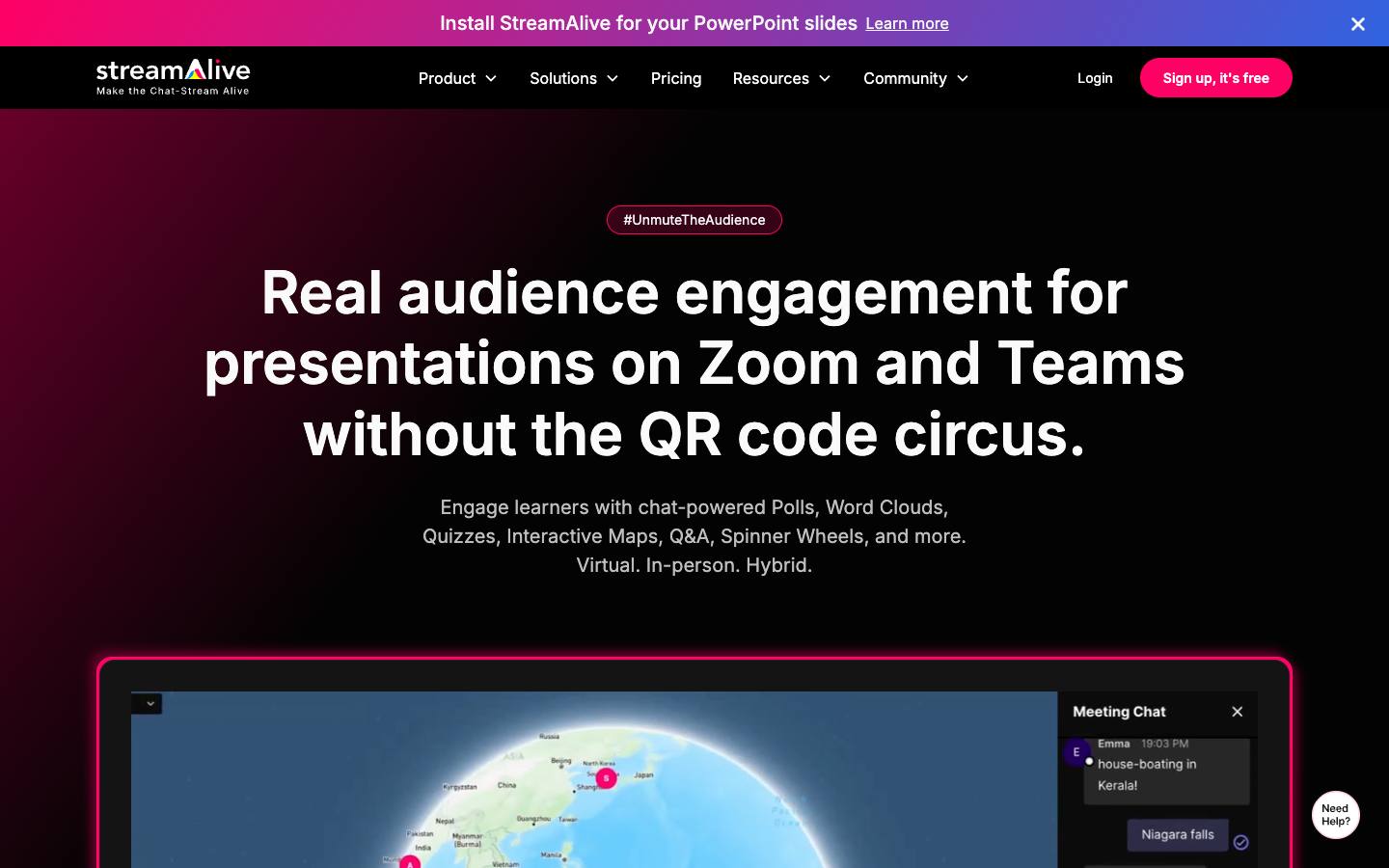
Both are in our Audience engagement & gamification category. FlySlide is best for speakers and session hosts who need inexpensive polling and Q&A; StreamAlive is best for webinar and livestream hosts who want visual engagement without sending attendees to a second screen.
Built from each vendor's own website and our research profiles. How we research
Quick verdict
Choose FlySlide if:
- Its best fit describes you: speakers and session hosts who need inexpensive polling and Q&A.
- You'd like a per-event pricing option.
- Your security review asks for a publicly documented SOC 2 Type II report.
- This matters to you: Very low entry price with a usable free tier.
Choose StreamAlive if:
- Its best fit describes you: webinar and livestream hosts who want visual engagement without sending attendees to a second screen.
- You need a tool that lists Enterprise in its company size fit (FlySlide lists SMB and Mid-market).
- This matters to you: No second screen: interaction happens in the chat attendees already use.
Based only on what each vendor publishes. Ask both for a demo with your own event scenario before you decide.
Side by side
“Not published” means we couldn't find it on the vendor's own pages.
FeatureFlySlideStreamAlive
FlySlideStreamAliveOverview
CategoryAudience engagement & gamificationAudience engagement & gamification
Company size fitSMB, Mid-marketSMB, Mid-market, Enterprise
Event formatsIn-person, Virtual, Hybrid, WebinarIn-person, Virtual, Hybrid, Webinar
Capterra rating––
Product updates0 in the last 90 daysNot published
ReliabilityNot publishedNot published
Pricing
Starting price$100/year (Essential) source$20/mo billed annually (Starter); $50 month-to-month source
Pricing modelFreemiumFreemium
Free planYesYes
Free trialNoYes, 2 weeks (Pro, activated on request in-app)
Per-event pricingAvailable–
Integrations
CRM & marketing automationNone listedNone listed
Integrations listed414
Security & ITWhat each vendor documents on its own public pages. "Not found" means we couldn't find it; many vendors share documents on request.
SOC 2 Type INot foundNot found
CCPA / CPRANot foundNot found
PCI DSSNot foundNot found
EU data hostingNot foundNot found
HIPAANot foundNot found
SAML single sign-onNot foundNot found
Accessibility report (VPAT/ACR)Not foundNot found
Accessibility statementNot foundNot found
Public status pageNot foundNot found
Buying details
ImplementationSelf-serve; participants join by code with no app or loginself-serve; attendees type in the meeting chat, no QR code or second screen
SupportNot publishedCommunity support on Free, chat on Starter, priority chat and email on Pro, guided onboarding on Scale
ContractAnnual subscription, or pay per event with the One Event planMonth-to-month or annual
Mobile appsNot publishedNot published
Company
Founded–2021
HeadquartersBangalore, IndiaBasking Ridge, NJ, US
Employees–11-50
OwnershipOperated by Vahmine Technologies Pvt LtdIndependent, venture-backed
Strengths and considerations
FlySlide
What stands out
- Very low entry price with a usable free tier
- AI grouping of duplicate questions for large sessions
Worth checking
- Zoom, Microsoft Teams, Slack and Webex integrations are marked as coming soon
- Security claims on the site are inconsistent; ask for evidence of any SOC 2 report
- No named customers on the site
StreamAlive
What stands out
- No second screen: interaction happens in the chat attendees already use
- Works across both meeting tools and public livestream platforms
- Low, published self-serve pricing with a free tier
Worth checking
- Engagement layer only; it doesn't handle registration, hosting or lead capture
- Chat-dependent model is less natural for large in-person audiences
- Refund terms on the pricing page are inconsistent; confirm before buying annual plans
Notable customers
Organizations each vendor names on its own website: customer stories first, then testimonials and logos.
FlySlide
None found on its website.
FlySlide vs StreamAlive: FAQ
Is FlySlide cheaper than StreamAlive?
FlySlide lists pricing from $100/year (Essential), on a freemium model. StreamAlive lists pricing from $20/mo billed annually (Starter); $50 month-to-month, on a freemium model. The pricing models and what's included differ, so compare quotes for your own event volume and add-ons rather than list prices alone. Both have a free plan.
Which integrates with Salesforce, FlySlide or StreamAlive?
Neither lists a Salesforce or HubSpot integration. FlySlide lists 4 integrations and StreamAlive lists 14 on their websites.
Which has SOC 2 Type II, FlySlide or StreamAlive?
FlySlide publicly documents a SOC 2 Type II report, and we didn't find a SOC 2 Type II report on StreamAlive's public pages (checked 2026-10-18). Vendors often share security reports under NDA, so ask both directly.
What's the difference between FlySlide and StreamAlive?
Both are in our Audience engagement & gamification category. FlySlide is best for speakers and session hosts who need inexpensive polling and Q&A. StreamAlive is best for webinar and livestream hosts who want visual engagement without sending attendees to a second screen.