Best Q&A Apps for Events and Conferences in 2027: The Buyer's Shortlist
By EventMarketingSoftware.com · Published October 18, 2026 · 9 tools compared
Pigeonhole Live is the strongest live Q&A pick for most B2B conferences: it moderates questions across multi-track programs, takes anonymous questions with upvoting and plugs into Swoogo, Splash and RainFocus. Mentimeter and Poll Everywhere suit presenters who want Q&A inside their slides, MeetingPulse sells a Q&A-only plan for town halls, and DialogLoop prices per event with a choice of data location.
Our top picks
- 1
 Pigeonhole LiveBest for multi-track conferences that need moderated Q&A in many sessions at onceFrom $13/month
- 2
 MentimeterBest for presenters who want Q&A built into their slides alongside polls and quizzesFrom $11.99/user
- 3
 Poll EverywhereBest for presenters who work in PowerPoint, Google Slides or Canva and want Q&A next to pollingFrom $10/month
Key takeaways
- Moderation, not upvoting, is what separates Q&A tools. Look for a review queue, merging of duplicates and a separate speaker view, and check which plan includes them: AhaSlides puts Q&A moderation on Pro, and AskVote leaves it off its free tier.
- Free plans cover small sessions only. Pigeonhole Live allows 100 participants, Mentimeter, AhaSlides and FlySlide 50, Poll Everywhere 40 and MeetingPulse 25, based on pricing pages checked in October 2026.
- Multi-track conferences need a separate queue per session under one event. Pigeonhole Live's Standard plan does this for up to 2,000 participants at $1,800 a year billed annually, while per-presenter tools need a seat for every speaker who runs their own Q&A.
- Pay-per-event pricing is now common in this category. AskVote charges $49 per event for up to 1,000 participants, DialogLoop prices each event by modules and audience size, and MeetingPulse sells a Q&A-only plan at $897 a year.
- Few Q&A apps send questions to a CRM directly. Pigeonhole Live has an API on Enterprise, FlySlide added a REST API and webhooks in 2026, and MeetingPulse and PresEngage connect through Zapier, so most teams work from exports.
Free tool: Post-event survey builder and NPS calculator. Pick proven questions for attendees, sponsors and exhibitors, export them to your survey tool, then calculate NPS from the responses.
Side-by-side comparison
The same criteria for every pick: moderation controls, anonymity options, published price and audience cap, multi-session support, integrations and data out, security and data location. A dash means the vendor doesn't publish it.
| Tool | Starting price | Free plan / trial | CRM | Capterra | App Store | Security |
|---|---|---|---|---|---|---|
| Pigeonhole Live | From $13/month | Free plan | – | – | – | SAML SSO |
| Mentimeter | From $11.99/user | Free plan | – | – | – | ISO 27001, SAML SSO |
| Poll Everywhere | From $10/month | Free plan | – | – | ★ 4.8 (3,007) | SOC 2 Type II, ISO 27001, SAML SSO, DPA |
| MeetingPulse | From $479/event | Free plan, Free trial | – | – | – | SAML SSO, DPA |
| DialogLoop | Quote only | Free trial | – | – | – | – |
| AhaSlides | From €5.95/month | Free plan | – | – | – | SAML SSO, DPA |
| FlySlide | From $100/year | Free plan | – | – | – | SOC 2 Type II, ISO 27001, DPA |
| AskVote | From $49/event | Free plan | – | – | – | – |
| PresEngage | From $29/month | Free plan, Free trial | Salesforce | – | – | – |
A Q&A app replaces the roaming microphone. Attendees open a link or scan a QR code, type a question from their phone, and vote up the ones they want answered. A moderator screens, merges and orders the queue, and the speaker or host reads from a clean list on a confidence monitor or the main screen. Remote viewers can ask in the same queue, so it works the same way for a keynote, a panel, an all-hands or a webinar.
This guide compares nine tools that do this job well, from free plans for a single talk to plans built for many concurrent sessions. Most of them also run live polls, but here we judge them on the Q&A workflow: how questions come in, how anonymity works, how moderation and displays are handled, and how pricing scales with audience size. Slido (part of Cisco's Webex), Vevox (acquired by Wooclap in September 2026) and Wisembly (acquired by Mediactive Group) are listed under also worth considering after their ownership changes. Every detail below comes from the vendors' own pages and our product profiles, checked in October 2026.
Who this guide is for. This guide is for event marketers, conference producers, internal communications teams and webinar owners who run sessions where the audience asks the questions: keynotes, panels, fireside chats, all-hands and town halls, customer advisory sessions and product launches. It's also for the person who ends up moderating on the day and needs to know what the backstage view looks like. If you want polls, quizzes and word clouds first and Q&A second, read our live polling guide instead, since several tools here are stronger at one job than the other.
Not sure which one fits your team?
Answer a few questions about your events, team and CRM and get a free shortlist of tools that fit, with pricing and security details side by side.
Get a free shortlistThe best Q&A apps for events in 2027
Here are nine Q&A apps worth shortlisting in 2027, ordered by fit for running moderated audience questions at B2B events. The first four cover most conferences and town halls, the next three suit tighter budgets or data-location needs, and the last two are newer, narrower tools. For each, check where moderation sits in the plan tiers, how anonymity works and how many people one session can hold.
1. Pigeonhole Live, best for multi-track conferences that need moderated Q&A in many sessions at once
- Price
- From $13/month
- Try it
- Free plan
- Languages
- 54 interface languages
- Security
- SAML SSO
- Customers include
- Adobe, Deloitte, Lenovo
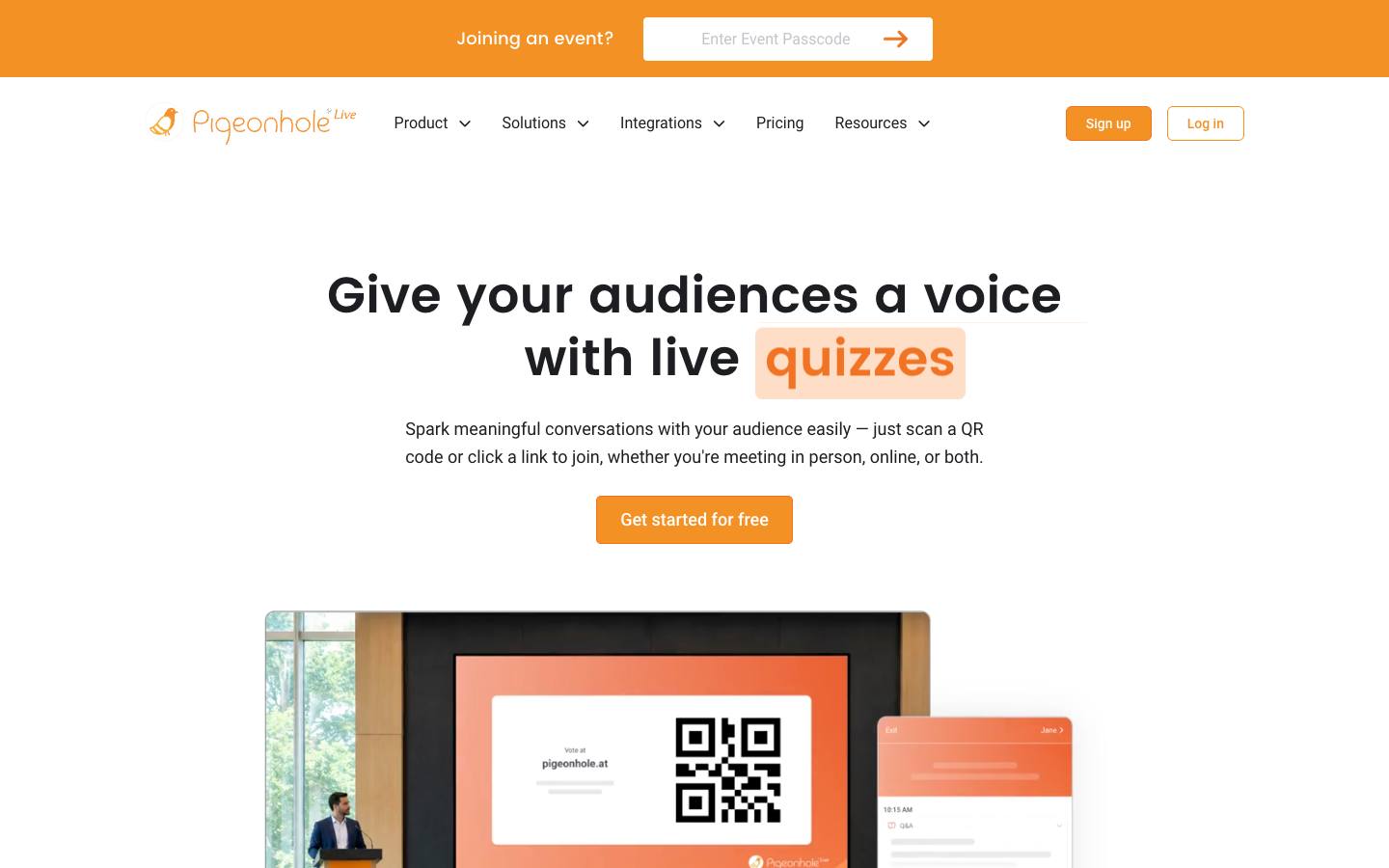
Pigeonhole Live is a Singapore-based audience interaction platform built around moderated Q&A, with polls, surveys, quizzes, chat and reactions alongside it. Its event format handles multi-track, multi-day programmes with an agenda, registration and branding, so each session gets its own Q&A under one event. It integrates with event platforms such as Swoogo, Splash, Kaltura and RainFocus.
More on Pigeonhole LiveLess on Pigeonhole Live
Founded: 2010 · HQ: Singapore · Team: 11-50 people · Formats: In-person, Virtual, Hybrid, Webinar
Pigeonhole Live has been built around audience questions since its launch in Singapore in 2010, and moderation is the center of the product: questions can be held for review, approved, starred and shown on screen or in the session, with upvoting so the room sets the order. Participants join by QR code or link, and the interface is available in 54 languages, which helps at international conferences.
Its pricing page, checked October 2026, lists a free Starter plan for 100 participants, Presenter at $13 a month billed annually ($156 a year) for 250 participants and single presentations, and Standard at $150 a month billed annually ($1,800 a year) for up to 2,000 participants with three users and the multi-track event format. Enterprise is quoted for events above that size and adds SSO, SCIM and API access. Named customers include Unilever, Deloitte, Singapore Airlines and Adobe. Support tickets on paid plans are answered within 72 hours, or 24 hours on higher tiers.
- Embeds into Zoom, Microsoft Teams, Webex, PowerPoint, Google Slides and event platforms, with an optional AI translation add-on
What stands out
- Event format with multi-track support, an attendee-facing agenda, access controls and sponsor logo branding
- Free Starter plan for 100 participants; Presenter is $13 a month billed yearly ($156) for 250 participants, published on its pricing page, checked October 2026
- Standard is $150 a month billed yearly ($1,800) for up to 2,000 participants, with Enterprise covering larger events, SSO and API access
Worth checking
- The multi-track event format starts at the Standard plan; Presenter covers single-session presentations
- Monthly billing costs far more than the yearly rate shown, so check which one your quote uses
Best suited for. Pigeonhole Live fits conference producers who need a moderated queue in every room of a multi-track program, linked to the event platform. For a single all-hands, a per-presenter tool such as Mentimeter or Poll Everywhere costs less.
2. Mentimeter, best for presenters who want Q&A built into their slides alongside polls and quizzes
- Price
- From $11.99/user
- Try it
- Free plan
- Languages
- English, Portuguese (Brazil), Spanish, German
- Security
- ISO 27001, SAML SSO
- Customers include
- Deloitte, NHS, Siemens Healthineers
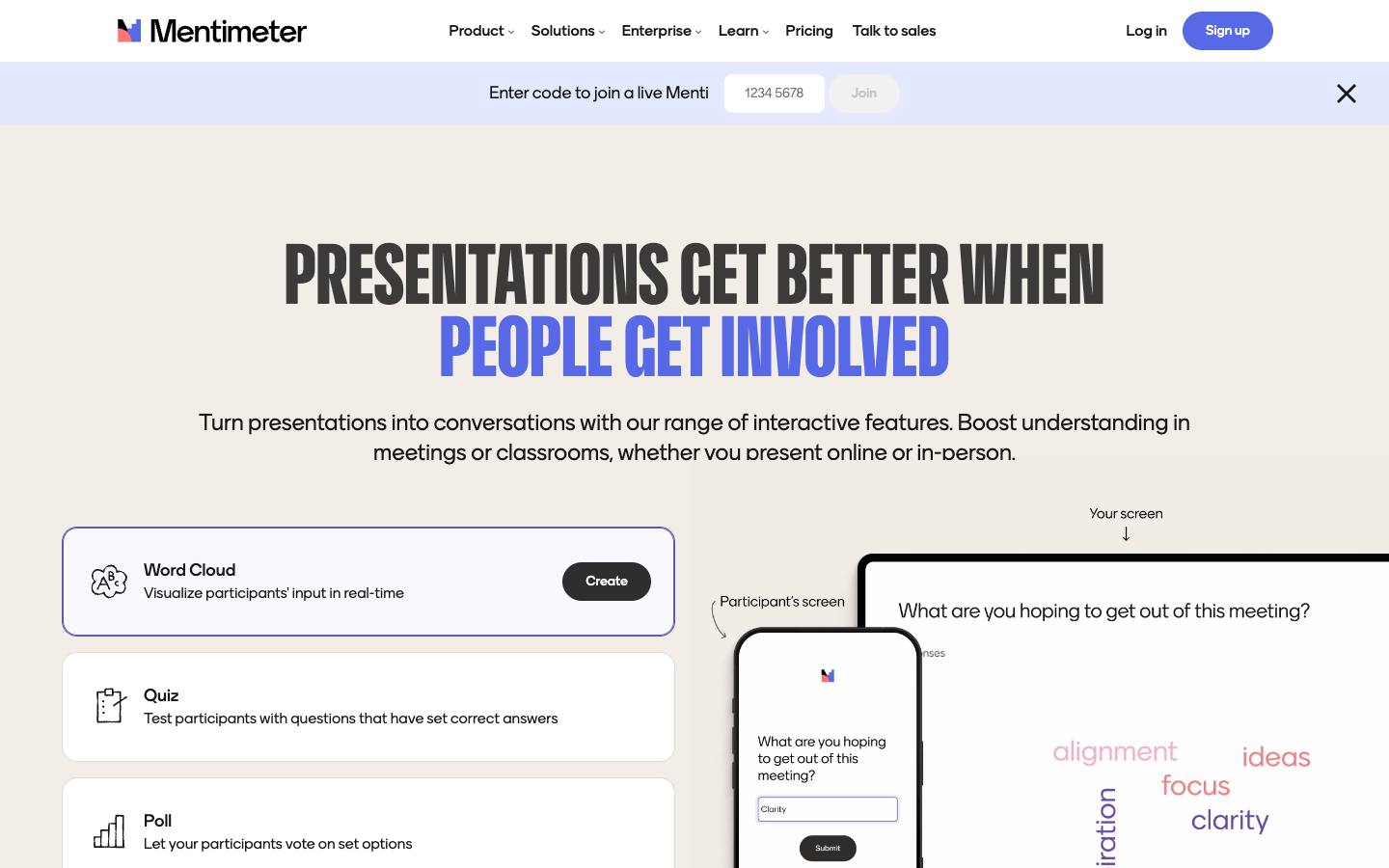
Mentimeter is a Stockholm-based interactive presentation tool. You add a Q&A slide to a deck, the audience joins with a six-digit code, and questions arrive anonymously by default with upvoting so the top ones float up. Presenters can highlight, prioritize or dismiss questions, including from a phone during the talk.
More on MentimeterLess on Mentimeter
Founded: 2014 · HQ: Stockholm, Sweden · Team: 201-500 people · Formats: In-person, Virtual, Hybrid, Webinar
The Q&A slide works on every plan, including the free plan, which is capped at 50 participants a month. Basic costs €14 per presenter a month and Pro €28 per presenter a month, both billed yearly with unlimited participants, according to its pricing page checked October 2026. Q&A moderation sits on the paid plans, and Pro adds custom branding and phone remote control, so a presenter can manage the queue from a handheld device. For one-off events, a conference package unlocks the paid features for 30 days, listed from €350 on its pricing page.
Founded in Stockholm in 2014, Mentimeter has 201 to 500 employees and hosts customer data in the EU by default, which helps with employee town halls in Europe. Its security page lists ISO 27001, and SSO and SCIM are on Enterprise. Named customers include Bosch, Siemens and the NHS. It integrates with PowerPoint, Teams, Zoom and Google Slides, but question exports leave as Excel or PDF files rather than flowing to a CRM.
- A one-off conference package for events, listed from €350 for one month on its pricing page (checked October 2026)
What stands out
- Questions are anonymous by default, and hosts can switch anonymity off when names matter
- Live Q&A is included on the free plan for up to 50 participants a month
- Imports PowerPoint, Keynote or PDF slides so Q&A sits in the same deck as the talk
Worth checking
- Plans are sold per presenter and the free plan's limit is per month, so multi-speaker events need planning
- SSO, participant verification and SCIM are Enterprise-only
Best suited for. Mentimeter fits presenters and European internal comms teams who want anonymous Q&A in the same deck as their polls, with unlimited participants on paid plans. Choose an event-scale tool instead if one account has to cover many parallel sessions and speakers.
3. Poll Everywhere, best for presenters who work in PowerPoint, Google Slides or Canva and want Q&A next to polling
- Price
- From $10/month
- Try it
- Free plan
- App Store
- 4.8/5 from 3,007 ratings
- Languages
- English
- Security
- SOC 2 Type II, ISO 27001, SAML SSO, DPA
- Customers include
- Aetna, UCLA Anderson School of Management, Universidad Pedagógica y Tecnológica de Colombia
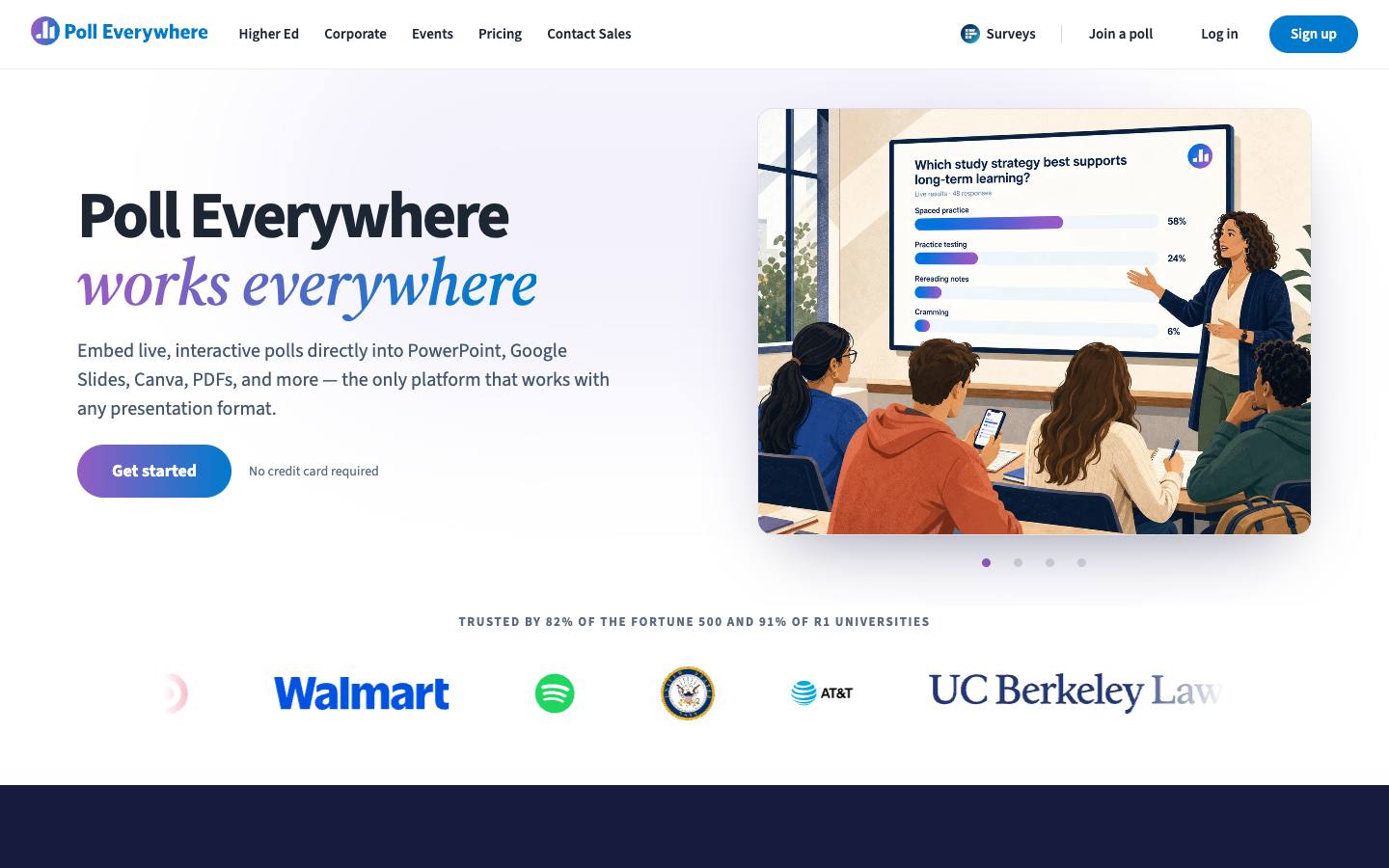
Poll Everywhere is one of the longest-running audience response tools. Participants respond from their own devices, and its Q&A activity lets them submit questions and upvote others during a session. It runs inside PowerPoint, Google Slides and Canva and holds a broad set of security and accessibility certifications.
More on Poll EverywhereLess on Poll Everywhere
Founded: 2008 · HQ: San Francisco, CA · Team: 51-200 people · Formats: In-person, Virtual, Hybrid, Webinar
Founded in San Francisco in 2008, Poll Everywhere has 51 to 200 employees, and its participant app holds a 4.75 rating from 3,007 App Store reviews. The free Intro plan allows an audience of 40. Present is $10 a month billed annually for one seat and audiences of up to 700, Engage is $49 a month with reporting and attendance management, and Teams is $84 a month with custom branding and phone support, all published on its plans page, checked October 2026. Enterprise is quoted and adds custom audience sizes, shared polls and SAML single sign-on.
Its security file is the broadest among the Q&A picks: SOC 2 Type 2, ISO/IEC 27001, 27701 and 42001, a HIPAA BAA on request and published VPAT reports, which shortens reviews for employee town halls. Data is stored in the United States only. Named customers include Google, Walmart and Spotify. Our sources describe question submission and upvoting but not detailed moderation controls, so test the moderator view in a trial before a high-stakes session.
- Engage adds attendance management and archived results; Teams adds custom branding
What stands out
- Q&A with audience upvoting, alongside polls, competitions and session ratings
- Free Intro plan for audiences of up to 40
- Present is $10 a month billed annually, Engage $49 and Teams $84 a month billed annually, published on its plans page, checked October 2026
Worth checking
- Self-serve plans cap the audience at 700, so large keynotes need an Enterprise quote
- Our sources describe submission and upvoting but don't detail Q&A moderation controls, so test them in a trial
Best suited for. Poll Everywhere fits regulated companies and enterprise comms teams whose security review is the hardest hurdle and whose speakers work in PowerPoint, Google Slides or Canva. Look elsewhere if you need more than 700 people in one session without an Enterprise contract.

4. MeetingPulse, best for town halls, sales kickoffs and member meetings that want a Q&A-only annual plan
- Price
- From $479/event
- Try it
- Free plan, Free trial
- Languages
- English
- Security
- SAML SSO, DPA
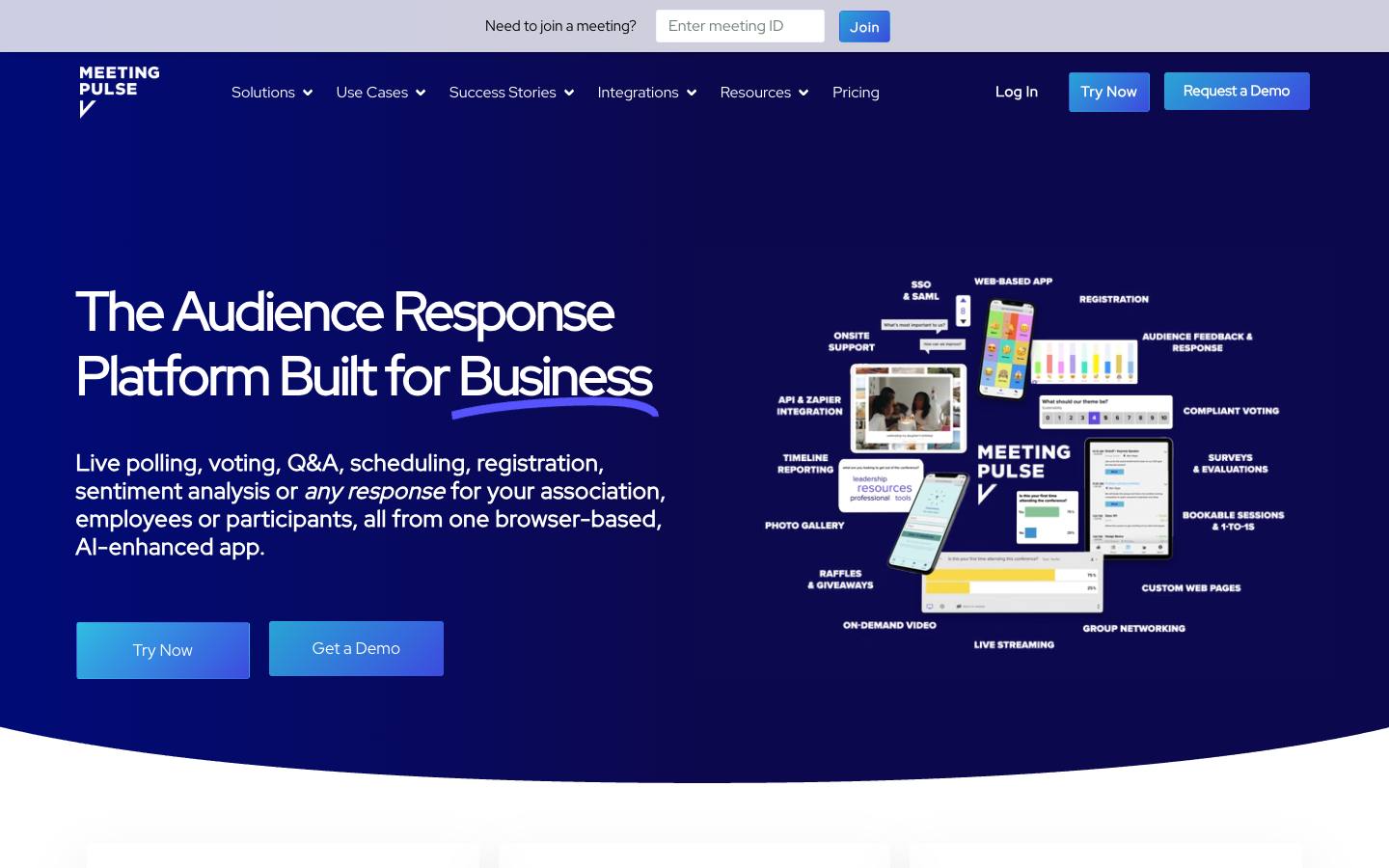
MeetingPulse is a browser-based audience engagement tool for polls, Q&A, surveys, voting and sentiment tracking. Its Q&A supports multi-topic, panel or single-stream formats with moderation and upvoting, and you can collect names and emails or run it anonymously. It's sold as annual packages, including one for Q&A on its own.
More on MeetingPulseLess on MeetingPulse
Founded: 2016 · HQ: San Francisco, USA · Formats: In-person, Virtual, Hybrid, Webinar
The Q&A Only package costs $897 a year for 200 attendees, two moderators and unlimited sessions, and the Essential full platform is $3,708 a year for 250 attendees per meeting, both published on its pricing page, checked October 2026. A free tier covers 25 attendees with every module to try, and there's a 14-day trial. Extra attendee packs, SSO, white-labelling and translation are add-ons, and extra moderators or onsite staffing are quoted separately.
Founded in San Francisco in 2016, MeetingPulse adds AI summaries of Q&A sessions, live sentiment tracking and emoji reactions alongside questions. Templates cover multi-speaker sessions, panels and all-hands. It works with PowerPoint, Google Slides, Teams and Zoom, is listed in the Cvent Marketplace and connects to other tools through Zapier, with a JavaScript API on Enterprise. Its status page has logged no incidents since June 2025, and its trust center links a downloadable data processing agreement. Live chat and weekly live office hours are available on every plan.
- Listed in the Cvent Marketplace and works with Zoom, Microsoft Teams, PowerPoint and Zapier
What stands out
- Q&A Only package at $897 a year with 200 attendees, two moderators and unlimited sessions, published on its pricing page, checked October 2026
- Templates for multi-speaker Q&A with moderation, panels and all-hands
- Essential full platform at $3,708 a year for 250 attendees per meeting, and a free tier for 25 attendees
Worth checking
- Packages are capped by attendees, with extra participants added at checkout
- Extra moderators and onsite or remote staffing are quoted separately
Best suited for. MeetingPulse fits companies and associations that run regular town halls or member meetings and only need Q&A, on a predictable annual price. Choose Pigeonhole Live if you need separate queues across a large multi-track conference.

5. DialogLoop, best for organizers who want per-event pricing and control over where audience data is stored
- Price
- Quote only
- Try it
- Free trial
- Languages
- 10 languages
- Customers include
- Alberta Health Services, Roche, Royal Bank of Canada
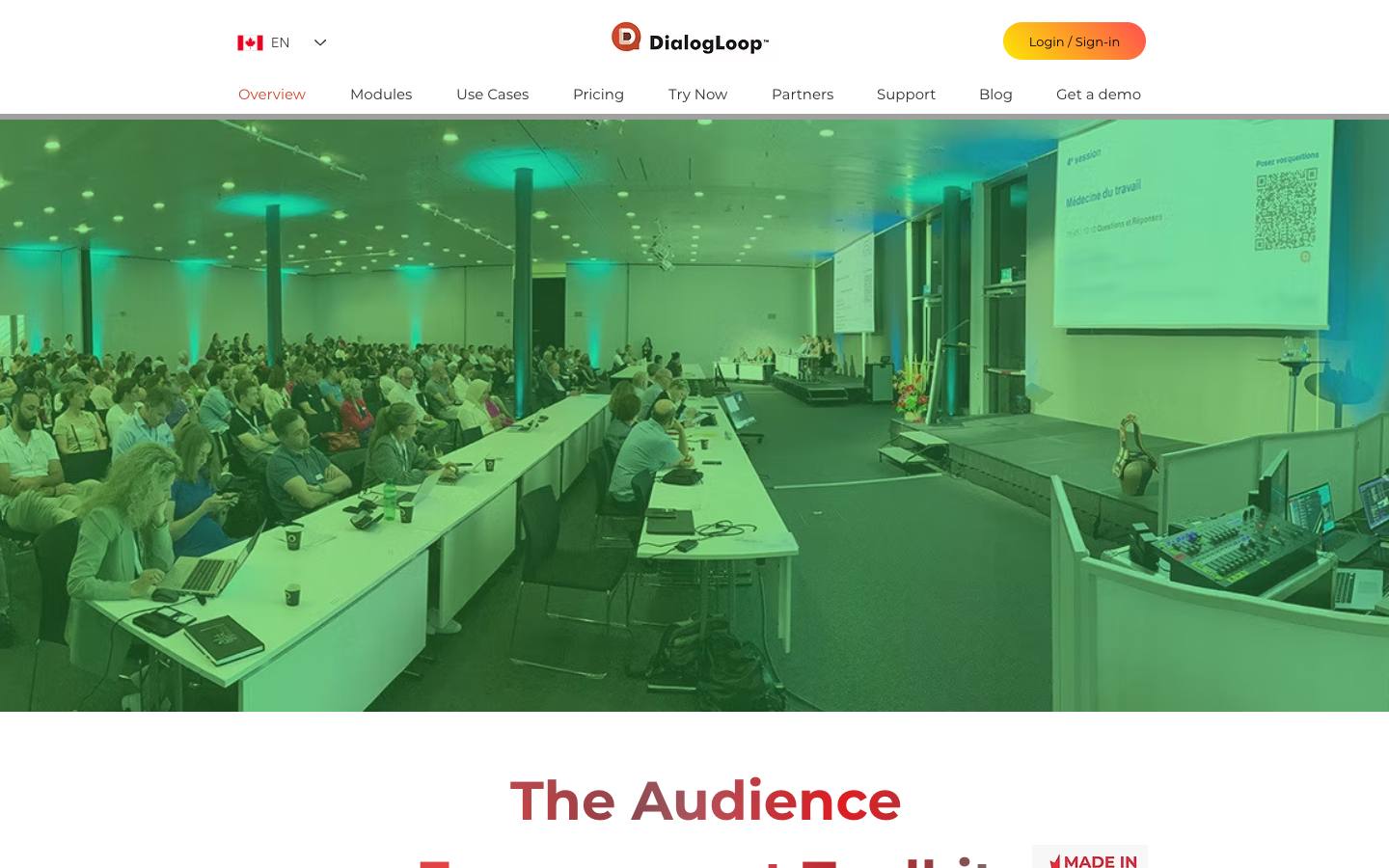
DialogLoop is a Calgary-built audience engagement tool for conferences, town halls, AGMs and webinars. Attendees join in a browser to ask questions, vote and answer surveys, and hosts run moderated question queues across several sessions or topics. You buy only the modules you need for each event.
More on DialogLoopLess on DialogLoop
Founded: 2017 · HQ: Calgary, Canada · Formats: In-person, Virtual, Hybrid, Webinar
Founded in Calgary in 2017, DialogLoop is aimed at conferences, town halls, AGMs, webinars and internal meetings. Pricing is modular with no subscription: you pick the modules you need (live Q&A, polls, quizzes, surveys, landing page and branding), the event length, team seats and audience size, and the price appears once the event is configured. Every feature can be tried free with up to 10 attendees.
Two details set it apart for privacy-sensitive organizations. Organizers choose where each event's data is stored, in the US, Canada or France, and an on-premise server option is in beta. An attendee whitelist limits who can take part, and a multilingual profanity filter screens questions. The participant interface runs in ten languages, including French, German, Japanese and Mandarin Chinese. Named customers include Alberta Health Services, Royal Bank of Canada, Roche and Toastmasters. The only integration is a free Microsoft Office add-in that shows questions inside PowerPoint, Excel and OneNote, and there's no API, Zapier or CRM listing.
- All features can be trialled free for up to 10 attendees
What stands out
- Moderated Q&A queues that can be split across multiple sessions or topics
- Attendee whitelist and a choice of data storage location, with an on-premise server option in beta
- No subscription: price depends on modules, event length, team seats and audience size
Worth checking
- Prices come from an online quote tool rather than a list price
- Integrations are limited to Microsoft PowerPoint, Excel and OneNote
Best suited for. DialogLoop fits healthcare, finance and public-sector teams that need to control where audience data lives and want to pay per event. Pick a tool with more integrations if Q&A has to run inside Teams, Zoom or your event platform.

6. AhaSlides, best for trainers and small teams that want low-cost Q&A inside an interactive deck
From €5.95/month
- Price
- From €5.95/month
- Try it
- Free plan
- Languages
- 6 languages
- Security
- SAML SSO, DPA
- Customers include
- Abu Dhabi University, Ferrero, Church of England
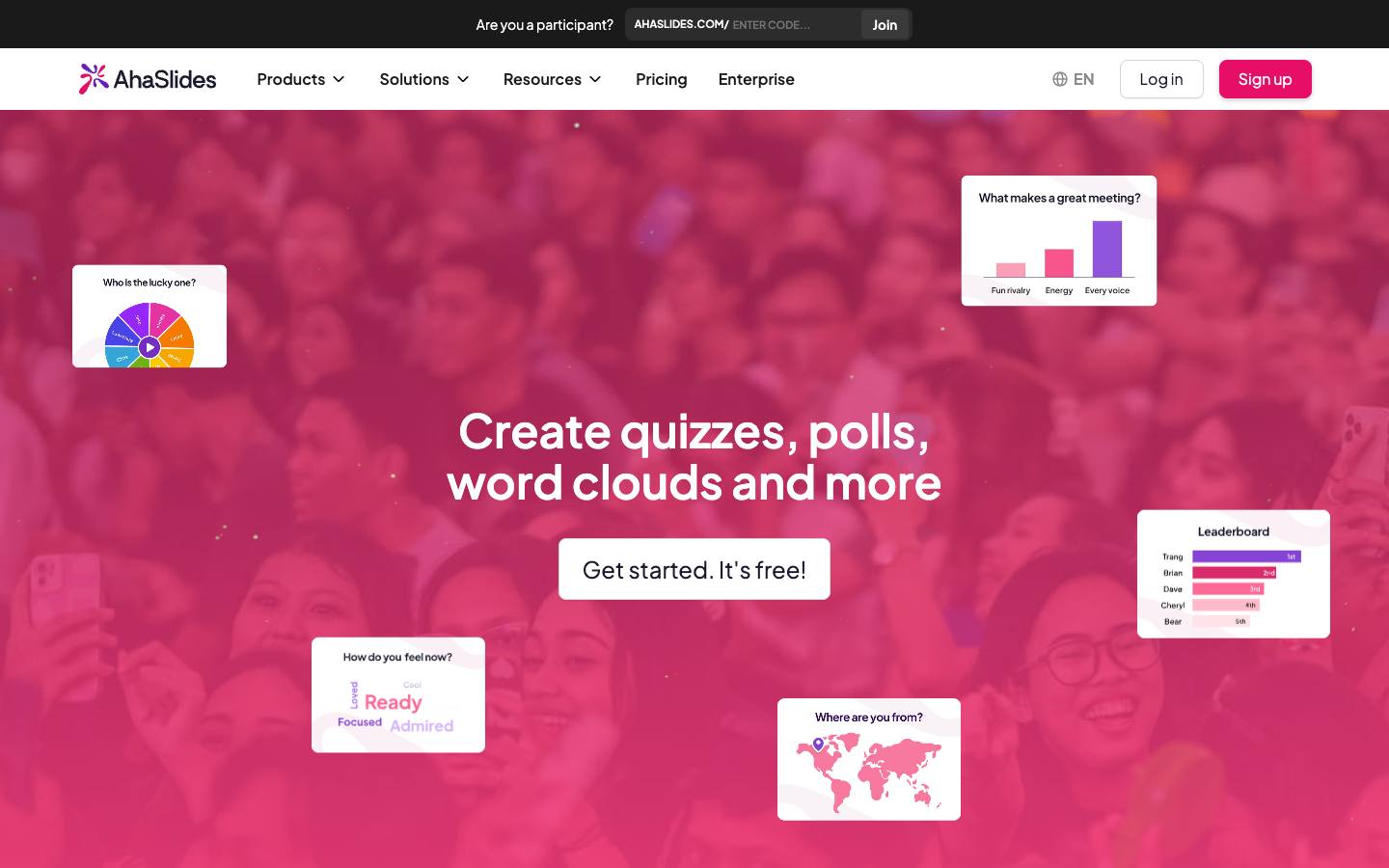
AhaSlides is a Singapore-based interactive presentation tool that adds Q&A, polls, quizzes and word clouds to slides, joined from attendees' phones. Presenters can moderate submitted questions during the session. It works standalone or inside PowerPoint, Google Slides, Microsoft Teams and Zoom.
More on AhaSlidesLess on AhaSlides
Founded: 2019 · HQ: Singapore · Team: 51-200 people · Formats: In-person, Virtual, Hybrid, Webinar
Founded in Singapore in 2019, AhaSlides has 51 to 200 employees, and its interface comes in nine languages. Its pricing page lists a free plan for up to 50 participants, Essential for up to 100 and Pro for up to 2,500. Prices show in local currency and changed between our visits in October 2026, with Essential from €5.95 to €7.95 and Pro from €11.95 to €17.95 a month billed yearly, so confirm the price at checkout. Q&A moderation, custom branding and priority support sit on Pro, so budget for that tier if questions need screening before they appear. Enterprise is quoted, covers up to 100,000 participants and adds SSO and SCIM.
Q&A runs alongside polls, quizzes, word clouds and spinner wheels in the same deck, which suits trainers and team leads who mix formats in one session. It works inside PowerPoint, Google Slides, Teams and Zoom, and offers an MCP server for AI assistants, but no CRM connector. Named users include Bosch, Microsoft and Harvard University. Data is hosted on AWS in Virginia and Frankfurt, and its subprocessor list is public.
- Add-ins for PowerPoint and Google Slides, plus apps for Teams and Zoom
What stands out
- Q&A with moderation alongside polls, quizzes and spinner wheels
- Free plan for up to 50 participants
- Essential for 100 participants from €5.95 and Pro for 2,500 from €11.95 a month billed yearly, though prices shown changed between our visits in October 2026
Worth checking
- It's built mainly for education and training rather than large conferences
- Participants beyond your plan's limit can't join, so size the plan before the event
Best suited for. AhaSlides fits trainers and small teams that want moderated Q&A plus quizzes for large groups at a low yearly price. Choose a conference-focused tool if you need multi-session queues or product-level security certifications.

7. FlySlide, best for small event teams that want upvoted, moderated Q&A at a low monthly price
From $100/year
- Price
- From $100/year
- Try it
- Free plan
- Languages
- 10 languages
- Security
- SOC 2 Type II, ISO 27001, DPA
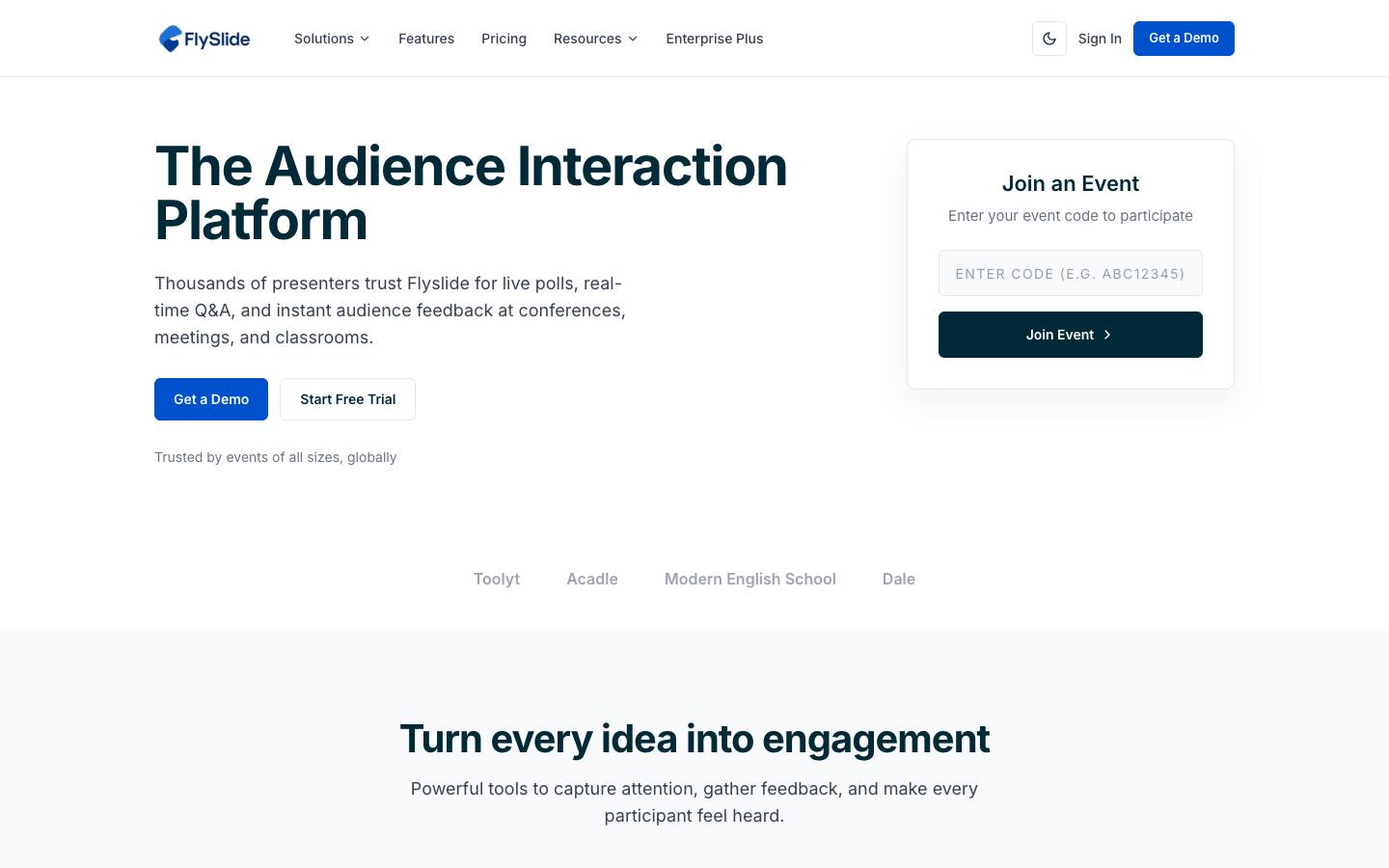
FlySlide is a web-based audience engagement tool for live Q&A, polls, quizzes and interactive presentations. Participants join by link to submit and upvote questions, which hosts moderate, and AI groups similar questions so duplicates don't crowd the queue. Results can be shown inside PowerPoint, Keynote or Google Slides.
More on FlySlideLess on FlySlide
HQ: Bangalore, India · Formats: In-person, Virtual, Hybrid, Webinar
Yearly prices on its pricing page, checked October 2026, are a free Starter plan for one organizer, 50 participants and two events a month, Essential at $100 a year for 300 participants per event with unlimited events and moderated Q&A, Advanced at $300 a year for 1,000 participants, and Enterprise at $990 a year for two organizers and 5,000 participants per event. A pay-per-event option is also listed. That makes it one of the cheapest ways to run moderated, upvoted Q&A across many sessions in a year.
FlySlide is operated by Vahmine Technologies in Bangalore and shipped versions 1.0 to 1.8 between August 2025 and May 2026. Version 1.7 added a public REST API and signed webhooks, so question data can be pushed to other tools. The participant view comes in ten languages. Zoom, Teams, Slack and Webex integrations were still marked coming soon at our last check, and its privacy policy says it's SOC 2 Type II and ISO 27001 certified but names no auditor or report, and the site has no security page, so request evidence before a security review.
- Webhooks, CSV export and a multi-language participant view on paid plans
What stands out
- AI clustering of similar audience questions
- Free Starter plan for 50 attendees per event and two events a month
- Essential at $100 a year, Advanced at $300 a year and Enterprise at $990 a year, published on its pricing page, checked October 2026
Worth checking
- We found no named enterprise customers in our data, so ask for references at your scale
Best suited for. FlySlide fits meetup organizers, user groups and small conference teams that run many sessions a year and want moderated Q&A for about $100. Pick an established vendor if you need verified security documents or native meeting-tool apps.

8. AskVote, best for one-off events and meetups that want to pay per event instead of per year
From $49/event
- Price
- From $49/event
- Try it
- Free plan
- Languages
- English
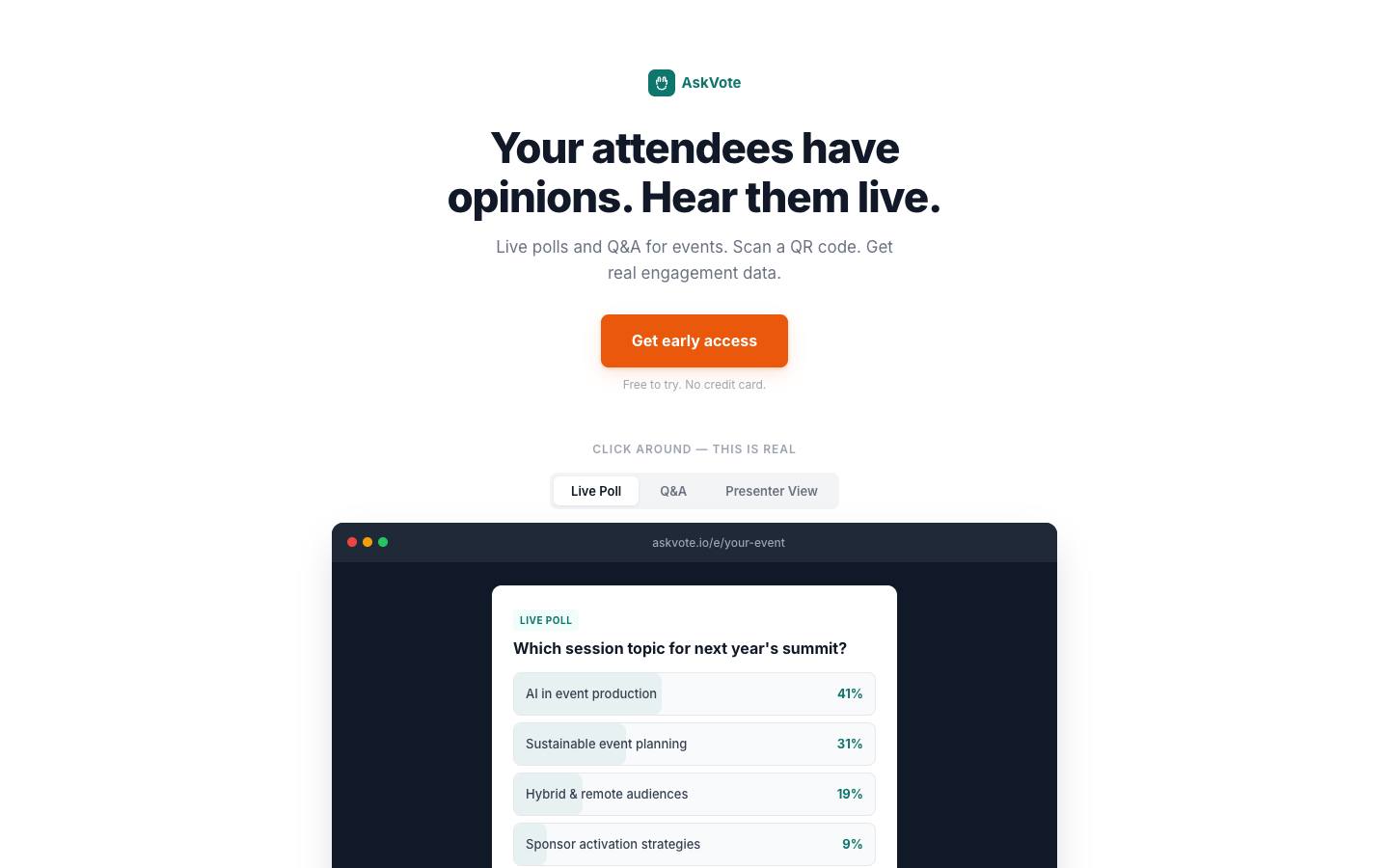
AskVote is a lightweight tool for live polls and Q&A. Attendees scan a QR code and submit or upvote questions from their phone with no app, presenters see a live dashboard, and organizers export the engagement data afterwards, which the vendor positions as proof for sponsors.
More on AskVoteLess on AskVote
Formats: In-person
Pricing on its site, checked October 2026, is simple: a free tier per event for 50 participants and three polls with Q&A upvoting and live results, Pro at $49 per event for up to 1,000 participants with unlimited polls and Q&A, moderation, branding and full analytics export, and a Custom plan at unpublished prices that adds white-labelling, API and CRM integration and priority support. There's no subscription, so you pay only for the events where you use it.
AskVote says an event takes about two minutes to set up, and it frames the exported engagement data as proof for sponsors. It's built for in-person conferences, meetups and field marketing events, with an English interface. The company publishes no named customers, founding details or security information, and its site still collects early-access sign-ups, so treat it as an early product. The systems behind its Custom plan's CRM integration aren't named. Support is by email, with priority support on Custom. For one-off meetups or a single customer session, the per-event model keeps costs predictable.
What stands out
- Pro is $49 per event for up to 1,000 participants, published on its site, checked October 2026
- Free tier for 50 participants with Q&A upvoting
- Moderation, branding and full analytics export on Pro
Worth checking
- It's an early-stage product still taking early-access sign-ups
- Moderation isn't included on the free tier
Best suited for. AskVote fits field marketers and community teams that run a handful of in-person events a year and don't want a subscription. Choose a more established tool for town halls or any event where security review and references matter.

9. PresEngage, best for speakers who want AI to answer audience questions from their own deck
From $29/month
- Price
- From $29/month
- Try it
- Free plan, Free trial
- Languages
- 100+ languages for AI answers
- Syncs with
- Salesforce
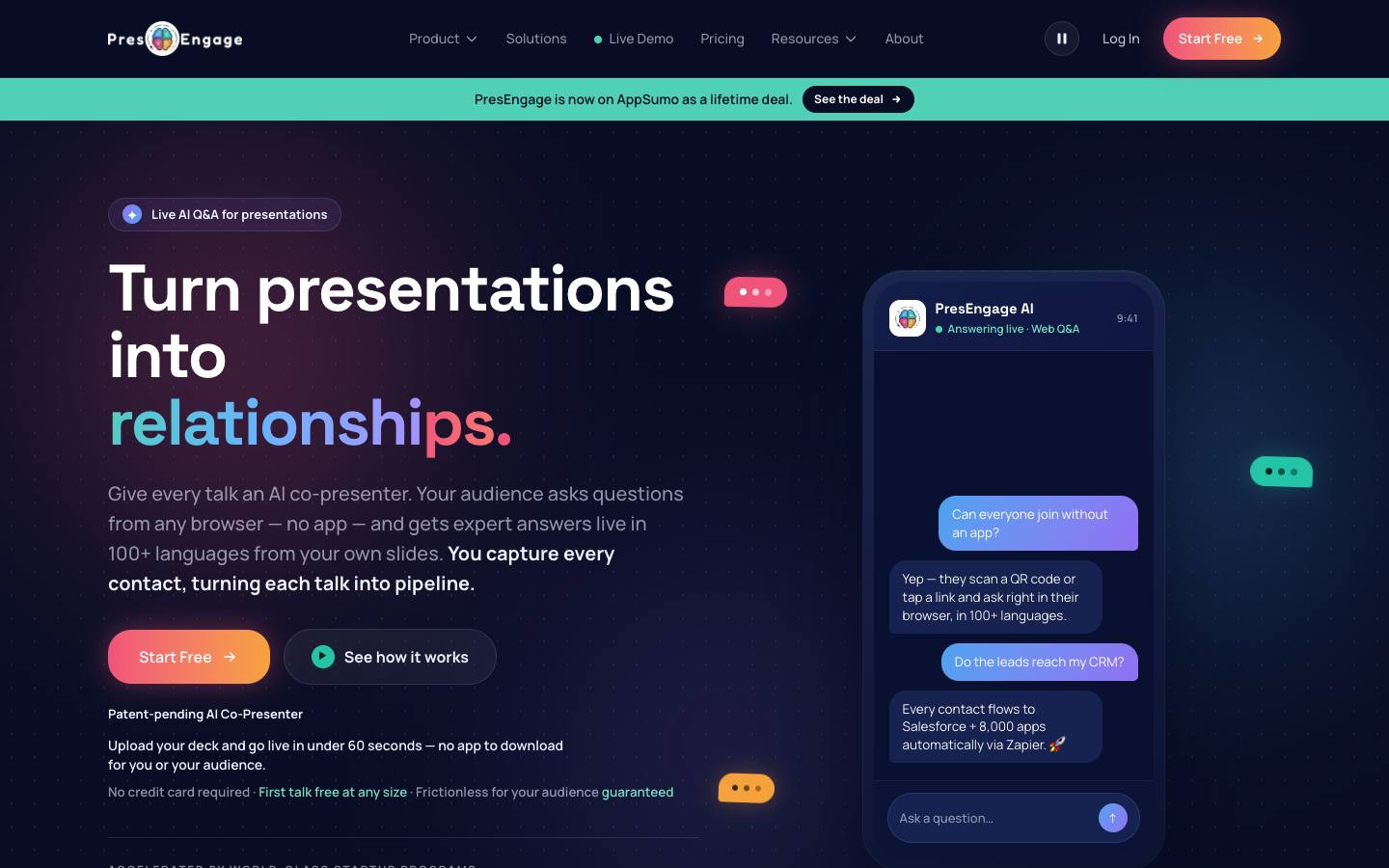
PresEngage takes a different approach to Q&A. It learns a speaker's uploaded slides and notes, answers audience questions live in the browser with slide citations, and passes anything it can't answer to the presenter. It also handles join links, engagement dashboards and post-talk follow-up.
More on PresEngageLess on PresEngage
Founded: 2025 · HQ: Littleton, Colorado · Team: 2-10 people · Formats: In-person, Virtual, Hybrid, Webinar
PresEngage was founded in 2025 in Littleton, Colorado, and lists 2 to 10 employees. Its pricing page, checked October 2026, offers the first talk free at any audience size, then 25 audience connections in total on the free tier. Present Online and Present In-Person each cost $29 a month with unlimited audience size, and Present Everywhere is $49 a month for both channels plus a custom domain, with annual billing saving two months. In-person plans add QR code sharing and an SMS and WhatsApp Q&A add-on priced per member, and there's a 14-day trial.
The AI answers in more than 100 languages and cites the slide it drew from, and a rehearsal mode lets speakers test it on their own deck first. After the talk, it reports question themes and sentiment and captures leads with calls to action and follow-up. Online, it runs as a side panel in Zoom and Google Meet. CRM, email and Slack connections all go through Zapier, including Salesforce. It publishes no security certifications, so check data handling before using it for internal or confidential sessions.
- Question themes, sentiment and lead capture after the talk
What stands out
- AI answers grounded in the presenter's deck, with a rehearsal mode to test them first
- Audiences join by QR code, link, or a Zoom or Google Meet side panel
- First talk free, then 25 audience connections; paid plans from $29 a month or $49 for in-person and online, published on its pricing page, checked October 2026
Worth checking
- AI answers don't suit town halls or panels where the audience expects a person to respond
- It's a young product, so check references for large events
Best suited for. PresEngage fits individual speakers and sales teams presenting at events who want questions answered and leads captured even when there's no time for live Q&A. Pick a moderated tool for panels and town halls, where the audience expects a person to answer.
Picks 6 to 9 are folded to keep the list short. Open any of them, or compare them all in the table above.
Also worth considering
Slido, Vevox, Wisembly, QuestionPro LivePolls, SlideLizard, RiLiFi, Sparkup, Sendsteps, Eventee, Chatroll, Lumi Global, NoteAffect
The best Q&A apps for events by use case
| If you need | Company size | Look at |
|---|---|---|
| Multi-track user conference with Q&A in every room | Mid-market, Enterprise | Pigeonhole Livemulti-track event format under one account |
| European all-hands with anonymous questions | Mid-market, Enterprise | Mentimeteranonymous by default with EU hosting |
| Regulated company town hall that needs a security review | Enterprise | Poll EverywhereSOC 2 Type 2, ISO 27001 and a HIPAA BAA |
| Quarterly town halls that only need Q&A | Mid-market | MeetingPulse$897 a year Q&A Only package |
| Healthcare or finance meeting with data residency rules | Mid-market, Enterprise | DialogLoopchoose US, Canada or France storage per event |
| Community meetup or one-off customer session | Startup | AskVote$49 per event, free for 50 |
| Speaker who wants questions answered from the deck | Startup, Mid-market | PresEngageAI answers with slide citations |
What results look like
Figures customers report in the vendors' own published case studies. They describe one customer each, not what every buyer should expect.
97%
Participants feeling more included
Deloitte with Mentimeter · Case study
45,000
Student interactions in first two months
Abu Dhabi University with AhaSlides · Case study
How to choose
Background on what these tools do, how we ranked them and what to check before you buy. Open any topic.
What Q&A apps for events actually are (and what they aren't)
Live Q&A software replaces the roaming microphone with a queue on attendees' phones. People open a link or scan a QR code, type a question, with or without their name, and upvote the questions they want answered. A moderator screens, merges and orders the queue, and the host reads from a clean list on a confidence monitor or the main screen. Remote viewers ask in the same queue, so it works for keynotes, panels, all-hands and webinars.
It isn't live polling software, which asks the audience questions you've written and charts the answers, though most tools here do both. It isn't a full audience engagement platform with chat, gamification and networking across an event. And it isn't the session Q&A built into event apps and virtual event platforms, which may be enough if everyone in the room already uses the app.
For B2B event teams, Q&A apps do three jobs. They give quieter attendees and remote viewers a way to ask, which raises participation at town halls and customer sessions. They protect the stage, because a moderator can hold back off-topic or hostile questions before anyone sees them. And they leave a record of what the audience wanted to know, which feeds content plans, sales follow-up and the next agenda.
How we ranked these Q&A apps for events
We compared nine Q&A apps on the criteria below, using each vendor's own product, pricing and security pages and our product data, checked in October 2026. Anything we couldn't confirm is left out.
1. Moderation controls
Whether questions can be held for review, approved, hidden and shown on stage, and which plan includes it, from product and pricing pages.
2. Anonymity options
Whether hosts can choose anonymous, optional or required names per session, from product pages and help docs.
3. Published price and audience cap
The entry price and participant limit on free and paid plans, from each vendor's pricing page.
4. Multi-session support
Whether one account runs separate queues for parallel sessions under one event, from product pages.
5. Integrations and data out
Presentation, meeting and event platform integrations plus exports, APIs or Zapier, from integration pages and developer docs.
6. Security and data location
SOC 2, ISO 27001, SSO and where data is hosted, from vendor security pages and our security research.
More on our process in the methodology.
What to look for in a live Q&A app
Start with the moderation view, because that's where the session is won or lost. A good moderator screen lets you approve or hide questions before they're shown, merge duplicates, label or star questions for the host, and reply in text when there isn't time to answer aloud. Next, check anonymity: can you choose between anonymous, optional names and required names per session? Upvoting should be on by default and easy to turn off. Then look at the display side. You'll want a clean presenter or projection view for the main screen, a confidence monitor view for the speaker, and a way to show only the selected question. Finally, check joining (QR code or short code in a browser, with no app or login) and whether remote viewers can ask in the same queue as the room.
Single sessions vs. multi-track conferences
Most Q&A tools are built around one presenter running one session. That's fine for an all-hands or a webinar, but a conference with parallel tracks needs a separate Q&A per session, organized under one event, with moderators assigned to each room. Pigeonhole Live's event format, DialogLoop's multi-session queues and MeetingPulse's multi-topic Q&A are designed for that. With per-presenter tools such as Mentimeter or Poll Everywhere, you'll need a licence or shared account plan for every speaker who runs their own Q&A, so count presenters as well as attendees before you compare prices.
Questions to ask vendors
How many participants can join one session, and what happens when you go over? Is the limit per session, per event or per month? Which plan includes moderation, guest moderators and anonymous mode? Can we collect questions before the session starts? Can a moderator who isn't on our account manage the queue? How do we show questions on stage, and is there a separate speaker view? Does it embed in our webinar or event platform, and does it keep working if the stream player changes? What does the export include (question text, upvotes, timestamps, names) and can we send it to our CRM or survey tool? Where is data hosted, and is SSO available for employee town halls?
How much do Q&A apps cost?
Many tools have a free plan that's enough for a small session: Pigeonhole Live allows 100 participants, Mentimeter, AhaSlides and FlySlide 50, Poll Everywhere 40 and MeetingPulse 25. Paid self-serve plans for one presenter run from about €6 to $15 a month billed yearly, for example AhaSlides from €5.95, Poll Everywhere from $10, Pigeonhole Live from $13 and Mentimeter from €14 per presenter. Event-scale plans cost more: Pigeonhole Live Standard is $150 a month billed yearly for 2,000 participants, MeetingPulse's Q&A Only plan is $897 a year for 200 attendees, and FlySlide Enterprise is $990 a year for 5,000 participants per event. For one-off events, AskVote charges $49 per event. All prices were published on vendor pricing pages, checked October 2026, and exclude tax.
Q&A apps vs. live polling tools
Q&A and live polling often come in the same product, but they solve different problems. Polling asks the audience a question you wrote and shows the results; Q&A collects the audience's questions and helps you choose which ones to answer. If the session's main moment is the audience asking leadership or a panel what they want to know, judge tools on moderation, anonymity and the display workflow. If you mostly want quick votes, word clouds and quizzes during a talk, a polling-first tool will serve you better. Mentimeter, Poll Everywhere, Pigeonhole Live and MeetingPulse do both reasonably well, so many teams use one tool for both jobs.
When your event platform's built-in Q&A is enough
Most event apps, virtual event platforms and webinar tools now include session Q&A. Cvent's Attendee Hub, Zoom Webinars and Microsoft Teams town halls all have it, for example. If the built-in version lets you moderate, upvote and show questions on stage, using it avoids a second link for attendees and keeps engagement data in one place. A dedicated Q&A app is worth it when you need stronger moderation, anonymity you can prove to employees, a cleaner stage display, one tool across many platforms, or Q&A at in-person sessions where the event app isn't used by everyone.
Where this fits in your event tech stack
A Q&A app sits on top of the session itself. For in-person events it runs next to the slides and the stage display, often as a PowerPoint or Google Slides add-in, with attendees joining from a QR code on screen. For virtual and hybrid sessions it embeds into the webinar or event platform (Pigeonhole Live lists Swoogo, Splash, Kaltura and RainFocus, and MeetingPulse is in the Cvent Marketplace) so remote viewers ask in the same queue as the room. Afterwards, the export of questions, upvotes and participation feeds your post-event survey, content plan and, where names are collected, your CRM or marketing automation. For employee town halls, check SSO and data hosting with IT before you choose.
FAQ
What is a live Q&A?
What free live Q&A platforms are there?
How do attendees ask questions anonymously?
How do you moderate a live Q&A?
How do attendees join a Q&A session?
What's the difference between a Q&A app and a live polling tool?
How much does a Q&A app cost for an event?
How do I run a live Q&A in Microsoft Teams or Zoom?
Get a free Q&A apps for events shortlist
Reading reviews only gets you so far. The right pick depends on your events, your team and the systems it has to sync with.
Our shortlist finder asks a few questions and matches you with tools that fit, using the same verified data as this guide.
You'll see published prices, security documents and CRM integrations side by side, and you can save tools to compare later.
It's free, there's no sign-up, and no vendor gets your details.
Ready? Build your shortlist in two minutes, or try the free post-event survey builder and NPS calculator.
Get a free shortlistKeep reading
Ratings link to their source and are shown as published on the date of our last check. Read our methodology.