Best Social Walls for Events in 2027: The Buyer's Shortlist
By EventMarketingSoftware.com · Published October 18, 2026 · 9 tools compared
Walls.io is the best social wall for most B2B conferences: it pulls LinkedIn pages and hashtags plus QR uploads into a moderated, branded display, sold as a 30-day event pass from €225. Taggbox suits agencies that want weekly or monthly passes, Flockler fits one always-on feed for screens and websites, and SocialWall Pro and Onstipe cover single event days.
Our top picks
- 1
 Walls.ioBest for conference organizers who want a moderated wall with direct uploads, sponsor posts and event platform integrationsFrom €225/event
- 2
 TaggboxBest for agencies and organizers who want weekly or monthly event passes with QR uploads, a photo booth and virtual event embeds$19/month billed monthly (Starter, website widgets)
- 3
 FlocklerBest for teams that want one always-on feed for event screens, the event website and the intranet, with UGC rights requestsFrom $110/month
Key takeaways
- LinkedIn support is the biggest difference between walls for B2B events. Walls.io lists LinkedIn pages, profiles, hashtags and keywords, SocialWall Pro marks LinkedIn as beta, Curator.io's Event plan allows one company page, and Onstipe says LinkedIn feeds don't update automatically.
- Per-event pricing makes a wall cheap to try. Onstipe sells event days from $29, SocialWall Pro charges $80 to $300 a day and Walls.io's 30-day pass starts at €225, while Flockler and Curator.io sell subscriptions from $110 and $184 a month.
- Direct uploads matter because many B2B attendees don't post publicly. Walls.io and Taggbox take photos and text by QR code, Flockler offers submission forms on its Pro plan, and SocialWall Pro can run a private wall fed by SMS, email or a web form.
- Manual approval is the safest setting for a keynote screen. Most tools combine word and user blocklists with AI filters, but only a person approving each post guarantees nothing off-brand reaches the stage.
- Most walls don't connect to a CRM. Walls.io and Taggbox reach HubSpot or Salesforce only through Zapier, and Snapbar is the one pick with a named HubSpot integration, for leads from its photo activations.
Free tool: “I'm speaking” and “I'm attending” card generator. Create branded social cards for speakers, sponsors and attendees in LinkedIn sizes, one at a time or in bulk from a CSV.
Side-by-side comparison
The same criteria for every pick: linkedin and source coverage, direct attendee uploads, moderation, per-event pricing, display and event platform integrations, privacy documentation. A dash means the vendor doesn't publish it.
| Tool | Starting price | Free plan / trial | CRM | Capterra | App Store | Security |
|---|---|---|---|---|---|---|
| Walls.io | From €225/event | Free trial | HubSpot | – | – | DPA |
| Taggbox | $19/month billed monthly (Starter, website widgets) | Free plan, Free trial | Salesforce, HubSpot | – | – | DPA |
| Flockler | From $110/month | Free trial | – | – | – | SOC 2 Type I, DPA |
| SocialWall Pro | From $80/day | Free trial | – | – | – | – |
| Onstipe | From $7/month | Free plan, Free trial | – | – | – | – |
| Curator.io | From $25/month | Free plan | – | – | – | – |
| Snapbar | Quote only | – | HubSpot | – | – | DPA |
| Tagboard | Quote only | – | – | – | ★ 5.0 (5) | DPA |
| Crowdpurr | From $49.99/month | Free plan | – | – | – | – |
A social wall is a live display of posts about your event. It collects posts by hashtag, mention or account from networks such as LinkedIn, Instagram and X, adds photos and messages attendees upload by QR code, and shows the approved ones on stage screens, lobby displays, a booth monitor or the event website. For a B2B audience the hard parts aren't the layout. They're getting LinkedIn content, keeping a public screen safe with moderation, giving sponsors visibility, and handling consent for the people and photos on screen.
This guide compares nine products from our directory, from day-rate tools for a single conference to broadcast graphics systems for livestreamed keynotes. Each pick is sorted by the job it does best. Product details come from our vendor profiles and each vendor's own site, and prices are the published figures we checked in October 2026.
Who this guide is for. This guide is for B2B event marketers, conference organizers, field marketers and exhibitor teams who want attendee and sponsor content on screens at a conference, user conference, trade show booth or internal event. It also helps agencies that run walls across many client events and communications teams adding a feed to an event website or intranet. If you mainly want to collect and share event photos, or to run polls and Q&A in sessions, see the neighbouring guides linked in the buying guide.
Not sure which one fits your team?
Answer a few questions about your events, team and CRM and get a free shortlist of tools that fit, with pricing and security details side by side.
Get a free shortlistThe best social walls for events in 2027
Here are nine social walls worth shortlisting for B2B events in 2027, ordered by fit for a moderated wall at a conference or trade show. The first four are full social wall products, the next two are low-cost options for a single event, and the last three come at the job from photo activations, broadcast graphics and audience games. Compare LinkedIn support, direct uploads and the event pass price first.
1. Walls.io, best for conference organizers who want a moderated wall with direct uploads, sponsor posts and event platform integrations
- Price
- From €225/event
- Try it
- Free trial
- Languages
- English
- Syncs with
- HubSpot
- Security
- DPA
- Customers include
- Atlassian, BearingPoint, Cadbury
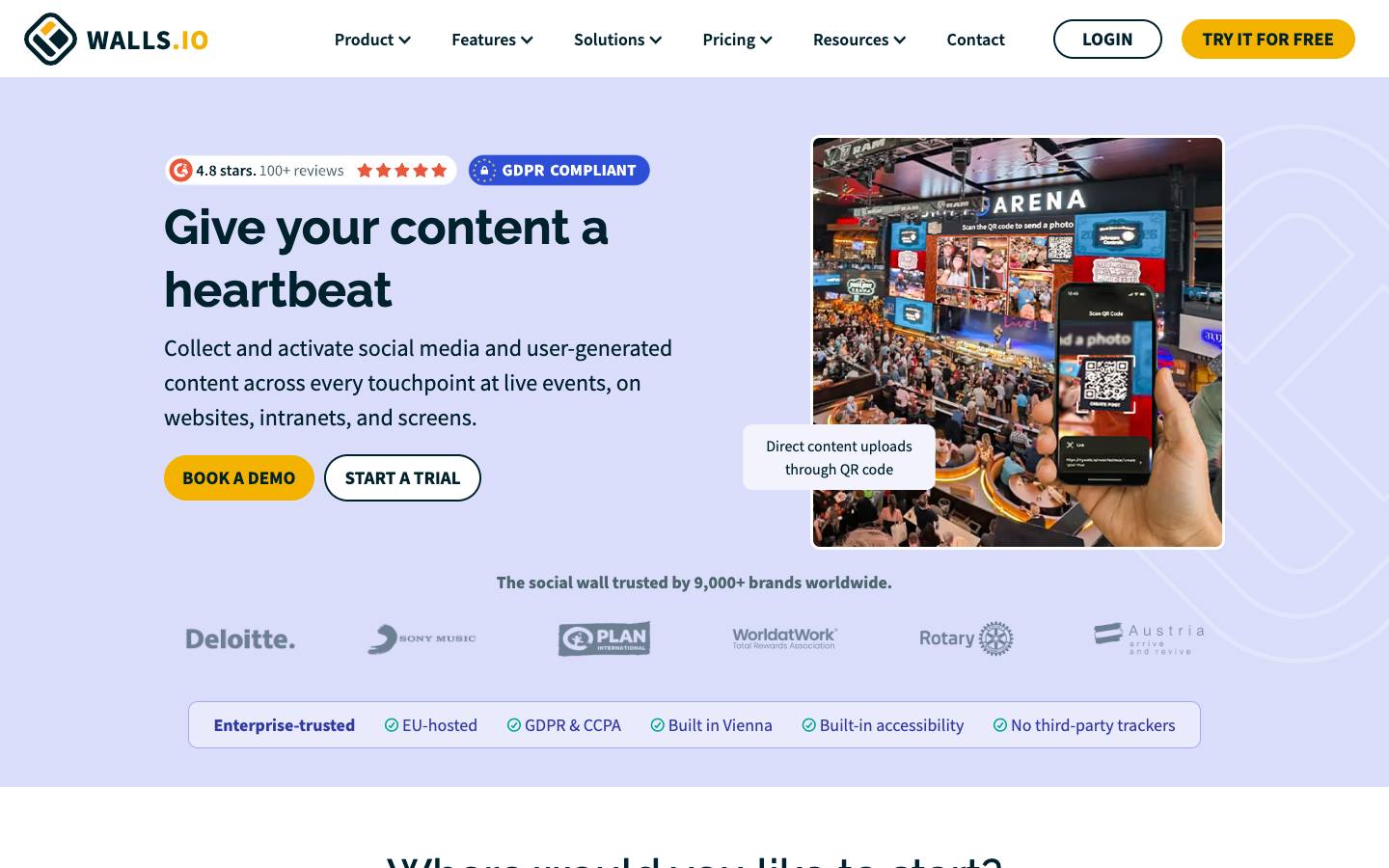
Walls.io is a Vienna-based social wall built for event screens, websites and digital signage. It aggregates posts from 14 or more sources, including LinkedIn pages, profiles, hashtags and keywords, and lets attendees post photos, video and text by QR code without a social account. Add-ons cover a branded photo booth (Lens) and pre-event share tiles for registrants and speakers (Echo).
More on Walls.ioLess on Walls.io
Founded: 2015 · HQ: Vienna, Austria · Team: 11-50 people · Formats: In-person, Virtual, Hybrid
Founded in Vienna in 2015, Walls.io has 11 to 50 employees and runs all of its infrastructure on AWS in Frankfurt, with no subprocessors outside the EU according to its security page. Its event pricing page, checked October 2026, lists a 30 Day Event Pass from €225 one-time for up to 500 attendees, five sources and one-minute updates, with add-on packs at €100 each. Enterprise event plans start at €2,000 one-time and include the interactivity and promotion packs, priority support and onboarding. A 14-day trial needs no credit card.
Named customers include Cisco, Deutsche Bank, adidas, Sixt and BearingPoint. It embeds into about 30 event platforms, among them Cvent, Bizzabo, RainFocus, Stova, Swapcard, Webex Events and Swoogo, and plays on signage players including BrightSign, ScreenCloud and Yodeck. HubSpot and Slack connect through Zapier, and there's a REST API. Walls are built to WCAG 2.1 AA with a VPAT on request, and event-pass support replies within one business hour CET.
- Integrations with Cvent, Bizzabo, RainFocus, Swapcard and other event platforms, plus signage players such as BrightSign and ScreenCloud
What stands out
- Sources include LinkedIn, Instagram, X, TikTok, Facebook, Bluesky, YouTube, Mastodon and RSS
- AI spam and sentiment filters, blocklists and optional manual approval, with multiple moderators
- Sponsored posts, reactions and live polls on the wall, plus lead generation features
Worth checking
- Event passes start at €225 one-time for 30 days and up to 500 attendees, but add-on packs cost €100 each, so price the features you need
- Like any wall, it only looks busy if attendees post; plan prompts and direct uploads for audiences that rarely post publicly
Best suited for. Walls.io fits B2B conference and user conference teams that need LinkedIn content, QR uploads, sponsor posts and EU data hosting from one vendor. Choose a cheaper day-rate tool such as Onstipe if you only need a simple hashtag wall for one afternoon.
2. Taggbox, best for agencies and organizers who want weekly or monthly event passes with QR uploads, a photo booth and virtual event embeds
- Price
- $19/month billed monthly (Starter, website widgets)
- Try it
- Free plan, Free trial
- Syncs with
- Salesforce, HubSpot
- Security
- DPA
- Customers include
- Bose Professional, The Leela, DW Global Media Forum
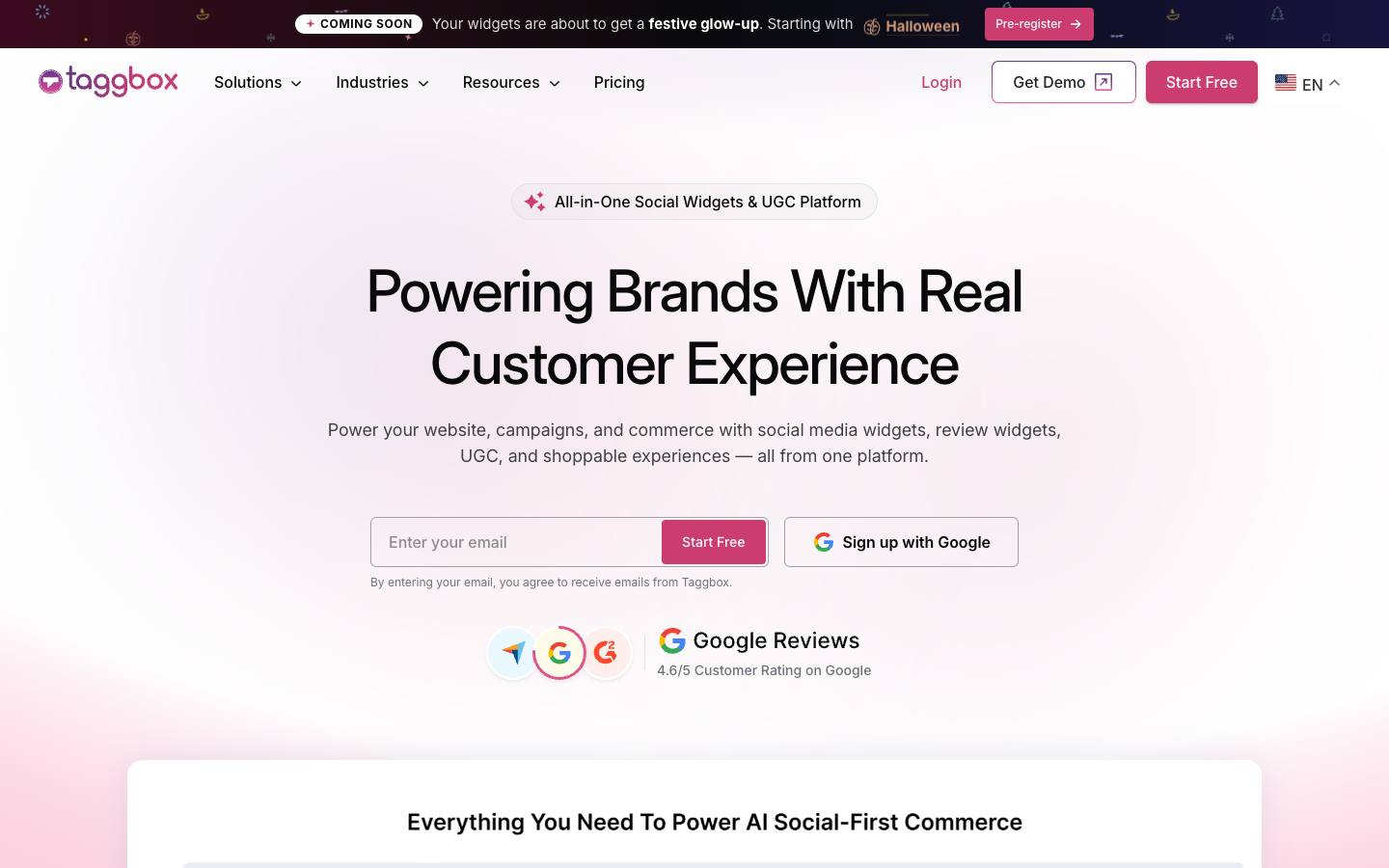
Taggbox sells its event product as Social Walls by Taggbox. It pulls content from 15 or more platforms, adds attendee uploads through a QR feature called SnapUp, and includes a digital photo booth and a Studio for polls, countdowns and announcements. The same feeds can be embedded in virtual event platforms such as Cvent, Airmeet and Zuddl or played on signage players.
More on TaggboxLess on Taggbox
Founded: 2016 · HQ: Walnut, California · Formats: In-person, Virtual, Hybrid
Taggbox was founded in 2016 and lists its headquarters in Walnut, California. Its event pricing page, checked October 2026, shows three plans without prices: a Weekly Pass for one event, 500 attendees, two feeds, five platforms and up to two display screens; a Monthly Pass for multiple events, 1,000 attendees, four feeds, more than 10 platforms and five collaborators; and Enterprise with unlimited attendees, custom feeds, SSO, MFA and a dedicated event success manager. A free trial is available, and website widgets start at $19 a month on a separate plan.
Named customers include Audi, Havas, World of Hyatt, Etihad Arena and Data Center Dynamics. Feeds embed in virtual event platforms such as Cvent, 6Connex, Airmeet, Zuddl and Bevy, and play on signage through ScreenCloud, OptiSigns, Yodeck and streaming sticks such as Fire TV and Chromecast. Salesforce connects through Zapier, and Snapbar is a listed partner. Its accessibility statement targets WCAG 2.1 Level A, and no SOC 2 or ISO certification is listed, so larger buyers should request the security assessment offered on Enterprise.
- SSO and MFA on the Enterprise plan, with a DPA available on demand
What stands out
- Event plans as a Weekly Pass (one event, 500 attendees), a Monthly Pass (multiple events, 1,000 attendees) and an Enterprise plan, plus an annual plan for agencies
- AI moderation for spam, profanity and duplicates, with manual moderation and a managed moderation service on Enterprise
- Reactions, polls and sponsor spotlights alongside social and uploaded posts
Worth checking
- Event pass prices aren't shown on the pricing page, so you'll need a trial or a sales conversation to budget
- The Weekly Pass is limited to two feeds, five platforms and two display screens
Best suited for. Taggbox fits agencies and organizers running several events a month who want walls, a photo booth and virtual event embeds under one pass. Pick Walls.io or SocialWall Pro if you need a published price before you talk to sales.
3. Flockler, best for teams that want one always-on feed for event screens, the event website and the intranet, with UGC rights requests
- Price
- From $110/month
- Try it
- Free trial
- Languages
- English
- Security
- SOC 2 Type I, DPA
- Customers include
- George Washington University, Messe Düsseldorf, Bayer 04 Leverkusen
Flockler is a Finnish social media aggregator that collects posts by account, hashtag or mention from 10 or more networks, including LinkedIn, TikTok and Bluesky, and shows them as a wall, grid, carousel or slideshow. Event teams use it for main stage and lobby screens and the event landing page, and trade fair organizer Messe Düsseldorf is a named customer. Plans are published with a 14-day free trial.
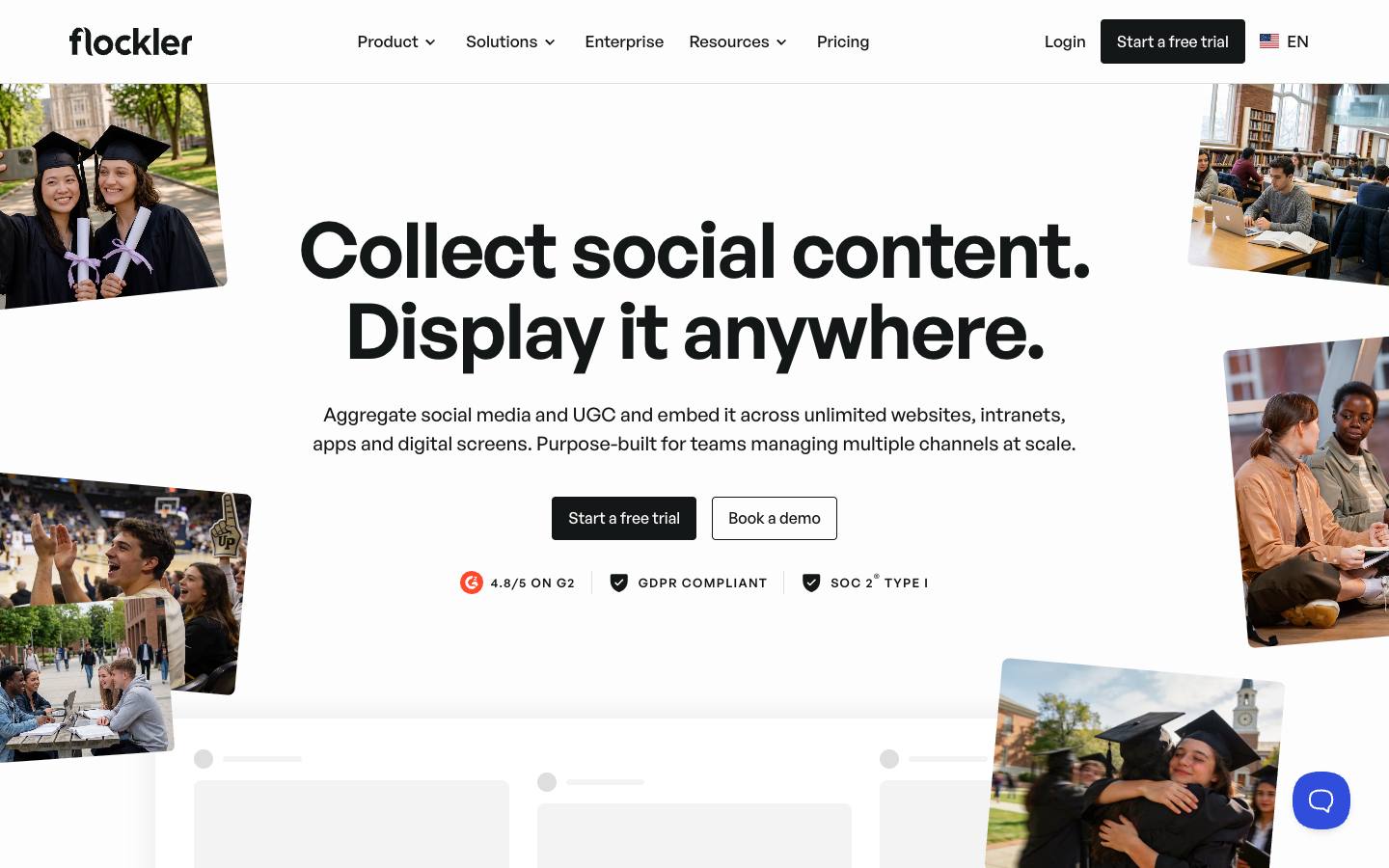
More on FlocklerLess on Flockler
Founded: 2010 · HQ: Tampere, Finland · Team: 11-50 people · Formats: In-person, Virtual, Hybrid
Founded in Finland in 2010, Flockler has 11 to 50 employees and stores data in AWS databases in Germany. Its pricing page, checked October 2026, lists Basic at $110 a month billed annually with eight feeds, unlimited users and manual moderation; Business at $195 a month with 15 feeds, AI alt text and AI moderation for 1,000 posts; and Pro at $325 a month with 30 feeds, submission forms, AI moderation for 5,000 posts and video autoplay. Premium is quoted and adds unlimited feeds, SSO and content API access. Every plan starts with a 14-day trial.
Other named customers include BASF, GoPro and Warner Music Group. It completed SOC 2 Type I for the Security category, publishes a DPA and subprocessor list in its footer, and builds embeds to support WCAG 2.1 AA and the European Accessibility Act. There's no CRM or Zapier connector, and the content API is limited to Premium. Because pricing is monthly rather than per event, it suits teams with several events or an always-on community feed.
- SOC 2 Type I and GDPR compliance, with automatic alt text for images
What stands out
- Manual approval, keyword and user blocklists, pinning and AI moderation, with role-based permissions
- Rights management for requesting permission to reuse posts after the event
- Submission forms for attendee or speaker content without a social account (Pro plan)
Worth checking
- No event-only plan: Basic is $110 a month billed annually, and submission forms need Pro at $325 a month billed annually
- SOC 2 Type II was still in progress at our last check
Best suited for. Flockler fits marketing teams that want one moderated feed running on event screens, the event site and the intranet all year, with rights requests for reuse. For a single conference, a per-event pass from Walls.io or Onstipe costs less.

5. Onstipe, best for tight budgets that need a moderated hashtag wall for a single event day
- Price
- From $7/month
- Try it
- Free plan, Free trial
- Languages
- English
Onstipe collects posts from networks such as Instagram, Facebook, X, LinkedIn and YouTube by hashtag, handle or URL, lets staff moderate them, and shows the result on screens by URL or as a website embed. Event plans are one-time purchases by the day or for 30 days, so you don't need an annual contract for one conference.
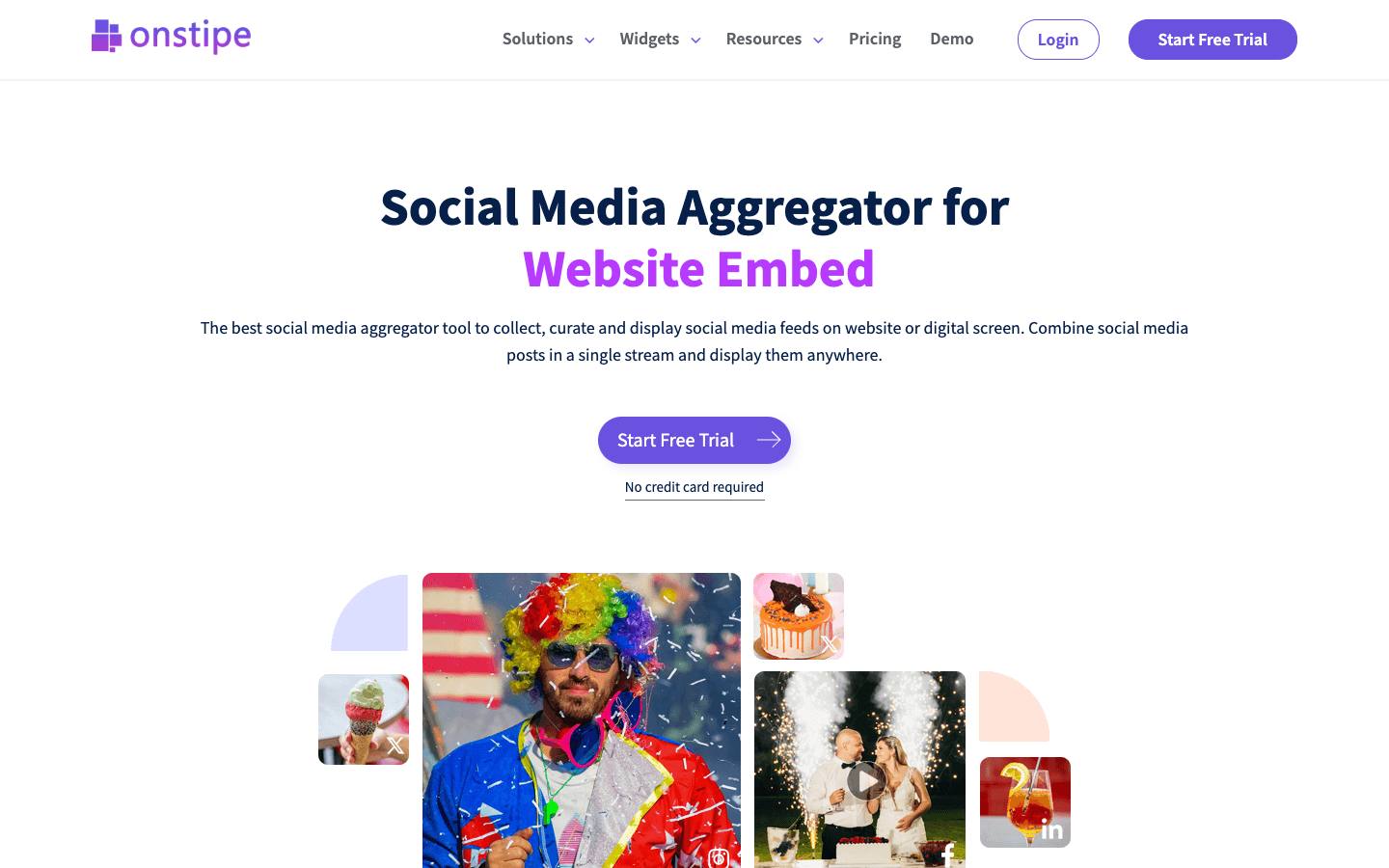
More on OnstipeLess on Onstipe
Formats: In-person, Virtual, Hybrid
Event plans, published on its pricing page and checked October 2026, are one-time purchases: event days run from $29 for the Micro Event plan to $99 for Pro Event, and 30-day passes from $149 to $499. Separate subscriptions start at $7 a month billed quarterly for two walls and two sources with four-hour updates, rising to $59 a month for eight walls, 16 sources, 2,000 tweets a month and 15-minute updates. A free tier allows two walls and two sources with daily updates, 500 page views and Onstipe branding, and there's a 14-day trial.
Sources include Instagram, Facebook, X, LinkedIn, YouTube, Vimeo, Tumblr, Flickr, Giphy and RSS. Walls go to screens by URL or to websites as embeds with call-to-action buttons, and posts are also available as JSON and XML feeds. Onstipe recommends buying event plans 2 to 30 days ahead so you can build and test the wall. Analytics show feed performance and the most active contributors. Its privacy policy covers GDPR and CCPA rights, but no DPA or certification is published.
- A setup window so you can build and test the wall before the event
What stands out
- Event day passes from $29 (Micro Event) to $99 (Pro Event), and 30-day passes from $149 to $499
- Manual approval plus word, user and profanity filters before posts reach the screen
- Display mode with banners, tickers, themes and custom CSS
Worth checking
- LinkedIn feeds don't update automatically, and X post volumes are capped per plan
- No named customers, security certifications or company details are published
Best suited for. Onstipe fits small teams that need a moderated hashtag wall for one event day at the lowest published price. Pick a fuller product if you need live LinkedIn updates, direct uploads or a signed DPA.
6. Curator.io, best for a low-cost hashtag feed on the event website and lobby screens
From $25/month
- Price
- From $25/month
- Try it
- Free plan
- Languages
- English
- Customers include
- Barnard College
Curator.io is a social media aggregator from the US and Australia that turns posts from more than 15 sources into an embedded feed or a full-screen social wall. Its Event plan is tuned for live displays, with background refreshing every five minutes and adjustable scrolling, and a free plan covers small, slow-updating feeds.
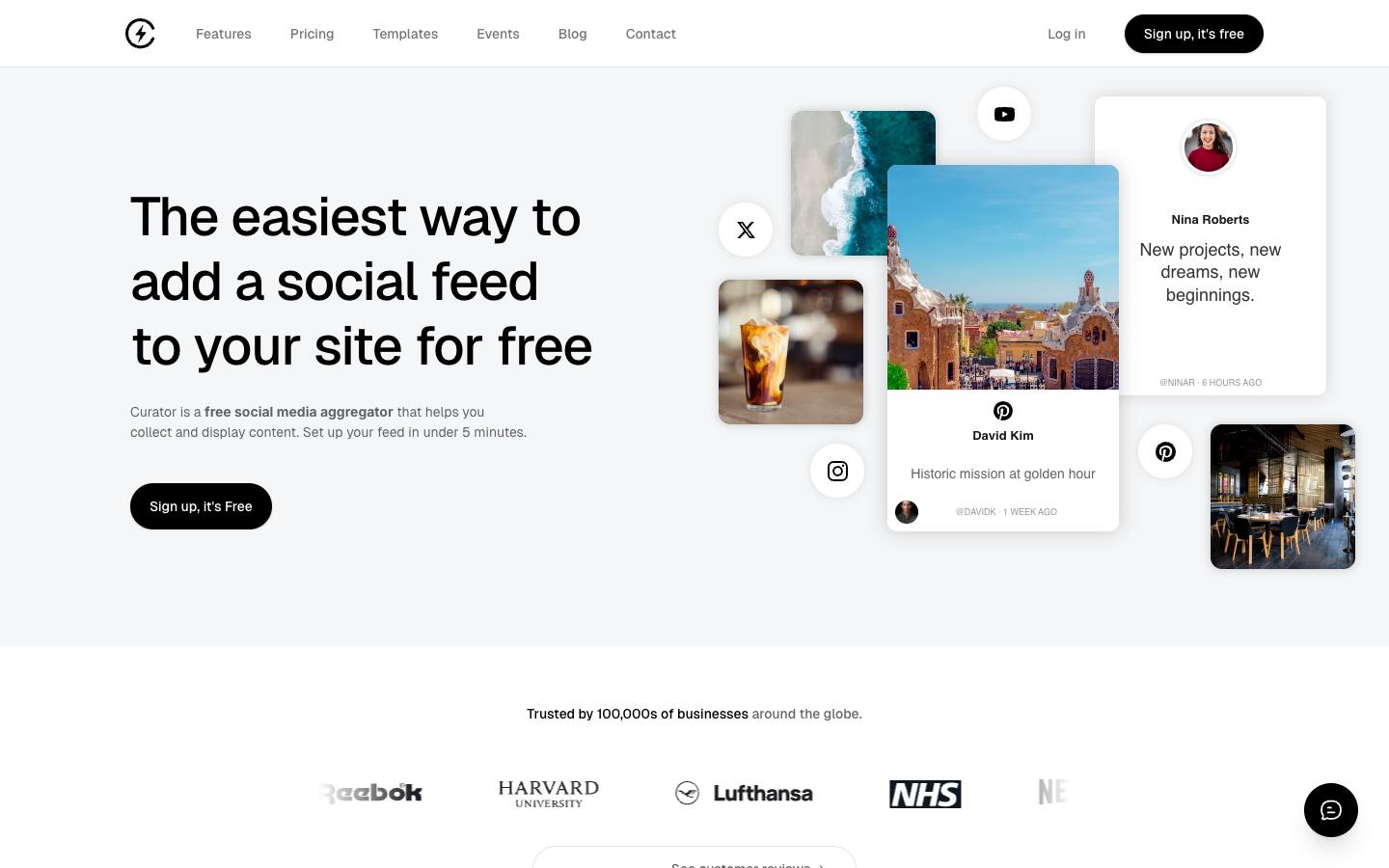
More on Curator.ioLess on Curator.io
Founded: 2016 · Formats: In-person, Virtual, Hybrid
Curator.io was founded in 2016 and runs from the US and Australia under Curator Group. Beyond the Event plan, its pricing page, checked October 2026, lists Pro at $25 a month or $23 billed annually with five sources, hourly updates and 15,000 views, and Business at $59 a month or $54 billed annually with 15 sources, 15-minute updates, unlimited views, premium sources and API access. Enterprise is custom and adds project management and premium support. Education and nonprofit customers get 10% off.
Its source list is one of the broadest here: Instagram, TikTok, Facebook, YouTube, X, LinkedIn, Threads, Reddit, Google Reviews, Yelp, Glassdoor, Slack, Vimeo, Flickr and RSS. The REST API offers read and write access to feeds, sources and posts. A VPAT is available from support on request. There's no CRM, marketing automation or Zapier connector, and its site makes no security or compliance claims, so ask before using it for a closed internal event.
- Developer API on the Business tier and above
What stands out
- Event plan at $200 a month, or $184 a month billed annually, with 10 sources, five-minute updates and unlimited views
- Manual or automatic moderation, plus editing and pinning posts
- Free plan with three sources and daily updates for testing or small sites
Worth checking
- LinkedIn is limited to one company page source on the Event plan, and attendee uploads without a social account aren't offered on its event page
- General-purpose aggregator with no published security or compliance claims
Best suited for. Curator.io fits teams that want a low-cost feed on the event website that can also run on lobby screens during the show. Choose an event-focused tool if you need attendee uploads, sponsor slots or more than one LinkedIn source.

7. Snapbar, best for exhibitor booths that want a photo or AI activation feeding a social wall, with lead capture
Quote only
- Price
- Quote only
- Languages
- English
- Syncs with
- HubSpot
- Security
- DPA
- Customers include
- VCA Animal Hospitals, Old Navy, Google
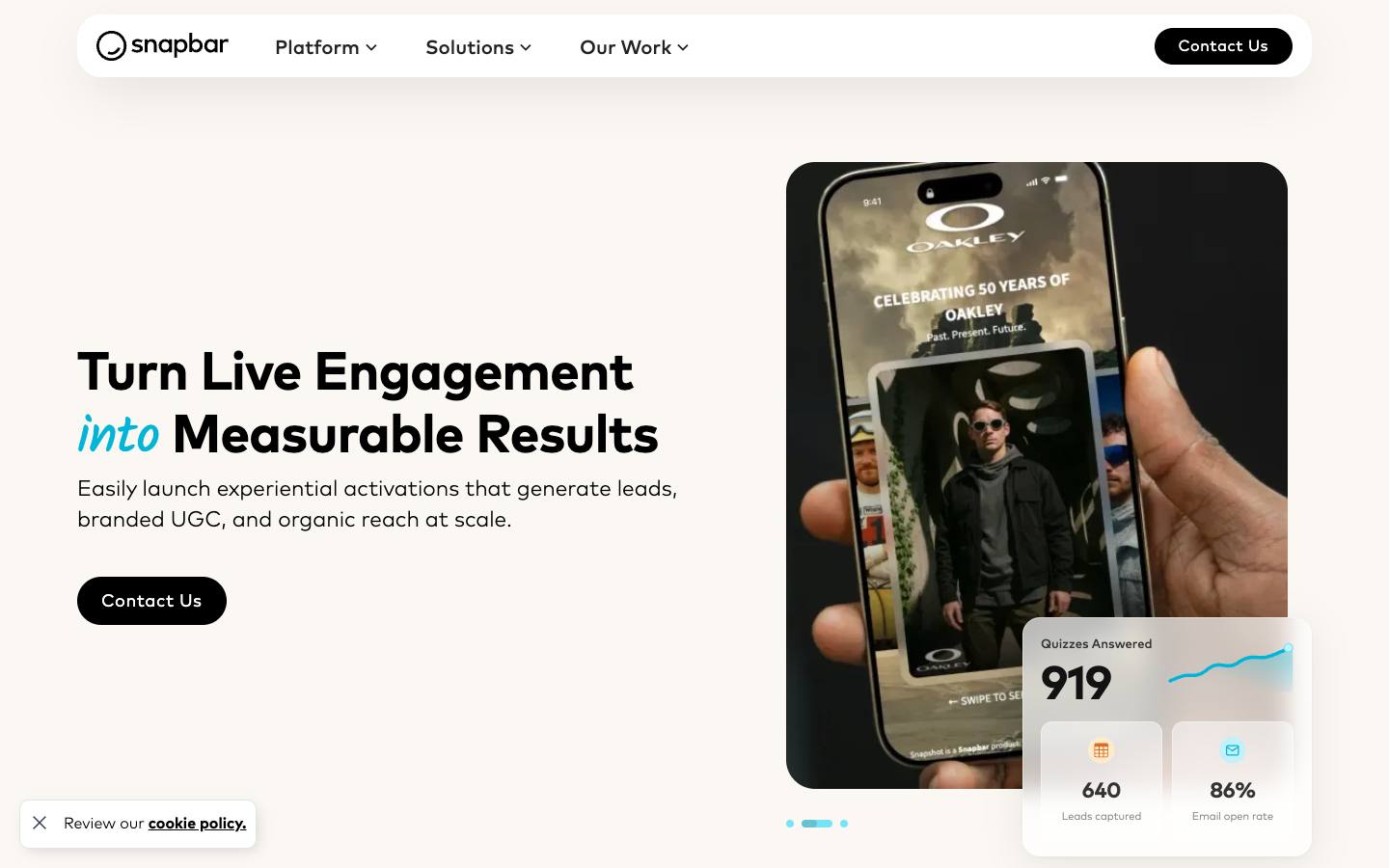
Snapbar runs browser-based photo booth, AI portrait and other branded content activations that attendees use on their own phone or a kiosk. Each photo is delivered by email in exchange for contact details, and the content can appear in live galleries, mosaics and a social wall. Its social wall runs in Walls.io, with Snapbar's photo booth feeding guest content onto the screen beside social posts.
More on SnapbarLess on Snapbar
Founded: 2012 · HQ: Washington state, US (mailing address Gig Harbor · Formats: In-person, Hybrid
Snapbar has run photo activations since 2012 and is based in Washington state. Its product menu has grown well beyond the classic booth: AI portraits and AI video clips generated from attendee selfies, illustrated stories, trading cards, persona quizzes, event headshot stations, spin-to-win prize wheels and video testimonial capture. Attendees take part on their own phone through a QR code or on an iPad kiosk, and the branded result arrives by email after they fill in a short form. Its What's New page logged 18 updates in the 90 days to October 2026.
Other named customers include Zillow, Dell Technologies, Wells Fargo, TED and the agency Jack Morton. Leads export from the dashboard, can be pushed to a webhook in real time, and connect to HubSpot, Slack and Zapier, with integrations set up with Snapbar's team before the event. Pricing is quote-only through a form. Its privacy policy names the AI subprocessors it uses, including OpenAI and Replicate, which matters if your legal team reviews generative AI vendors.
- Named customers include Google, Microsoft, ServiceNow and Intuit
What stands out
- Booth activations such as digital and AI photo booths, trading cards, persona quizzes and event headshots
- Lead capture through a branded entry form, with lead data exported from a dashboard
- No app download for attendees, on their own device or an iPad kiosk
Worth checking
- The social wall itself runs on Walls.io, so check whether you're paying for both
- Pricing is quote-only, and HubSpot is the only CRM it names; other systems need Zapier or its lead webhook
Best suited for. Snapbar fits exhibitors and field marketers who want a photo or AI activation that drives booth traffic, captures leads and feeds a social wall. If you only need posts on a screen, a dedicated wall like Walls.io is simpler and cheaper.
8. Tagboard, best for livestreamed keynotes and broadcast-style productions that need social posts and polls as on-screen graphics
Quote only
- Price
- Quote only
- App Store
- 5.0/5 from 5 ratings
- Languages
- English
- Security
- DPA
- Customers include
- NFL Media, NBC Sports Regional Networks, News 12
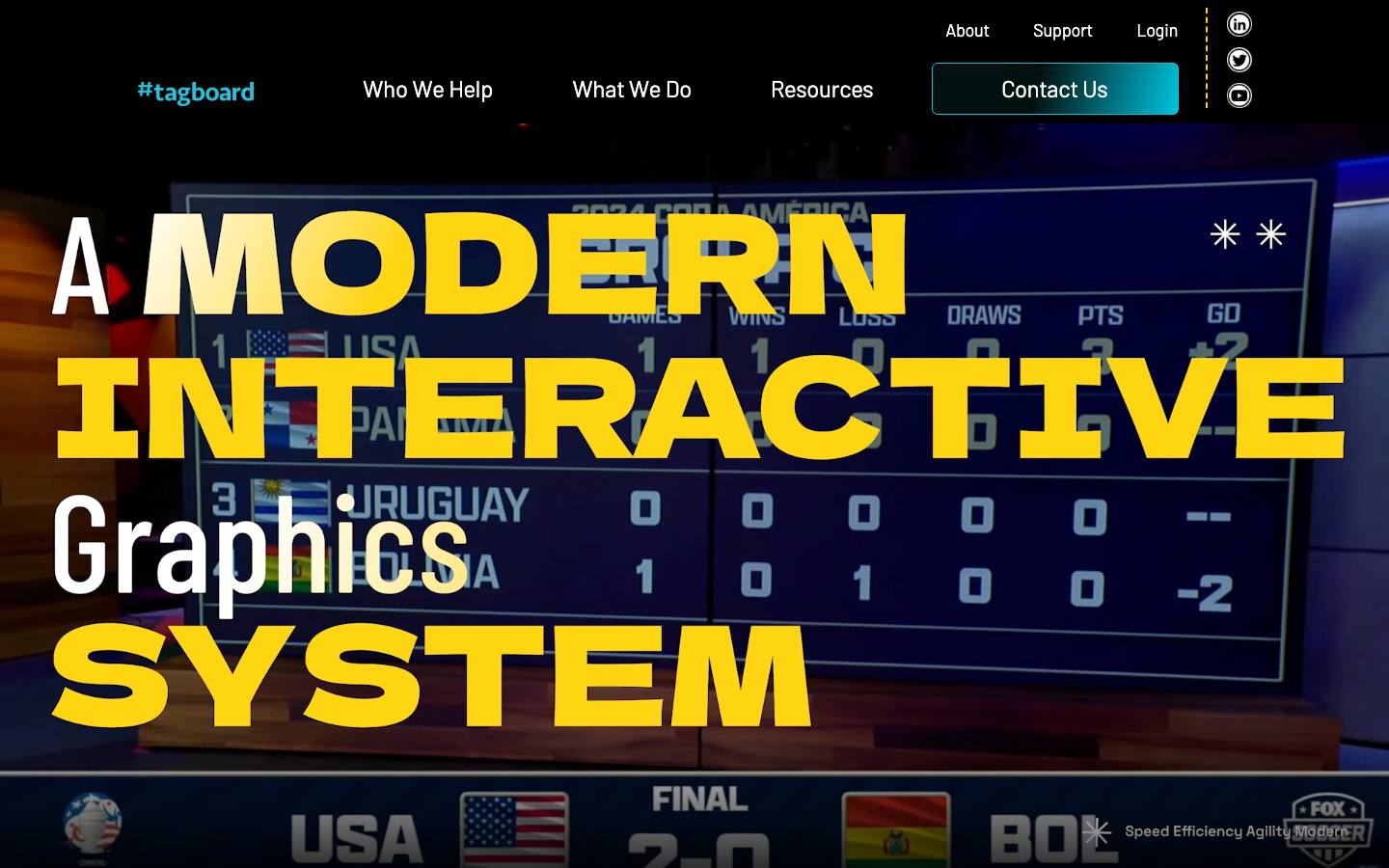
Tagboard is a cloud graphics and live production system used by sports leagues and media companies. Producers design graphics, curate posts from Instagram, X, TikTok, Threads and Twitch, and run polls and trivia in the program feed, with sponsor and shoppable placements. For events it fits teams producing conference keynotes or festivals as broadcasts rather than lobby screens.
More on TagboardLess on Tagboard
Founded: 2011 · HQ: Redmond, WA · Team: 11-50 people · Formats: In-person, Virtual, Hybrid
Tagboard was founded in 2011, is based in Redmond, Washington, and has raised $26.08 million, with investors including Blue Star Innovation Partners and NBA Equity. It says more than 300 media brands produce shows with it, and named customers include FOX Sports, TNT Sports, UFC and The Masters. Graphics can pull live data from Google Sheets or Sportradar, designs import from Adobe Photoshop, and a producer can drive playout from an Elgato Stream Deck.
In 2026 it launched a Producer API and, on October 5, an MCP server that lets an AI assistant act as a production co-pilot. Its product news feed logged seven updates in the 90 days to October 2026, and its status page has recorded no incidents since June 2023. The FAQ says a laptop and an internet connection are all a producer needs. Contracts are annual, there's no pricing page, and a Data Processing Addendum is published in its knowledge base. There's no CRM or Zapier connector, so it's a production tool rather than a lead source.
- Used by NBC Sports, ESPN, the NBA and other large productions
What stands out
- Broadcast-quality graphics created and played out in the browser, with no dedicated hardware
- Works alongside production tools such as vMix, OBS and Blackmagic, with a producer API
- Monetization features for sponsor placements inside the graphics
Worth checking
- Built for broadcast and media, so it's more than most corporate events need, and LinkedIn isn't among its listed social sources
- Pricing isn't published
Best suited for. Tagboard fits enterprise events and festivals that produce keynotes as broadcasts and want social posts, polls and sponsor graphics in the program feed. For lobby screens and a typical conference wall, it's more tool than you need.
9. Crowdpurr, best for teams that want a simple participant wall alongside trivia, polls and bingo
From $49.99/month
- Price
- From $49.99/month
- Try it
- Free plan
- Languages
- English
- Customers include
- American Cancer Society, Arizona State University, Cushman & Wakefield
Crowdpurr is a browser-based engagement tool where participants join by QR code or link to play trivia, answer polls, play bingo or post to a social wall shown on a shared screen. Hosts run it from a web dashboard and can project it in the room or stream it into Zoom or Webex. Monthly plans scale by audience size.
More on CrowdpurrLess on Crowdpurr
Founded: 2012 · HQ: West Covina, CA · Team: 2-10 people · Formats: In-person, Virtual, Hybrid
Crowdpurr was founded in 2012 in West Covina, California, and lists 2 to 10 employees. Its pricing page, checked October 2026, shows one-month plans of $49.99 for 100 participants per experience (Classroom), $149.99 for 500 (Seminar), $249.99 for 1,000 (Conference), $499.99 for 5,000 (Convention) and $999.99 for 15,000 (Stadium), with a yearly toggle. Classroom includes custom logos and export of results and leads, Conference adds a custom domain, private label and unlimited host live streaming, and Convention adds sponsor pop-up ads and live stream recording. The free Basic plan allows 20 participants and shows Crowdpurr branding and sponsor ads.
Named customers include McDonald's, Procter & Gamble, EA Sports, Ford and the NFL. Participants can sign in automatically from an event app, results and leads export to Excel or Google Sheets, and a Slack incoming webhook can post activity. It has a Webex plugin and OBS streaming. There's no CRM or Zapier connector.
- Custom logos, backgrounds and colors for a private-label look
What stands out
- Free plan for 20 participants, and paid one-month plans from $49.99 (100 participants) to $999.99 (15,000 participants)
- Seminar plan and above include a trade show booth mode and custom lead capture fields
- Sponsor pop-up and lower-third ads on the Convention plan
Worth checking
- Its wall shows what participants post inside Crowdpurr; we couldn't confirm that it pulls posts from social networks
- A very small company, and trivia rather than social display is its core product
Best suited for. Crowdpurr fits teams that want a participant wall as one part of trivia, polls and bingo at a party, booth or streamed session. Choose a dedicated social wall if you need posts pulled from LinkedIn or Instagram.
Picks 6 to 9 are folded to keep the list short. Open any of them, or compare them all in the table above.
Also worth considering
The best social walls for events by use case
| If you need | Company size | Look at |
|---|---|---|
| User conference on Cvent or Bizzabo with sponsor posts | Mid-market, Enterprise | Walls.ioevent platform embeds and sponsored posts |
| Agency running walls for several client events a month | Startup, Mid-market | TaggboxMonthly Pass covers multiple events |
| Always-on feed for event site, intranet and venue screens | Mid-market, Enterprise | Flocklerone moderated feed with rights requests |
| Internal event that needs a private wall | Mid-market, Enterprise | SocialWall ProSMS, email and web form feeds |
| Single conference day on a tight budget | Startup | Onstipeevent days from $29 |
| Exhibitor booth that wants photos on screen and leads | Mid-market, Enterprise | Snapbarphoto activation with lead capture |
| Livestreamed keynote produced like a broadcast | Enterprise | Tagboardsocial posts and polls as on-air graphics |
What results look like
Figures customers report in the vendors' own published case studies. They describe one customer each, not what every buyer should expect.
200%
Increase in engagement across touchpoints
Bose Professional with Taggbox · Case study
35
Departments using Flockler
George Washington University with Flockler · Case study
8
Weekly digital content hours, before
NFL Media with Tagboard · Case study
How to choose
Background on what these tools do, how we ranked them and what to check before you buy. Open any topic.
What social walls for events actually are (and what they aren't)
A social wall is a live, moderated display of posts about your event. It pulls content by hashtag, mention or account from networks such as LinkedIn, Instagram and X, adds photos and messages attendees upload by QR code, and shows the approved ones on stage screens, lobby displays, a booth monitor or the event website. Most tools also run simple polls, reactions and sponsor slots on the same screen.
It isn't photo booth software, which creates branded photos at one station, and it isn't an event photo sharing app, which delivers each attendee the photographer's shots they appear in. It isn't a live polling tool either: walls can show a quick vote, but session polling with exports belongs to dedicated apps. And a wall only displays content, so on its own it won't capture leads the way a lead capture tool does.
For B2B event teams, a social wall does three jobs. It makes the event look busy and shared, which encourages more people to post and extends its reach on LinkedIn. It gives sponsors a visible placement between attendee posts, with numbers to report afterward. And it shows organizers, in real time, what attendees are talking about.
How we ranked these social walls for events
We compared nine social walls on the criteria below, using each vendor's own product, pricing and security pages and our product data, checked in October 2026. Anything we couldn't confirm is left out.
1. LinkedIn and source coverage
Which networks each tool pulls from and how LinkedIn works in practice, from the vendor's source lists and help pages.
2. Direct attendee uploads
Whether attendees can post by QR code, form, SMS or email without a social account, from product pages.
3. Moderation
Blocklists, AI filters and manual approval before posts reach the screen, from product and help pages.
4. Per-event pricing
Whether a day, week or 30-day event pass is published and what it covers, checked on each pricing page.
5. Display and event platform integrations
The signage players and event platforms each wall embeds into, from the vendor's integrations pages.
6. Privacy documentation
EU hosting, a DPA and security certifications as documented on vendor pages and in our security research.
More on our process in the methodology.
What to look for in a social wall for B2B events
Start with sources. For a B2B audience, LinkedIn is usually the network that matters most, and support for it varies a lot: Walls.io lists LinkedIn pages, profiles, hashtags and keywords, Flockler lists LinkedIn among its networks, SocialWall Pro marks it as beta, Curator.io's Event plan includes one LinkedIn company page source, and Onstipe says LinkedIn feeds don't update automatically. Next, check direct uploads, so attendees who don't post publicly can still add photos by QR code or a web form. Then look at refresh speed, the number of feeds and screens a plan allows, branding and layout control, and how the wall reaches the screen: a browser URL, a signage player such as BrightSign or ScreenCloud, or an embed inside your event platform.
Moderation and brand safety on a live screen
A wall on a keynote screen is public, so moderation matters more than design. Most tools offer three layers: automatic filters for profanity, spam and blocked words or users, AI filters that score sentiment or flag unsuitable images, and manual approval so nothing appears until a person accepts it. For executive keynotes and sponsor-heavy events, run manual approval with at least two moderators on rotation, and pin a few prepared posts so the wall never looks empty. Ask whether moderators can work from a phone, whether removed posts disappear instantly from every screen, and whether the vendor offers a managed moderation service, as Taggbox does on its Enterprise plan.
Rights, consent and privacy
Showing a public post on a screen at the event is different from reusing it in your marketing afterward. Treat the wall as display only, and request permission before you put attendee posts or photos in ads, recap videos or sales decks; Flockler includes a rights management feature for this. If you collect direct uploads or run a photo booth, tell people on the upload page how their images will be shown and kept, and give them a way to ask for removal. For internal or closed events, use a private wall fed by uploads, SMS or a form rather than public hashtags. European teams should check where data is hosted and ask for a data processing agreement: Walls.io highlights EU hosting, and Taggbox offers a DPA on demand.
Sponsor placements and proving value
Sponsors are often the reason a social wall gets budget. Look for sponsored posts or ad slots that rotate between attendee content (Walls.io, Taggbox's Spotlight, SocialWall Pro's promotion and sponsorship features), branded frames on photo booth images, and analytics you can hand to a sponsor after the event, such as post counts, impressions or engagement. For livestreamed sessions, Tagboard and Crowdpurr's Convention plan can place sponsor graphics or lower-third ads in the program itself. Agree in advance how often a sponsor message appears and how you'll report it.
How much does a social wall cost?
Published prices we checked in October 2026 fall into three groups. Per-event passes: Onstipe from $29 for an event day and $149 to $499 for 30 days, SocialWall Pro from $80 to $300 a day, and Walls.io's 30-day event pass from €225 one-time, with enterprise event plans from €2,000. Monthly or annual subscriptions: Curator.io's Event plan at $184 to $200 a month, and Flockler from $110 to $325 a month billed annually. Quote-only: Taggbox's event passes, Snapbar and Tagboard. Free tiers from Curator.io, Onstipe and Crowdpurr are fine for testing but limit sources, refresh speed or audience size, and usually show the vendor's branding.
Questions to ask social wall vendors
Which networks can you pull from for our event, and how does LinkedIn work in practice? How often does the wall refresh, and what happens if a network's API stops returning posts mid-event? Can attendees post without a social account? What moderation options are included, and how many moderators can we add? How many screens, feeds and attendees does the plan cover, and what do add-ons cost? Can we place sponsor content and get a report afterward? Where is data hosted, do you sign a DPA, and how do we remove a post or an uploaded photo on request? Can we run a test wall before the event?
Social walls vs. photo booths, photo sharing and engagement tools
A social wall displays content. It doesn't create it the way a photo booth does, and it doesn't deliver each attendee their own pictures the way event photo sharing tools do. Many teams pair a wall with a photo activation, as Snapbar does with Walls.io, so booth photos show up on screen. Polls and Q&A in sessions belong to live polling and audience engagement tools; several walls include simple polls, but they aren't a replacement for session polling with exports. If your goal is booth traffic and leads rather than atmosphere, a lead capture or photo booth activation will usually do more than a wall on its own.
Where this fits in your event tech stack
A social wall sits on the attendee-facing edge of the event stack. Upstream it draws on social networks, attendee uploads and your own announcements; downstream it plays on venue screens through a browser URL or signage players such as BrightSign, ScreenCloud and Yodeck, and on websites or virtual event platforms through embed code. Walls.io lists integrations with event platforms including Cvent, Bizzabo, RainFocus and Swapcard, and Taggbox embeds in Cvent, Airmeet and Zuddl. Most walls don't connect to a CRM, so if you collect contacts through uploads or a photo booth, export them or use a tool with lead capture, such as Snapbar or Crowdpurr, and map those fields before the event.
FAQ
What is a social wall?
How do I create a social media wall for an event?
How much does a social wall cost?
What free social wall options are there?
How do you show LinkedIn posts on a social wall?
How do you moderate a social wall?
How can attendees post without a social media account?
What permission do you need to show attendee posts on a social wall?
Get a free social walls for events shortlist
Reading reviews only gets you so far. The right pick depends on your events, your team and the systems it has to sync with.
Our shortlist finder asks a few questions and matches you with tools that fit, using the same verified data as this guide.
You'll see published prices, security documents and CRM integrations side by side, and you can save tools to compare later.
It's free, there's no sign-up, and no vendor gets your details.
Ready? Build your shortlist in two minutes, or try the free “I'm speaking” and “I'm attending” card generator.
Get a free shortlistKeep reading
Ratings link to their source and are shown as published on the date of our last check. Read our methodology.
4. SocialWall Pro, best for one-off conferences that want day-rate pricing and Q&A on the same screen
SocialWall Pro is a long-running Belgian social wall tool for conferences, trade shows and brand activations. It shows moderated posts from X and Instagram, adds Facebook and LinkedIn on the Pro tier, and can run a private wall fed by SMS, email and a web form. Live Q&A, contests and voting sit on the same display, and a premium service builds custom-designed walls for brands and agencies.
More on SocialWall ProLess on SocialWall Pro⌄
Founded: 2011 · HQ: Dhuy, Belgium · Team: 2-10 people · Formats: In-person, Hybrid
SocialWall Pro was founded in 2011, is run by Tesial SRL in Belgium and lists 2 to 10 employees. Its pricing page, checked October 2026, shows Basic at $80 a day with X and Instagram, a private wall fed by SMS, email and a web form, 10 templates, moderation and live Q&A. Pro is $300 a day and adds Facebook and LinkedIn (beta), 22 templates with branding, curation and gamification. Monthly passes cost €400 for Basic and €1,500 for Pro, and yearly passes €2,400 and €9,000. Premium Services for custom-designed walls are quoted, and a free trial is offered.
Other named users include DHL, American Express, PwC, Heineken and the European Commission. Every tier includes an API to read and create wall content, and screens run through display partners such as Airtame, ScreenCloud, BrightSign and LiveSlides. Support is listed as 24/7 online on Basic and Pro, with a dedicated account manager on Premium Services. There's no CRM or Zapier connector.
What stands out
Worth checking
Best suited for. SocialWall Pro fits one-off conferences and internal events that want a published day rate and Q&A on the same screen. Look elsewhere if LinkedIn is your main source, since its support is still listed as beta.
Full SocialWall Pro profile →