 vs

Restream vs StreamYard
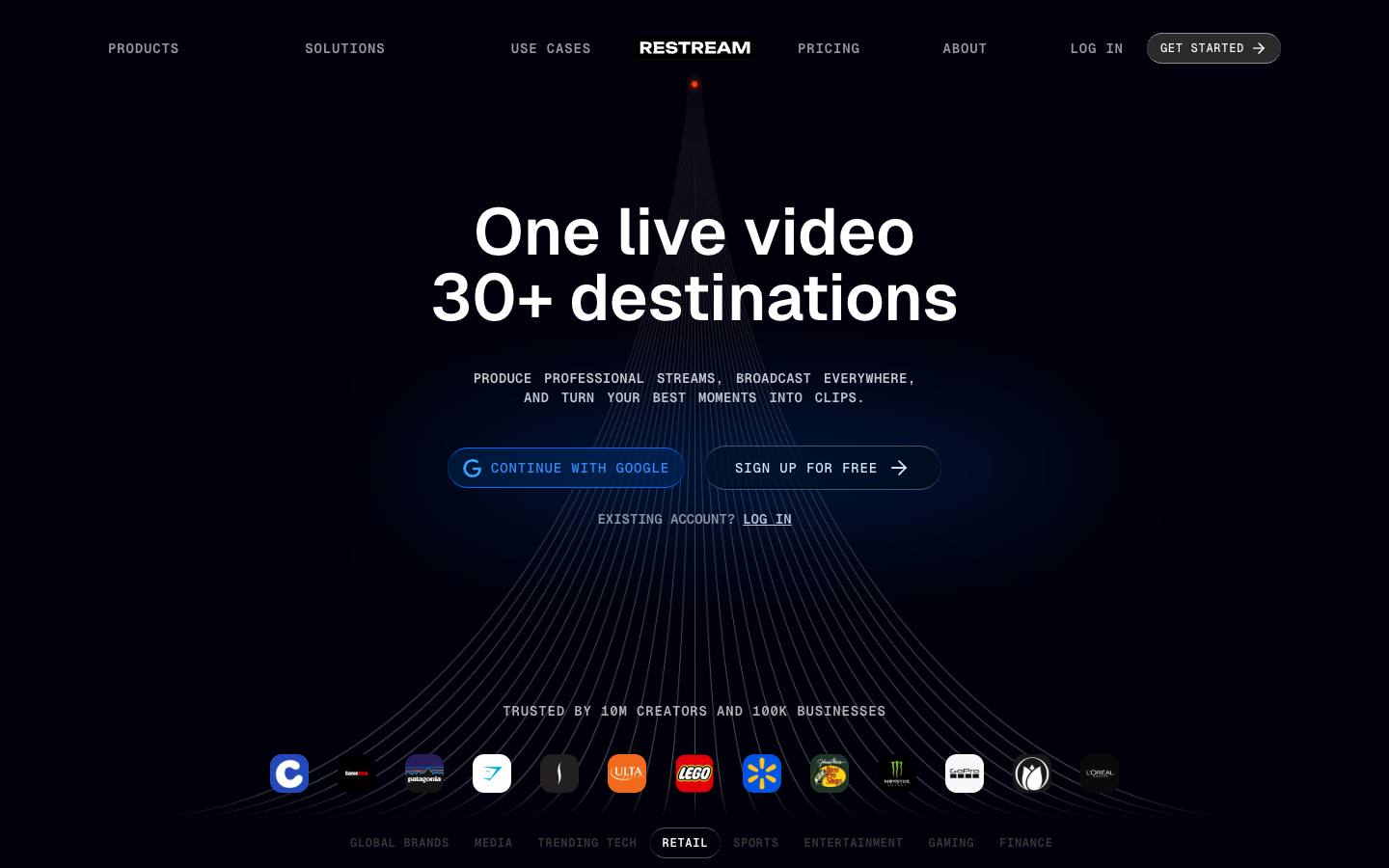
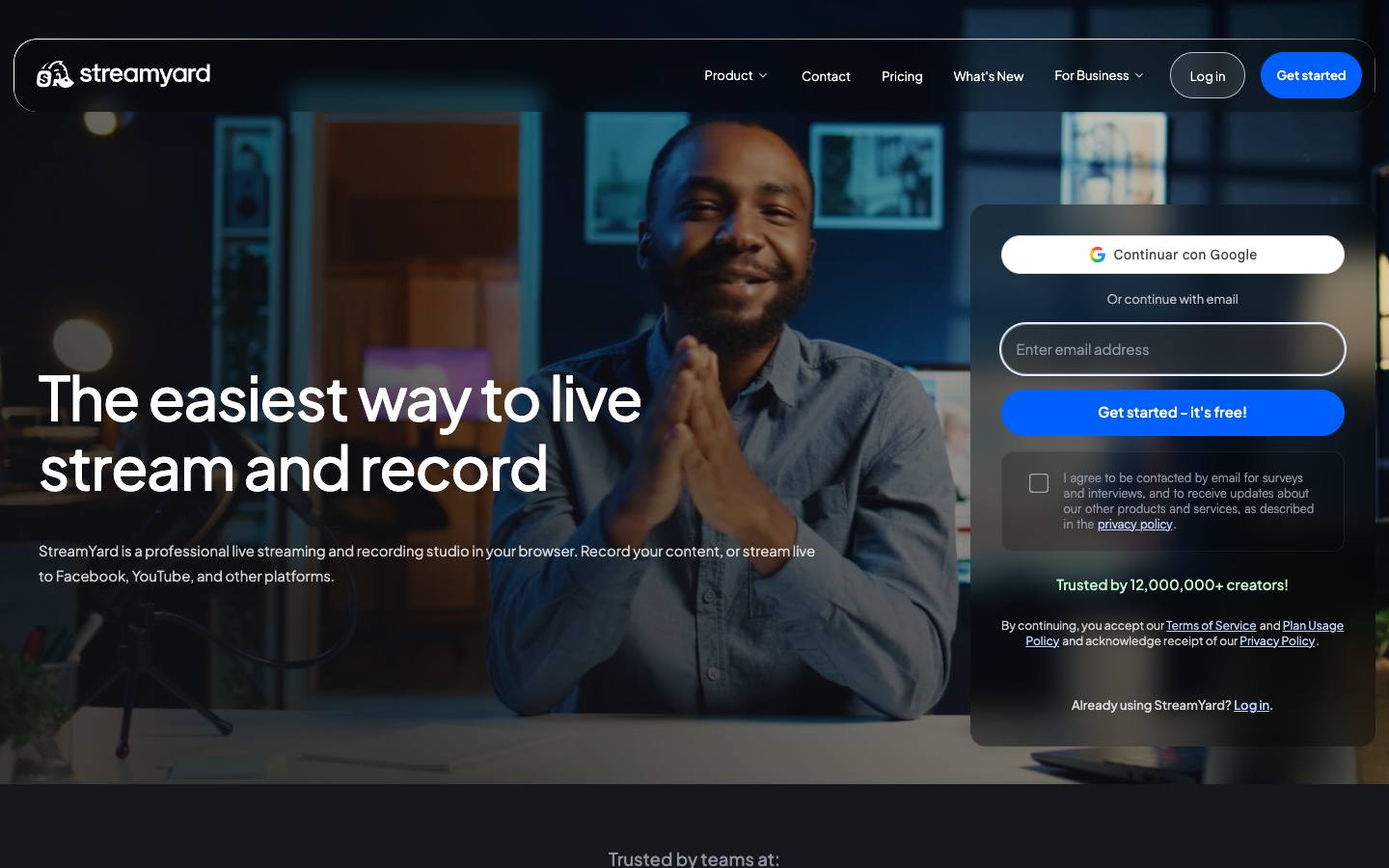
Both are in our Virtual, webinar & streaming category. Restream is best for marketing teams streaming webinars, launches and live shows to social channels; StreamYard is best for marketing teams producing live shows, interviews or social livestreams.
The short answer: Restream and StreamYard are both browser studios that multistream one broadcast to channels like YouTube and LinkedIn, so the choice comes down to scale and webinar needs. Restream suits marketing teams that want more destinations, team seats and a webinar add-on sized up to 500 attendees on self-serve plans. StreamYard suits individual hosts and small teams producing live shows, interviews and small On-Air webinars at a simple per-person price.
Built from each vendor's own website and our research profiles. How we research
Quick verdict
Choose Restream if:
- Its best fit describes you: marketing teams streaming webinars, launches and live shows to social channels.
- You need a tool that lists Enterprise in its company size fit (StreamYard lists SMB and Mid-market).
- You need documented SAML single sign-on.
- This matters to you: Simultaneous distribution to many social and video platforms.
Choose StreamYard if:
- Its best fit describes you: marketing teams producing live shows, interviews or social livestreams.
- This matters to you: Very low barrier to entry: browser-based with a free tier.
Based only on what each vendor publishes. Ask both for a demo with your own event scenario before you decide.
Side by side
“Not published” means we couldn't find it on the vendor's own pages.
RestreamStreamYardStrengths and considerations
Restream
What stands out
- Simultaneous distribution to many social and video platforms
- Low-cost self-serve entry with a free tier
- Combines streaming, webinars and clipping in one product
Worth checking
- Not a full event management platform (no in-person registration, badging or sponsor tools)
- Security certifications aren't stated on the pricing page
- Advanced controls such as SSO are Enterprise-only
StreamYard
What stands out
- Very low barrier to entry: browser-based with a free tier
- Strong multistreaming to social platforms for audience reach
- Large creator user base means many guests are already familiar with it
Worth checking
- Built-in webinar audiences are small (On-Air up to 100 viewers on Advanced); not a full event registration platform
- Self-serve plans are for individual use; team pricing requires sales
- Ownership has changed twice since 2021 and pricing changes in 2024 drew criticism
Notable customers
Organizations each vendor names on its own website: customer stories first, then testimonials and logos.
The main difference between Restream and StreamYard
The main difference is that Restream is built around distribution to many channels and team workspaces, while StreamYard is built around an easy guest-friendly studio for individual hosts. Both run in the browser with no install, both let guests join from a link, and both push a single production to social and video platforms at once.
Restream's self-serve plans include team seats and workspaces from Professional upward and a Business plan with eight channels and a website player for 1,000 viewers. StreamYard's Core and Advanced plans are licensed for individual use under its plan usage policy, and teams buy a separate StreamYard Business offering through sales.
Ownership also differs. StreamYard was bought by Hopin in 2021 and sold to Bending Spoons in 2024, while Restream is an independent, venture-backed company. Neither is a full event management platform, so B2B teams still need a registration or webinar platform for gated, CRM-connected programs.
Restream vs StreamYard pricing
Restream starts lower and scales to team plans on its public price list, while StreamYard publishes individual plans only (checked October 2026). Restream lists Standard at $19 a month (three channels), Professional at $49 (five channels, 1080p streaming, 4K recording, two seats) and Business at $239 (eight channels, two seats, co-producer mode, 1,000-viewer website player), with 20% off for annual billing and Enterprise quoted by sales with SSO and SRT ingest.
Restream's webinars are a paid add-on: $99 a month for up to 100 attendees on Standard or Professional, $299 a month for up to 500 on Business, and custom pricing for 1,000 or more on Enterprise. AI Clips is a separate add-on from $19 a month.
StreamYard's Core plan is $35.99 a month billed yearly ($44.99 monthly) with three multistream destinations, and Advanced is $68.99 a month billed yearly ($88.99 monthly) with eight destinations, 4K local recordings and On-Air webinars for up to 100 viewers. Paid plans have a seven-day trial, and StreamYard Business pricing depends on usage and team size and isn't published.
Features that matter for B2B webinars and virtual events
For B2B programs, the features that matter are registration, audience capacity and getting registrants into the CRM, and both tools are lighter here than dedicated webinar platforms. Restream's webinar add-on gives one link for registration, the live event and the replay, collects name, email and optional job title, and exports registrants as CSV. Its webinars page lists a HubSpot sync for registrants as coming in Q4, with no Salesforce connector named.
StreamYard On-Air adds a hosted registration page with custom form fields, confirmation emails, reminders 24 hours and one hour before, and automatic replay emails. Registrants export as CSV, and StreamYard doesn't describe a direct CRM connector, so registrants reach Salesforce or HubSpot through an import.
For distribution, Restream reaches more destinations per plan and also accepts feeds from encoders such as OBS alongside its studio. StreamYard's strength is a simple studio that many guests already know, with per-participant local recordings up to 4K on Advanced that are useful for repurposing session recordings into clips.
Which should you choose?
Choose Restream if you're a marketing team broadcasting webinars, launches or town halls to several channels and need shared seats, more destinations or audiences above 100 without a sales call. Choose StreamYard if one host or a small team produces recurring live shows, customer interviews or small webinars and values a simple studio that guests can join quickly.
If your webinars are lead generation programs with Salesforce or HubSpot attribution, neither tool offers a native CRM sync today, so plan for CSV imports or pair the studio with a webinar platform that has one.